

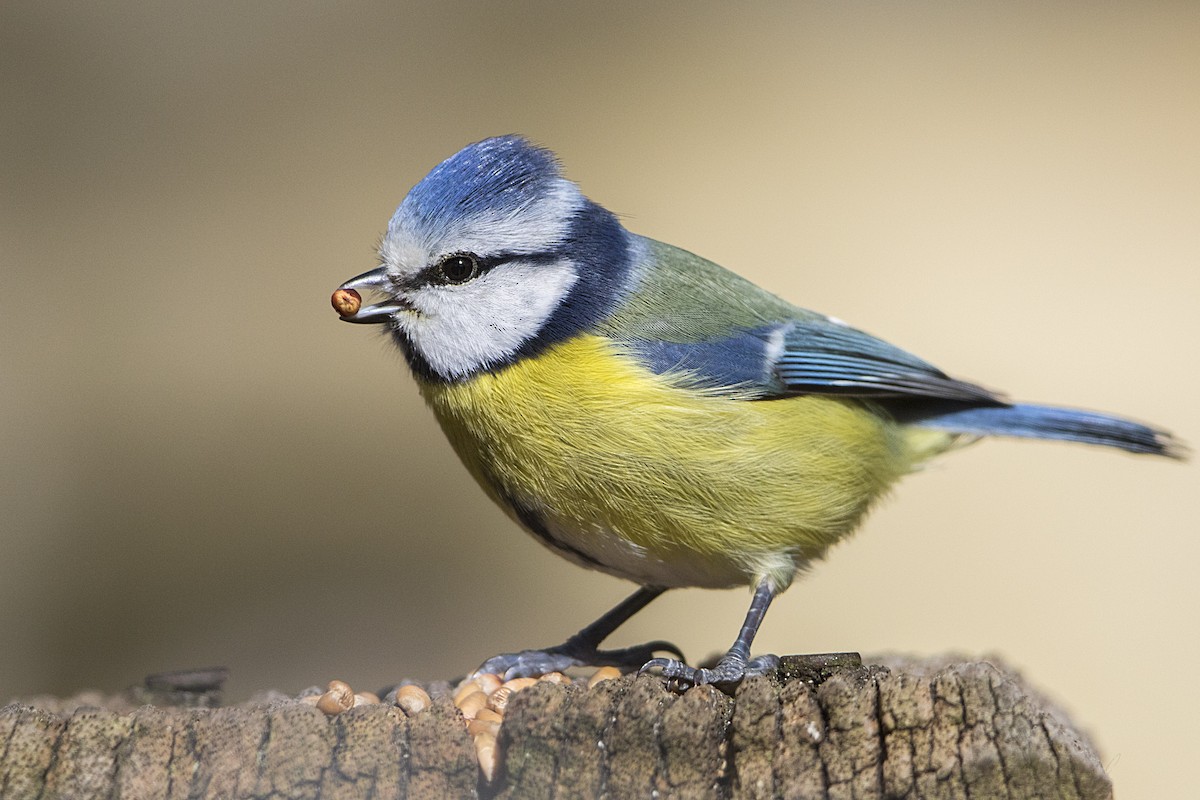
The Eurasian Blue Tit by Bradley Hacker · 21 Mar 2017 · Lynford Arboretum, Norfolk, England, United Kingdom
Birdhouse is a command-line tool written in Go that allows for the easy creation of highly customised, high-quality image datasets of birds from eBird.com.
Whether you are building a machine learning classifier, doing ecological research, or just creating a personal collection, Birdhouse handles bulk metadata fetching, dataset balancing (min/max samples), multithreaded downloading, rate-limiting, and manifest generation.
- Multithreaded Downloading: Quickly download thousands of images using customisable worker threads.
- Quality Control: Filter images by minimum community rating and minimum number of reviews.
- Dataset Balancing: Enforce strict minimum and maximum samples per bird class to ensure an evenly distributed dataset.
- Resilience & Resuming: Automatically handles eBird rate limits (429/403) by pausing and retrying. Safely interrupt the program with
Ctrl+Cand resume later without losing progress. - Auto-Generated Manifests: Automatically generates a tidy
manifest.csvmapping catalog IDs to relative file paths, taxon codes, and common names.
Ensure you have Go installed (requires Go 1.26+ due to sync.WaitGroup.Go usage).
# Clone the repository
git clone https://github.com/rossheat/birdhouse.git
cd birdhouse

# Build the binary (optional, you can also just use `go run .`)
go build -o birdhouse .Here is a full example of running Birdhouse to download a dataset of birds found in Great Britain (GB):
go run . \
  --taxon-codes-file="./taxon-codes.txt" \
  --region="GB" \
  --max-samples-per-class=200 \
  --min-samples-per-class=200 \
  --ebird-session-cookie="eyJ1..." \
  --ebird-session-sig="XnWn..." \
  --min-reviews=2 \
  --min-avg-rating=4 \
--image-download-threads=15If you need to quit (using Ctrl+C) or your internet drops, you can easily resume the exact same session by appending the --resume-session flag with your Session ID:
go run . \
  --taxon-codes-file="./taxon-codes.txt" \
  --region="GB" \
  --max-samples-per-class=200 \
  --min-samples-per-class=200 \
  --ebird-session-cookie="..." \
  --ebird-session-sig="..." \
--resume-session="2026-02-27_11-46-33.592"| Flag | Description | Default | Required? |
|---|---|---|---|
--taxon-codes-file |
Path to a text file containing eBird taxon codes (one per line). | - | Yes |
--region |
eBird region code (e.g., GB for Great Britain, US-CA for California). |
- | Yes |
--min-samples-per-class |
Minimum images required per class (taxon). Taxons not meeting this are skipped. | - | Yes |
--max-samples-per-class |
Maximum images to download per class (Max: 10000). |
- | Yes |
--ebird-session-cookie |
Your eBird ml-search-session cookie value. |
- | Yes |
--ebird-session-sig |
Your eBird ml-search-session.sig cookie signature value. |
- | Yes |
--min-avg-rating |
Minimum average community rating an image must have (0.0 to 5.0). | 4.0 |
No |
--min-reviews |
Minimum number of ratings/reviews an image must have. | 2 |
No |
--image-download-threads |
Number of concurrent threads for downloading images (1 to 50). | 15 |
No |
--resume-session |
ID of a previous session to resume (e.g., 2024-01-02_15-04-05.000). |
- | No |
This is a simple text file (.txt) containing the eBird species codes you want to scrape, one code per line.
To find a taxon code, search for a bird on eBird.org. The code is the short string in the URL.
Example: URL is https://ebird.org/species/mallar3 ➞ Taxon code is mallar3.
Example taxon-codes.txt:
aquwar1
parjae
arcter
pieavo1
eBird's media API requires authentication via cookies. To get these:
- Log in to eBird.org in your web browser.
- Open the Network Tab in your browser's Developer Tools (Press
F12,Ctrl+Shift+I, orCmd+Option+I). - Navigate to https://media.ebird.org/catalog.
- Expand the first logged request.
- In the request's Cookies find
session. Copy its value and pass it to--ebird-session-cookie. - In the request's Cookies find
session.sig. Copy its value and pass it to--ebird-session-sig.
(Note: Keep these cookies secure, as they act as your active login session).
Birdhouse writes all data to a hidden .birdhouse folder in your user's Home Directory (~/.birdhouse). Every time you run the tool without --resume-session, it creates a new timestamped Session ID folder.
~/.birdhouse/
└── 2026-02-27_11-46-33.592/            # Session ID Directory
    ├── metadata/                       # Raw CSV metadata filtered from API
    │   ├── aquwar1-GB.csv
    │   ├── arcter-GB.csv
    │   └── ...
    ├── images/                         # Downloaded .jpg files grouped by taxon
    │   ├── aquwar1/
    │   │   ├── 123456781.jpg
    │   │   └── 123456782.jpg
    │   ├── arcter/
    │   └── ...
    ├── manifest.csv                    # Final compiled dataset manifest
    └── failed.log                      # (Optional) Log of catalog IDs that failed to download
Upon successful completion (or graceful exit), Birdhouse generates a clean manifest.csv file mapping the local images to their metadata. This is perfect for feeding directly into PyTorch, TensorFlow, or Hugging Face datasets.
Example manifest.csv:
| Catalog ID | Relative Image Path | Taxon Code | Common Name |
|---|---|---|---|
| 14592834 | images/arcter/14592834.jpg | arcter | Arctic Tern |
| 94832011 | images/mallar3/94832011.jpg | mallar3 | Mallard |
If Birdhouse downloads images too quickly, Cornell's Macaulay Library may issue a 429 Too Many Requests or 403 Forbidden response.
Birdhouse detects this automatically and will pause for 5 minutes before resuming.
If you want to stop the tool at any point, simply press Ctrl+C. Birdhouse will intercept the signal, finish saving the current batch of images, write any failed IDs to failed.log, and exit cleanly. You can easily pick up right where you left off later using the --resume-session flag.
Birdhouse interacts with the eBird API and the Macaulay Library to download media. Please be aware of the following:
- Terms of Service: You are responsible for ensuring your usage complies with the Macaulay Library Terms of Use and eBird's API Terms of Service.
- Rate Limits: Do not abuse the API. The tool includes built-in rate-limit handling, but setting the
--image-download-threadstoo high may result in your IP or account being temporarily or permanently blocked by Cornell Lab of Ornithology. - Non-Commercial Use: Data downloaded from the Macaulay Library is typically for personal, non-commercial, or academic/research purposes. Always double-check licensing before using these datasets in commercial machine learning models.
"unexpected status 401/403 for [taxon-code]" or "parsing csv... EOF"
- Cause: Your eBird session cookies have likely expired or are incorrect.
- Fix: Log out of eBird, log back in, and grab fresh values for
--ebird-session-cookieand--ebird-session-sig.
"no classes met the minimum sample threshold... after download"
- Cause: You set
--min-samples-per-classtoo high, and after filtering for rating/reviews and downloading, no classes had enough images to meet your requirement. - Fix: Lower the
--min-samples-per-classvalue, lower the--min-avg-rating, or reduce the--min-reviewsrequirement to broaden the pool of accepted images.
*"wg.Go undefined (type sync.WaitGroup has no field or method Go)"
- Cause: You are using a Go version older than 1.26.
- Fix: Upgrade your Go installation to
1.26or newer.
Distributed under the MIT License. See LICENSE for more information.
Happy Birding! 🦉