.png)
Hi, please enjoy our program
Configuring JavaFx for GUImain
-
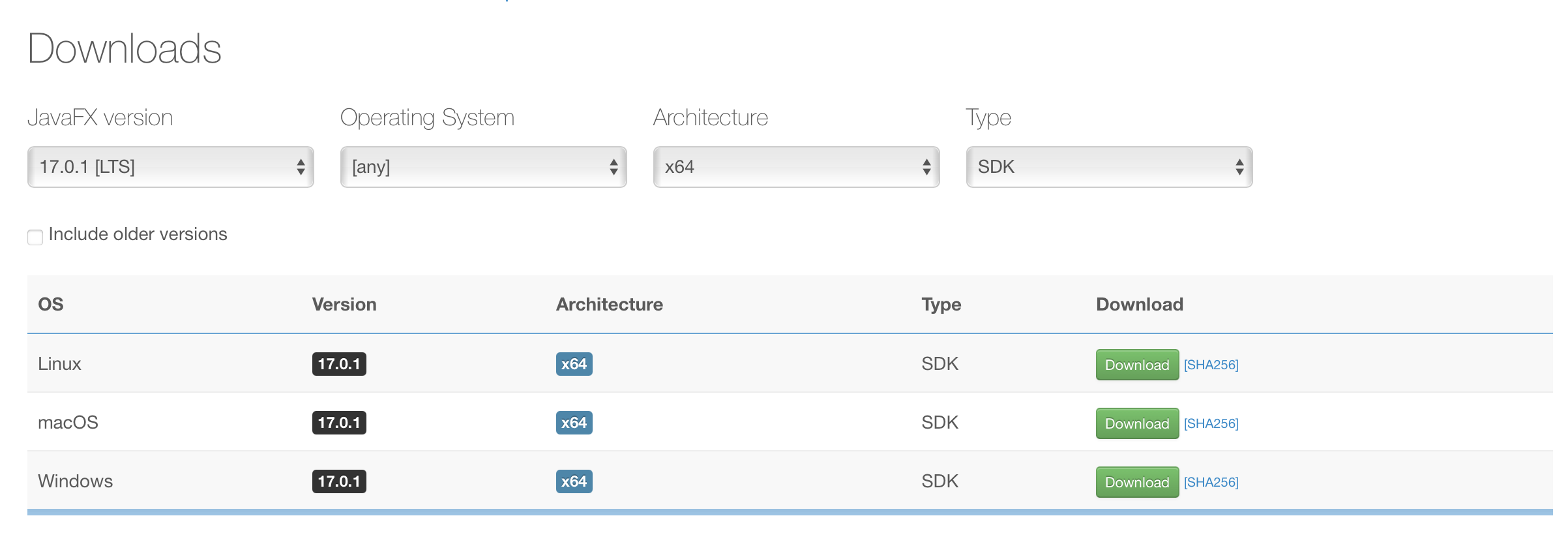
Configure the Type to SDK, JavaFx version to 17.0.1 and chose the desired OS, and download
-
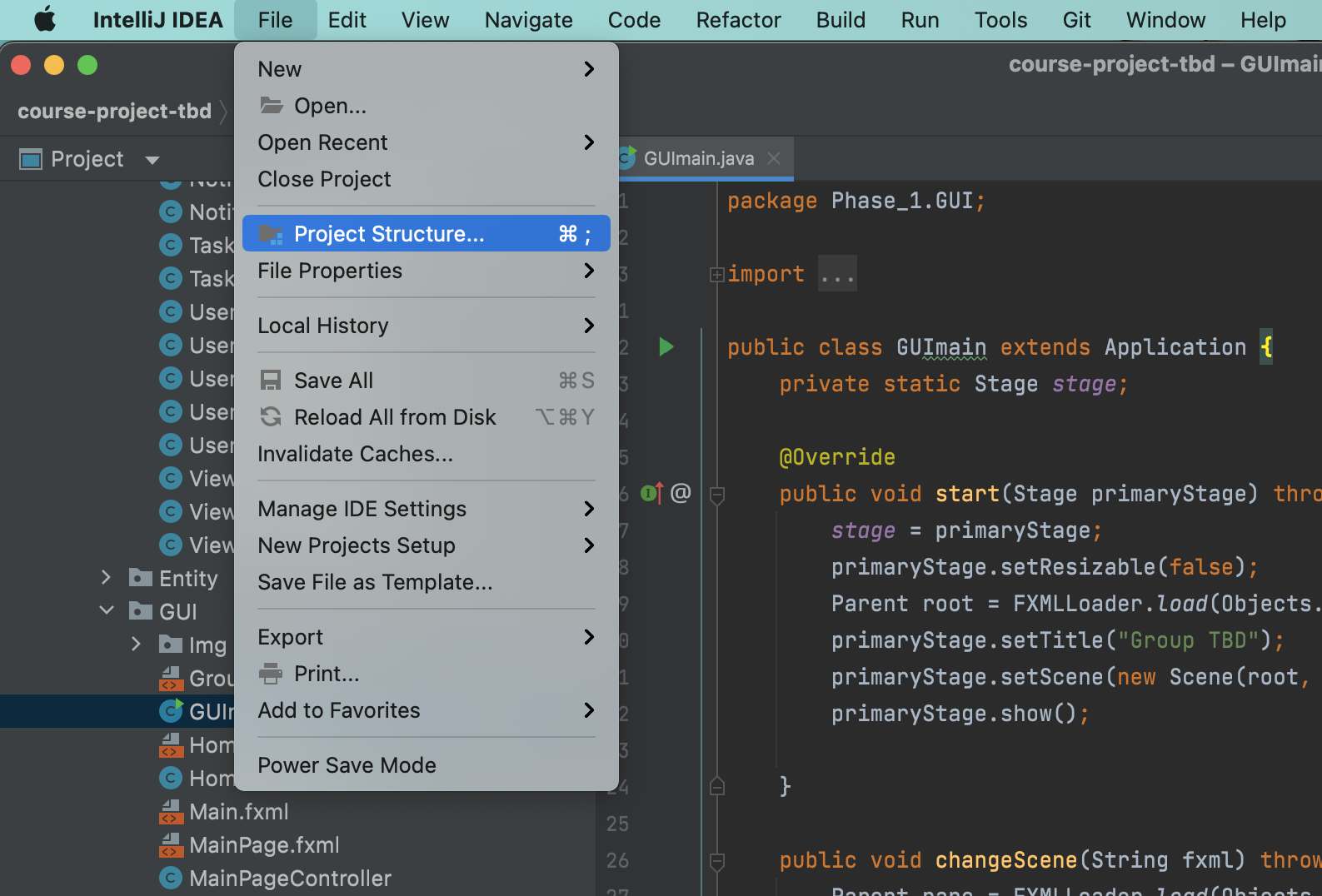
Store the unzipped file in a known location. Go to IntelliJ project, File -> Project Structure
-
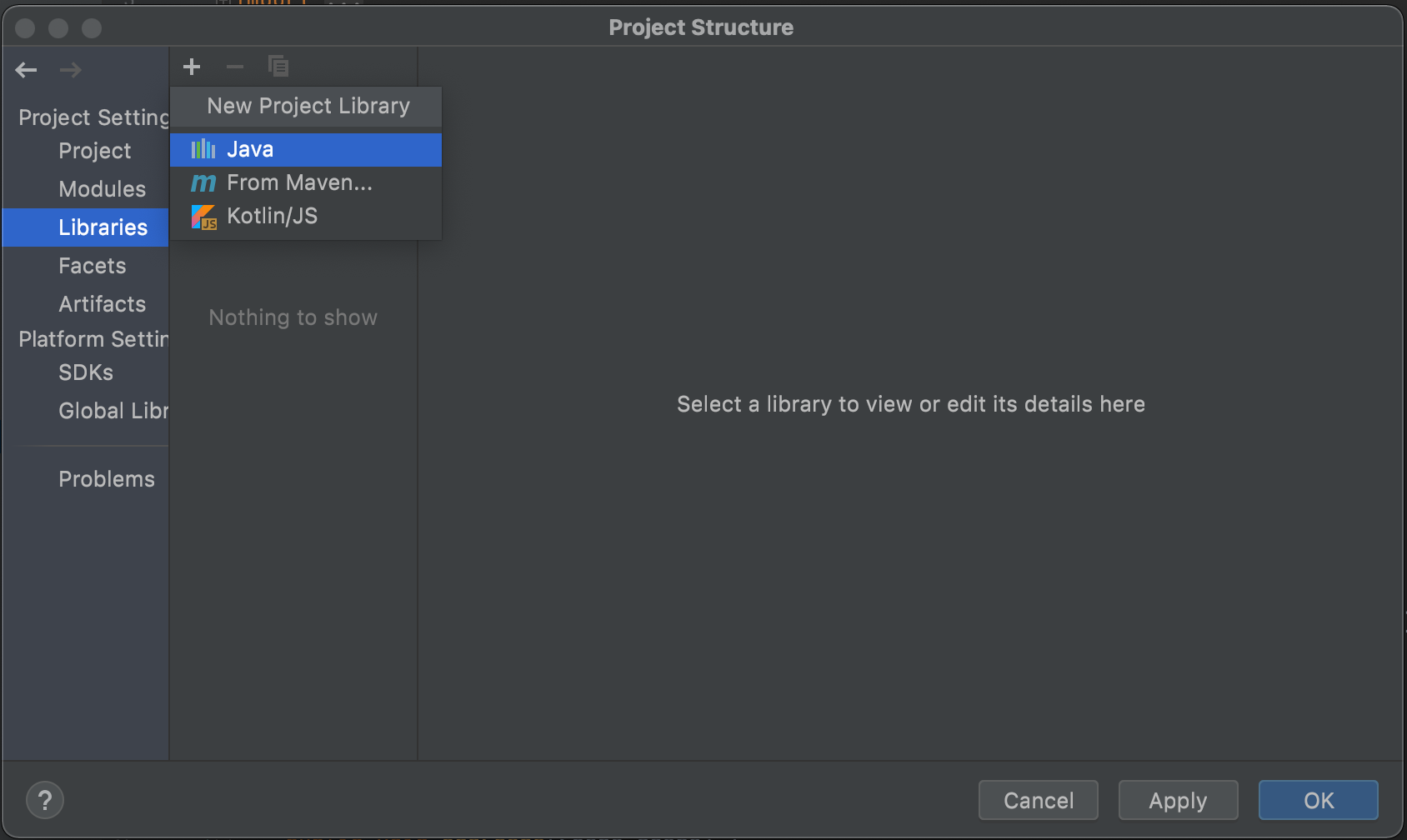
Go to Libraries -> New Project Library -> Java
-
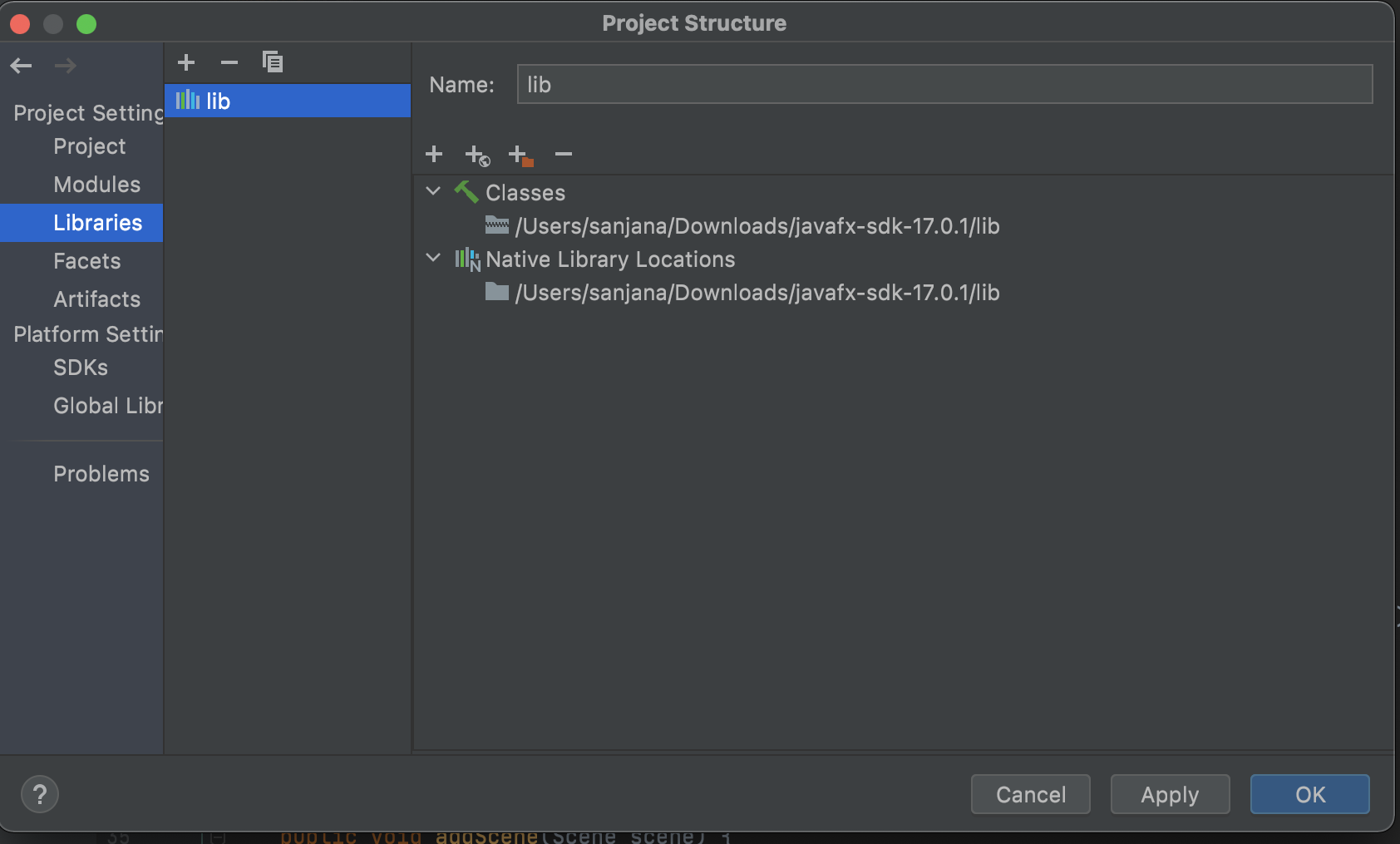
Go to the path of the stored Javafx file, and open lib
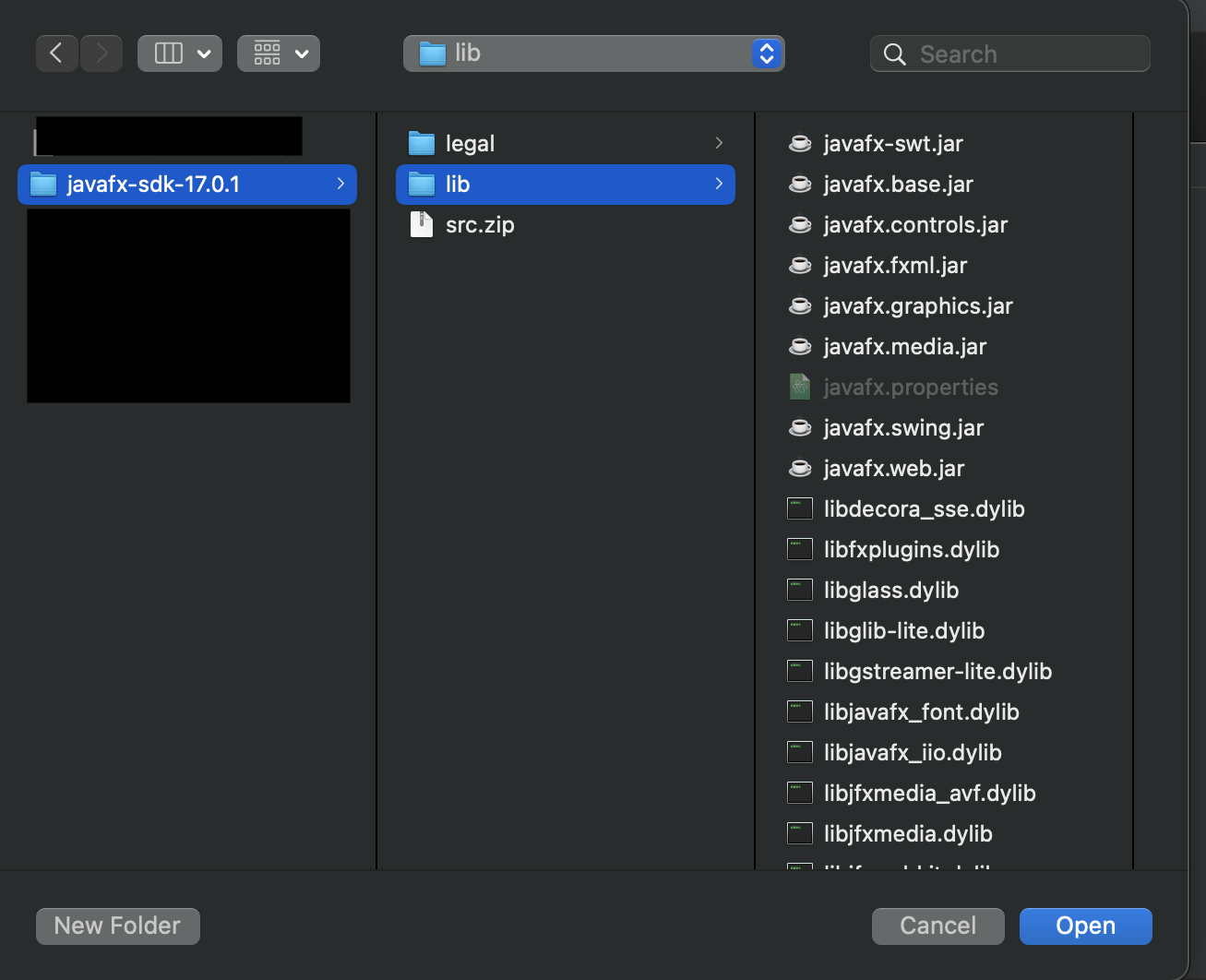
-
Apply the following library and run GUImain.java