


Assembling and debugging assembly in Visual Studio Code
Currently it supports:
- Assembly x86_32 Intel and AT&T syntax
- Assembly x86_64 Intel and AT&T syntax
- Assembly x86_32 with C libraries
- Assembly x86_64 with C libraries
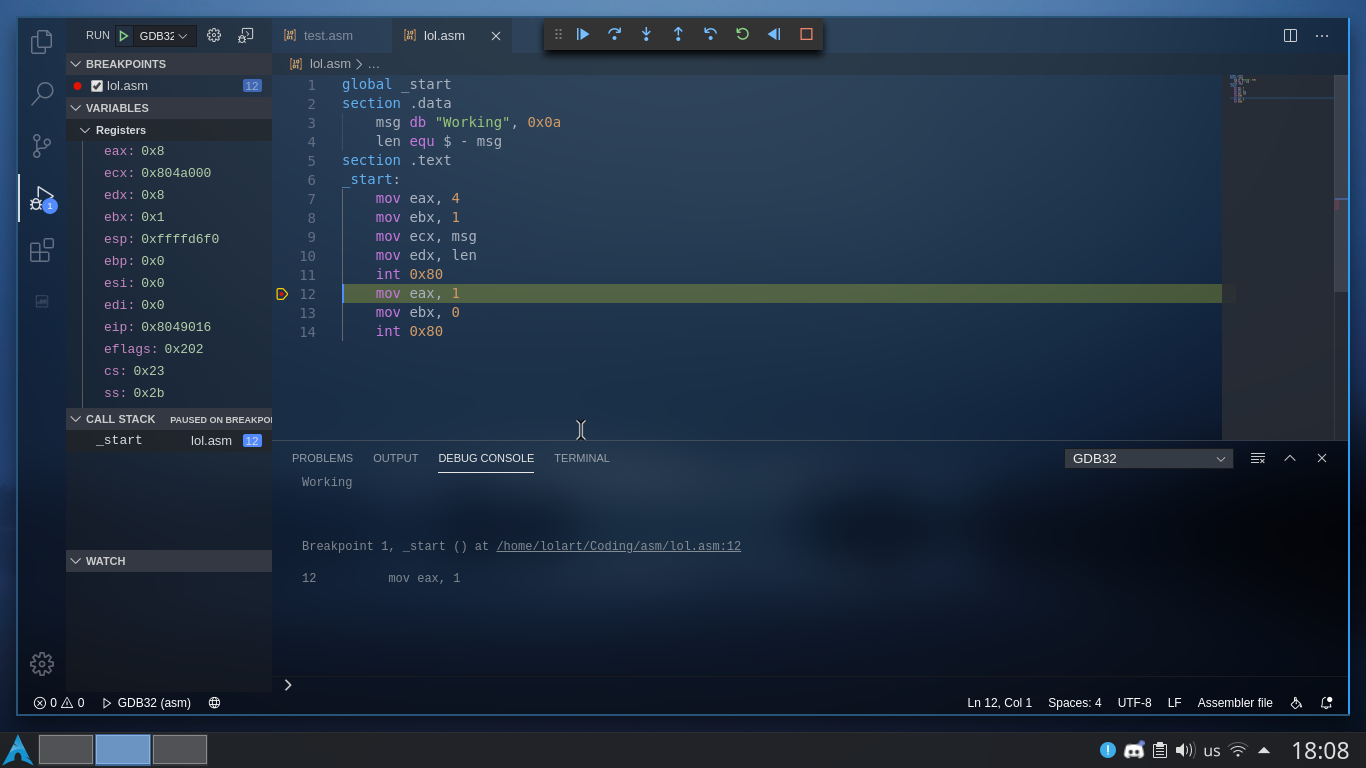
I guess you already have this installed... If not, go here
Install your distro gdb package:
Archlinux
sudo pacman -S gdb gcc binutils
Debian
sudo apt install gdb gcc binutils
Fedora
yum install gdb gcc binutils
GDB Debug Extension
Press ctrl + p inside of visual studio code and paste the following command:
ext install DamianKoper.gdb-debug
You'll need to put the .vscode folder in your visual studio workspace
Just follow the next steps: VS->Settings->Debug and change "debug.allowBreakpointsEverywhere" to true
- ASM Code Lens for syntax highlighting, completions and more.
- x86 Instruction Reference for useful information about x86 instructions
vscode-assembly is licensed under the GNU General Public License v3.0