
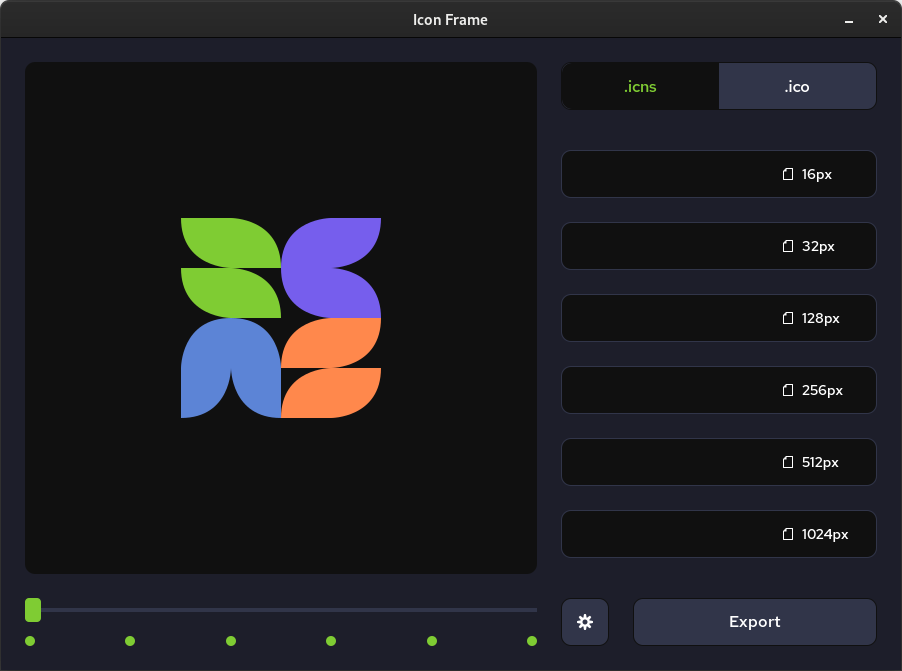
A small and easy to use icon builder. Build icons for your applications with .icns for MacOS and .ico for Windows.
- Select the preferred icon type using the top-right buttons
- Input the required files in the appropriate fields
- Preview the icon at different sizes using the bottom-left slider
- Export your newly created icon to the selected format
- Clone the repo to your system and
cd ./icon-frameinside the folder - Use
swcto compile all the*.tsfiles to*.js. Use theconfig.swcrcas a compile argument - Run the project with
cargo tauri devfor testing andcargo tauri buildfor release - Find your binary executable inside the
/backend/target/release/bundle
TODO:
- self updater
- automatically resize large images to required size if no input file is provided
NEXT:
- settings popup and app info
- theme support: dark, light, high-contrast
- website