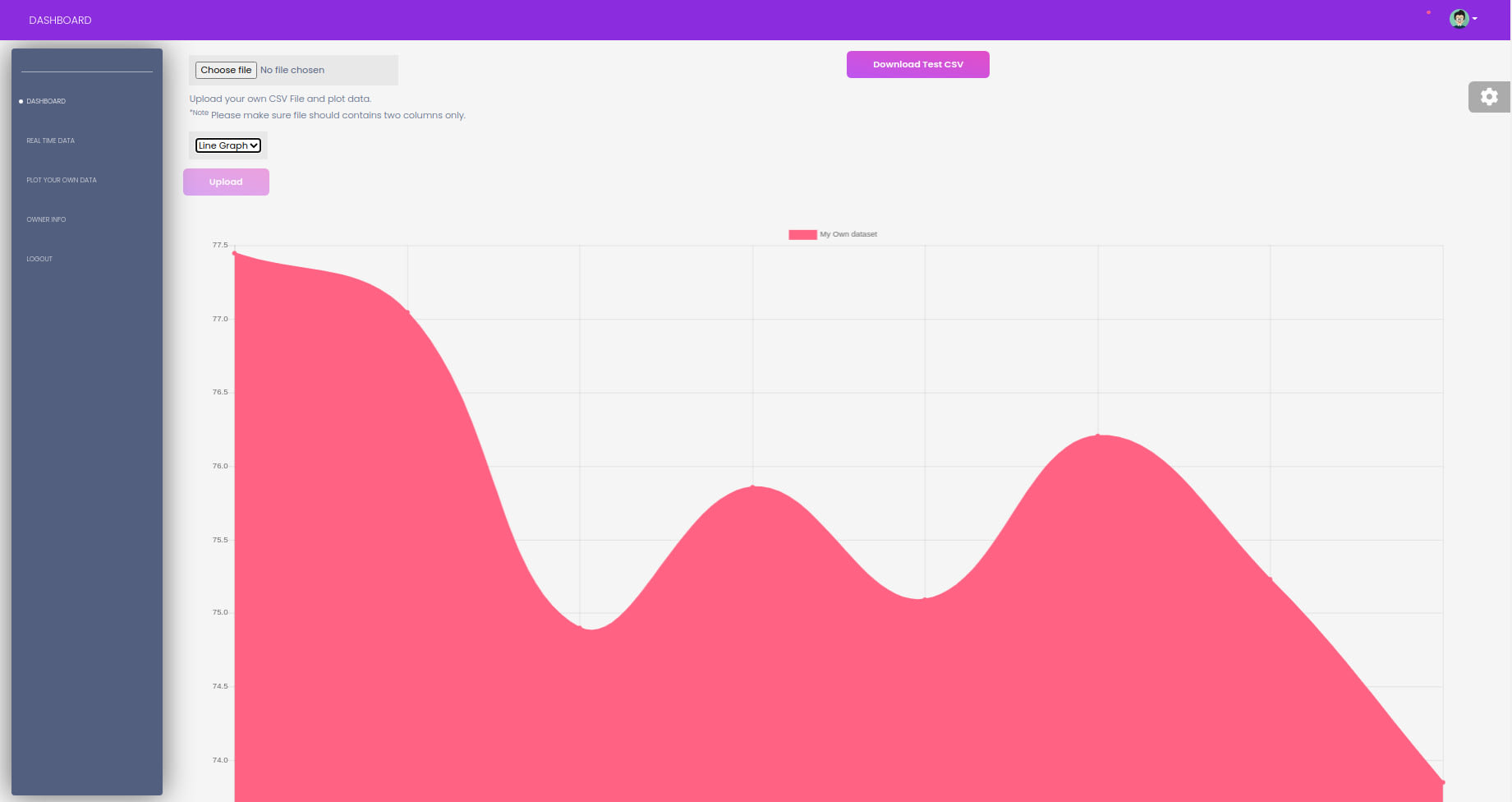
View the live sentiment of any given keyword/topic on Twitter from the comfort of your browser.

pip install -r requirements.txt
At your terminal env the following command to authenticate with Twitter:
export BEARER_TOKEN='<your_bearer_token>'
Once tweets have been created by searching a topic using the web UI, the sentiment analysis API can be used to get the sentiment of each tweet. The API is available at /api/<topic>?format=json and returns a JSON object:
URL: /api/cats?format=json
RESPONSE:
{
    "status":"ok",
    "data":[
        {
            "tweet_text":"Decided to make the 4 siblings in my Halfpelt series, all of them having their problems, and far from a perfect family! This was as close as I could get to their designs!\n\nIn order they are TwigClaw (F) DoveFoot (M) BlossomMask (F) and WillowStream (F) https://t.co/dd3ZGKDEge https://t.co/YxBe3rEUXo",
            "tweet_sentiment":0.55,
            "tweet_created_at":"2022-01-04T05:18:26.235975+11:00",
            "tweet_topic":"cats"
        },
        {
            "tweet_text":"Tongue out Chewsday 😛🌞💛\n#CatsOfTwitter #cats #AussieCatsOfTwitter https://t.co/1vTlOpJDEI",
            "tweet_sentiment":0.0,
            "tweet_created_at":"2022-01-04T05:18:29.231611+11:00",
            "tweet_topic":"cats"
        },
        {
            "tweet_text":"...and more than that, MAKE THINGS GO RIGHT with your work and your commitment. DO WHAT YOU LOVE to help others. #cats #kittens #SaveThemAll #AdoptCat #AdoptAShelterCat #AdoptDontShop #AdoptDontBuy #spay #neuter #TNR RT for them EVERY day. You will help them AND yourself! https://t.co/w1TcydxHZs",
            "tweet_sentiment":0.4702380952380952,
            "tweet_created_at":"2022-01-04T05:18:30.101079+11:00",
            "tweet_topic":"cats"
        },
        {
            "tweet_text":"All of my cats are having a truly Monday Monday.",
            "tweet_sentiment":0.0,
            "tweet_created_at":"2022-01-04T05:18:33.136829+11:00",
            "tweet_topic":"cats"
        }
    ]
}- New topics will cause a DJANGO ERROR when queried if the twitter API call has not yet logged any tweets for the topic
- ensure objects exist before performing pandas operations in views.py
- better management of the twitter thread (auto kill after a certain time? with included timer?)
- add a database model which keeps track of how many database calls have been made in the last 30 minutes and prevent API calls if the limit has been reached – display this number in the header of the web page
- move to a twitter oauth authentication method
- Add /positivetimeline where only tweets with sentiment > 0.5 are displayed
- before progressing past index page, ensure the twitter api has returned 200 status code
- Kill the thread when the sentiment view is closed (or when the app is closed)
- Add tests
- Chart.js: view tweet text in labels, hide y axis labels
- Improve design of chart.js to be friendlier EXAMPLE
- Add a search bar to the web UI
- Function to run a historical sentiment analysis of tweets for a given topic
- Loading bar won't display in Safari due to Safari not displaying CSS changes when loading a page