WhatsApp Desktop is a cross-platform desktop application that allows you to use WhatsApp directly on your computer, making it easier to chat with friends and family while working.
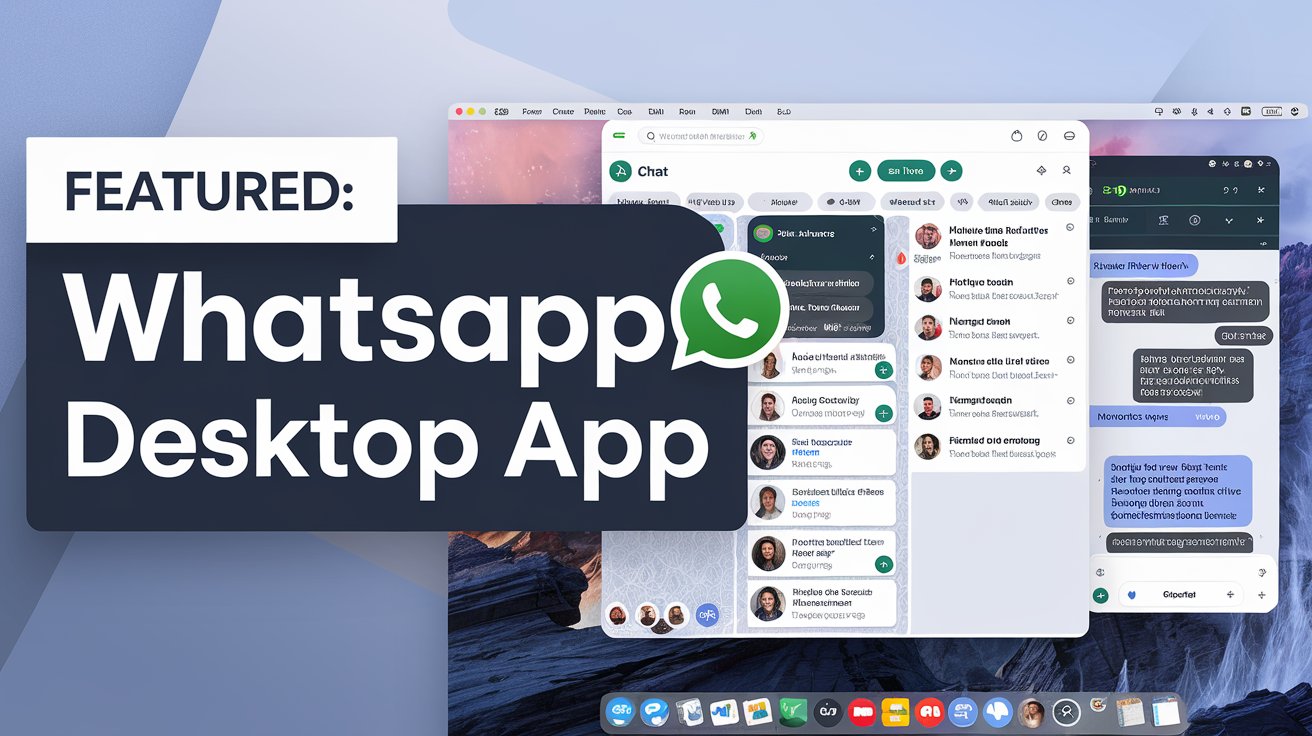

- Multi-platform: Runs on Linux, Windows, and macOS.
- Real-time messaging: Stay connected with your contacts through instant messaging.
- Media sharing: Easily share images, videos, and documents.
- Notifications: Get desktop notifications for new messages.

sudo snap install whatsapp-desktop-client- Clone the repository:
git clone https://github.com/xanmoy/whatsapp-desktop-client.git
cd whatsapp-desktop-client- Install dependencies: Ensure that you have all the necessary dependencies installed.
npm instal- Start the application:
npm start- Build the application: Run the following command to create a Snap package of the application.
npm run dist- Change to the dist directory: Navigate to the dist directory where the Snap package is located.
cd dist- Install the Snap package: Use the following command to install the Snap package. The
--dangerousflag allows the installation of locally built packages.
sudo snap install --dangerous ./whatsapp-desktop-client_*.snapRemove the Snap package: To uninstall the Notion Desktop application, run the following command:
sudo snap remove whatsapp-desktop-clientAfter installation, open Notion Desktop using:
whatsapp-desktop-clientContributions are welcome! If you'd like to contribute to this project, please fork the repository and submit a pull request.
This project is licensed under the MIT License. See the LICENSE file for details.
- Electron - Framework used to build the application.
- Notion - A new tool that blends your everyday work apps into one. It's the all-in-one workspace for you and your team.