
Fractal Explorer is an app written in Java Swing which provides an Escape-Time Fractal Renderer and a custom scripting language (FEXL) to let you view some basic fractals.
The iteration code will iterate over each pixel on your CPU, using as many threads as possible, as well as using a pixel cache and the Mariani-Silver algorithm, to determine how to color each pixel based on how far the iteration went.
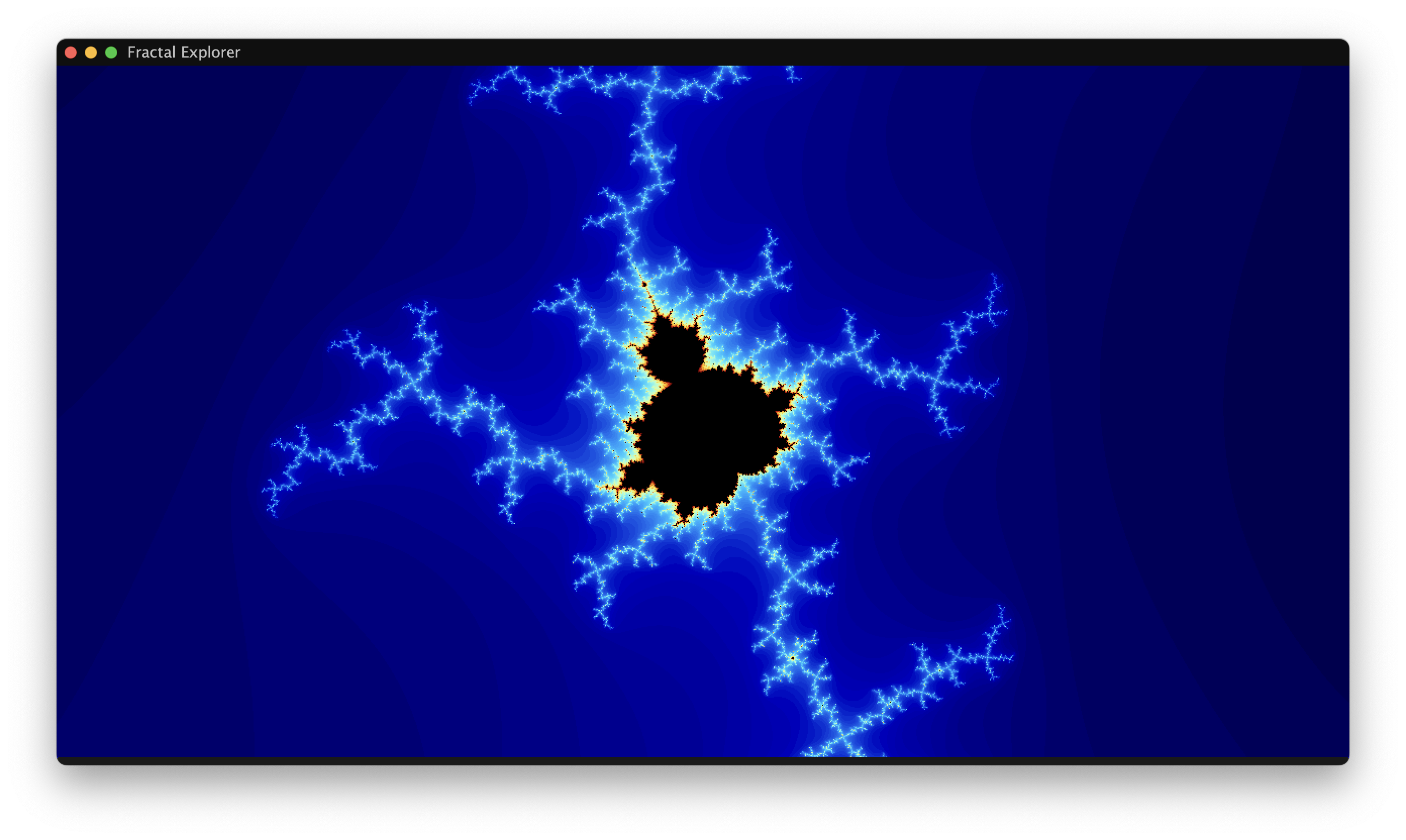
You may change the colors of the rendering, as well as enable quality sacrifices (half-resolution) to obtain faster rendering speeds, which is especially helpful on lower-end CPUs.
If you are interested in a GPU version of this application with reduced features, please check out the sister project FEX-JS.
Use the arrow keys ← → ↑ ↓ to move/translate around.
Hold Shift to move slightly faster.
Use the Z key to zoom in, and the X key to zoom out.
Use the I key to increase iterations and the O key to decrease iterations.
Use Alt + Left Click to zoom in where you are clicking (on macOS, use Option + Left Click).
Use Alt + Right Click to zoom out from where you are clicking (on macOS, use Option + Right Click).
Use Shift + Left Click to view the orbit of the point you have clicked on.
You can use the top menu to open FEXL scripts, or to edit settings.
The Fractal Explorer Language (FEXL) is a basic scripting language designed for FEX.
FEXL syntax is incredibly easy, mostly consisting of assignments.
You can find examples in src/main/resources.
Burning Ship in FEXL
// Burning Ship: like Mandelbrot but you ABS the za and zb components.

// grab za, zb...
abs_za = RE[z];
abs_zb = IM[z];

// ABS them both
abs_za = ABS[abs_za];
abs_zb = ABS[abs_zb];

// redefine the z number based on the new numbers
z = complex: abs_za, abs_zb;

// perform classic Mandelbrot
z = z * z;
z = z + c;
Allowed unary operators: ABS, SQRT, SIN, COS, TAN, RE, IM, LN.
Allowed binary operators: +, -, *, /, ^.
Allowed instantiations: real, complex.
As of this moment, it is not always possible to use double-precision floating-point format to store the numbers used. Likewise, without programming knowledge, viewing fractals is often difficult.
By using the CPU, we can obtain higher zoom levels, and we can use our own scripting language. If zooming or ease-of-use are not a concern to you, please consider the much faster GPU variant: FEX-JS.