Repository files navigation
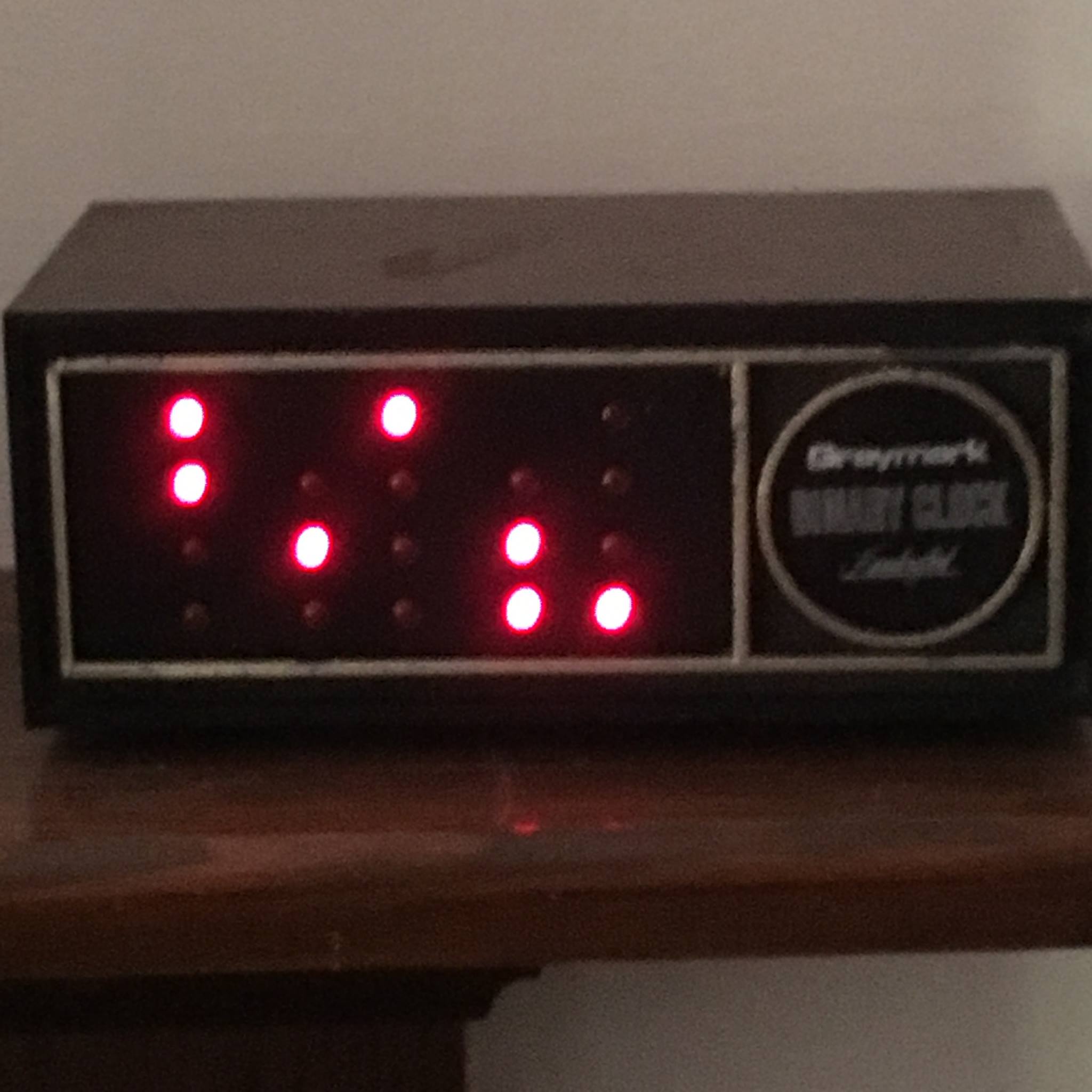
Converting an old, broken Graymark Binary Clock to use RPi-Pico-W
NOTE: I selected micropython over circuitpython because uPy supported the BLE chip
I also use AdaFruit's BlueFruit app on iOS to communicate with the clock
hard-coded to "mpy-uart"
hard-coded UUID = 6E400001-B5A3-F393-E0A9-E50E24DCCA9E
need to research how this number is created
GPIO 0-3: Ones of seconds (0-9, little endian)
GPIO 4-6: Tens of seconds (0-5, little endian)
GPIO 7-10: Ones of minutes (0-9, little endian)
GPIO 11-13: Tens of minutes (0-5, little endian)
GPIO 14-17: Hours (1-12, little endian)
Bluetooth allows updating the time
Uses RTC Module for setting/getting time
wire circuit board
"risers" for RPi Pico W
ribbon cable to LEDs
ribbon cable to pushbuttons
update BLE to use command line
perhaps key=value or verb value
push buttons on the back
5V power supply?
battery powered currently
rechargeable batteries?
Add config file (writable via BLE commands)
Add WiFi time setting (NTP)
Add WWVB Atomic clock time setting
Add Date setting
Add Timezone setting
Add DST setting
Add HTTP server?
Add special "icon" displays
binary_clock.py: The main program
NOTE: Store as "main.py" to run at boot time
ble_advertising.py: From uPy github repo
creates the bluetooth connection
ble_simple_peripheral.py
creates the serial port connection
ble_blink.py
exaple: toggle led with BLE
localtime.py
sample of how to do the binary math etc...
About
Vintage Binary Clock project resurrected using RPi Pico
Topics
Resources
Stars
Watchers
Forks
You can’t perform that action at this time.