In this project I have tried to replicate the Handshake (joinhandshake.com) where the services offered by the Handshake for student and company are achieved using GraphQL(Data query and manipulation language).
Note: This project was mainly focused on GraphQL implementation, so I did not spend much time on Client Interfaces.
For projects with attractive, intuitive and user-focused client interfaces, please visit AmazonReplica.
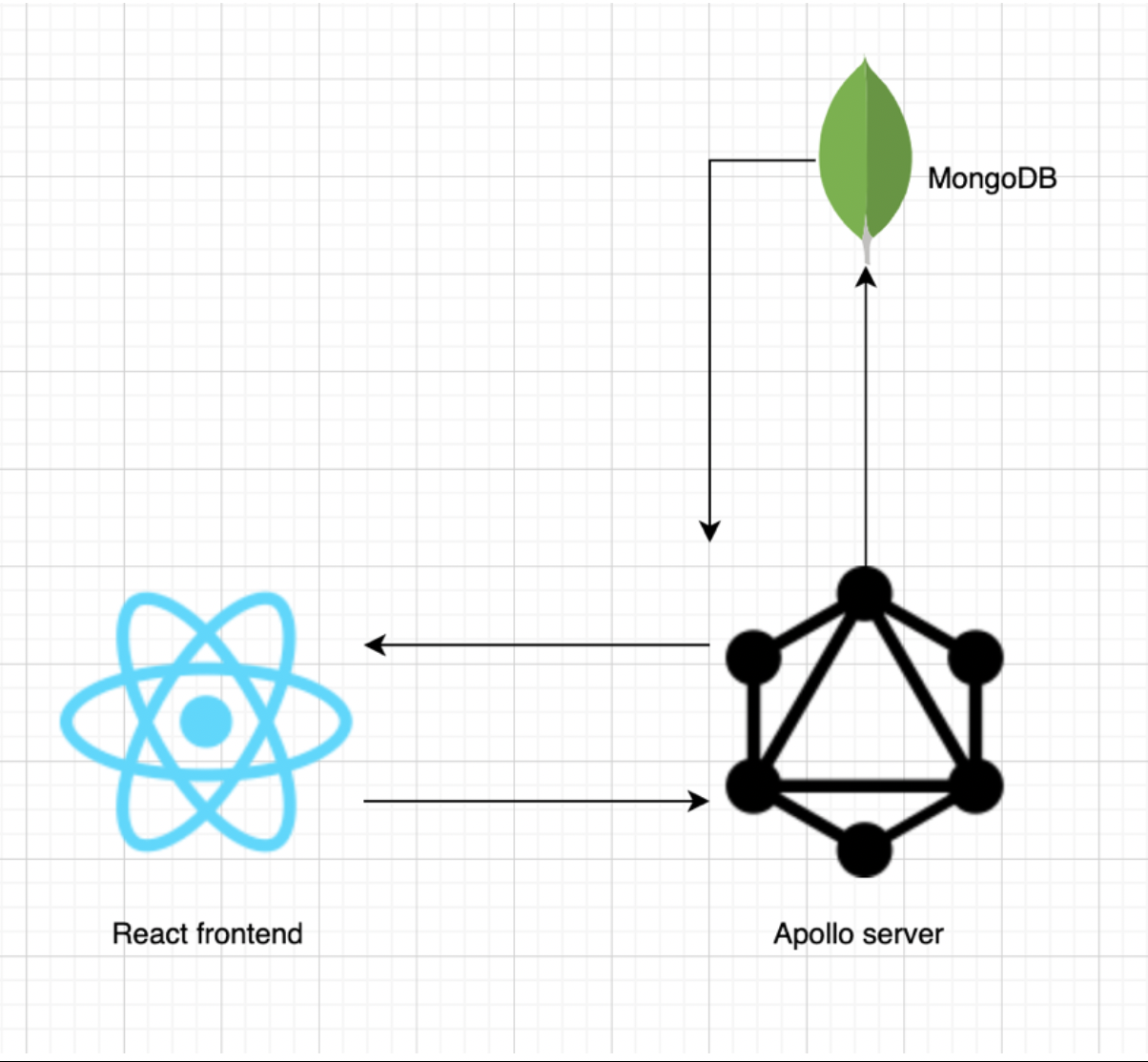
- Compnay Login query:

- Get all the students registered with the system query:

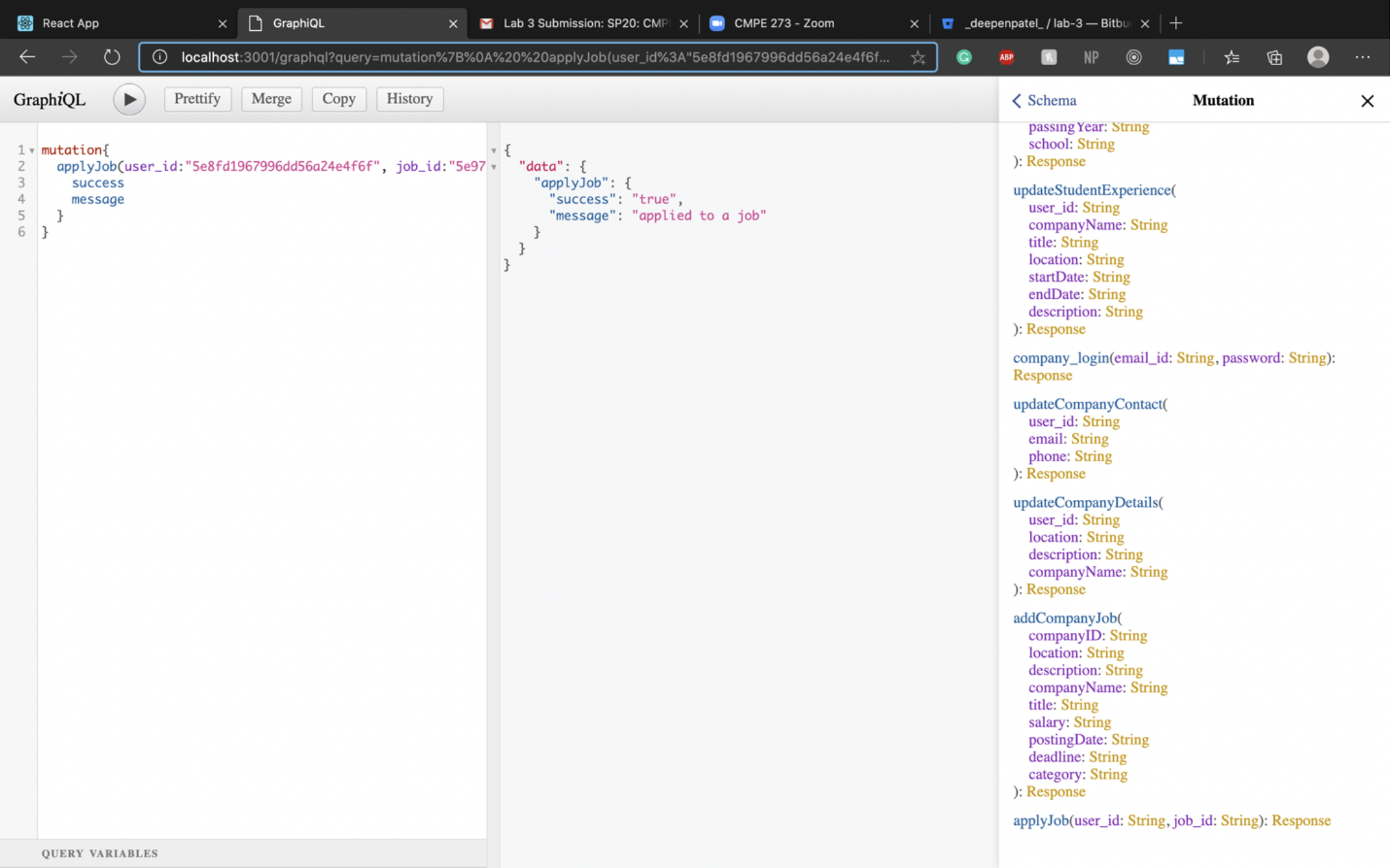
- Apply to a job query (from student side):
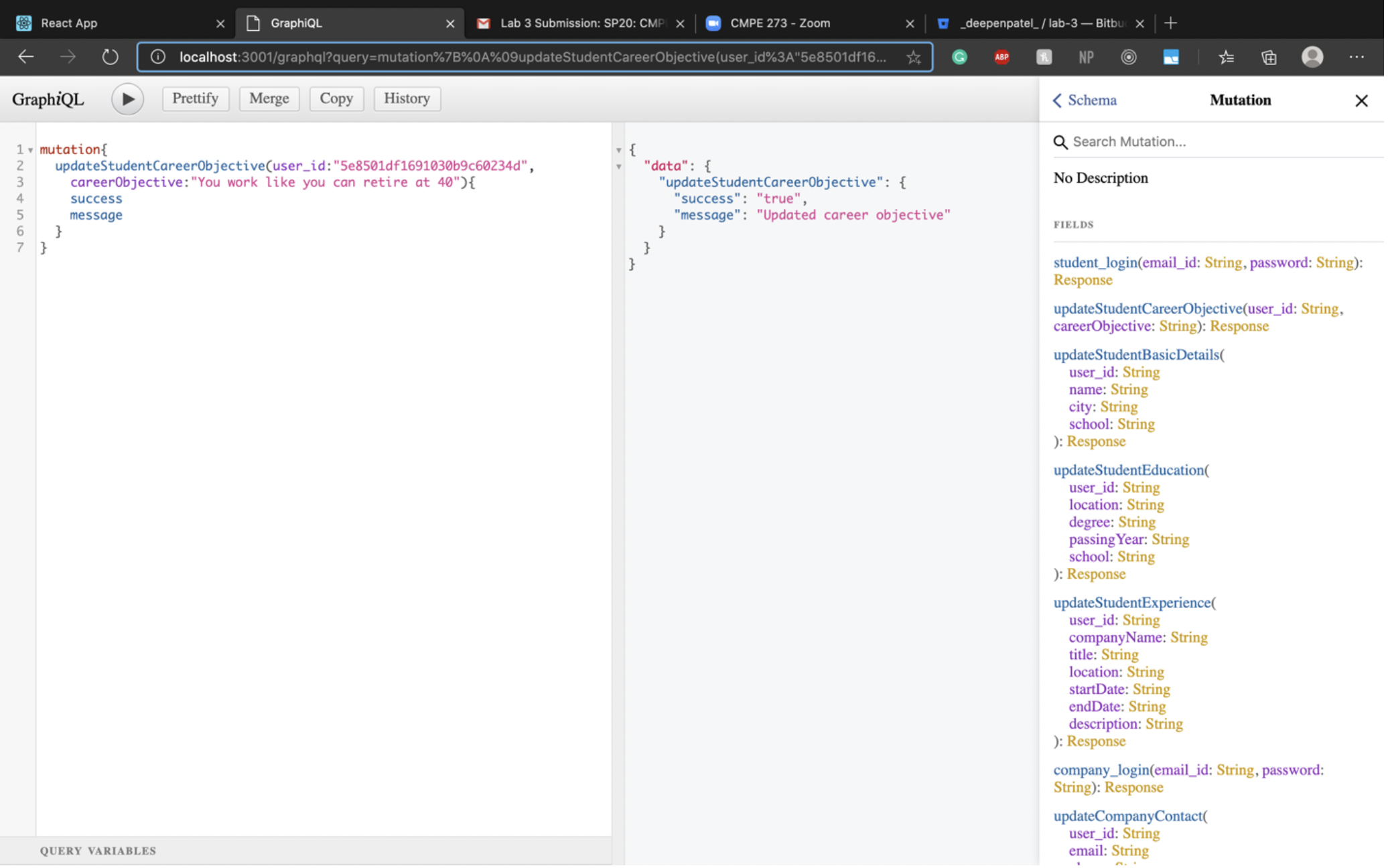
- Update student career objective from student profile query (from student side):
- Adding a job posting query (from company side):

- Getting all jobs posted by a company query:

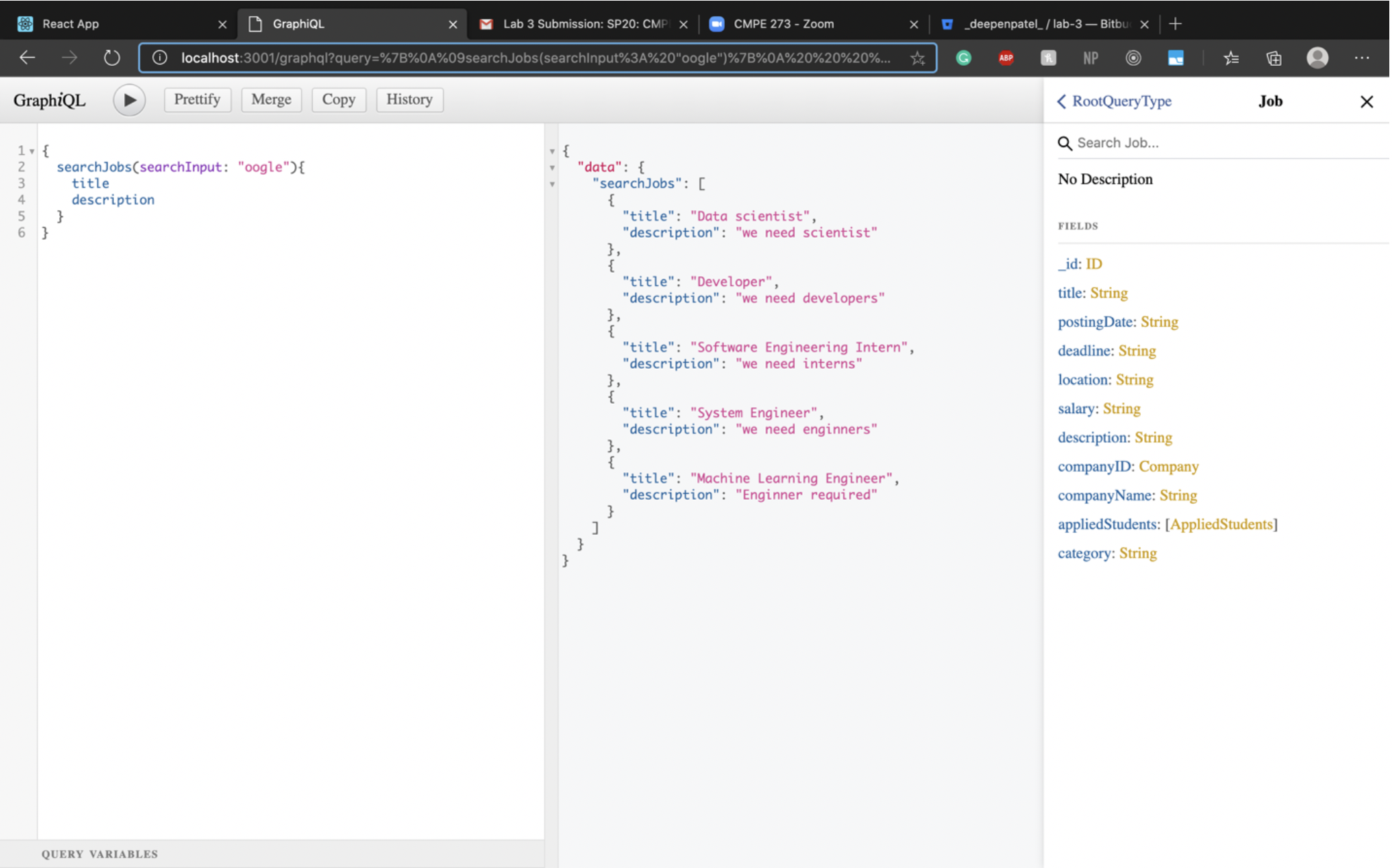
- Searchin for a job using keyword query:
Clone code from the master branch and extract files on your local computer.
You need to have NodeJS and NPM(Node Package Manager) installed on your local device to succesfully run this project.
Node can be installed through this website[https://phoenixnap.com/kb/install-node-js-npm-on-windows] Node can also be installed through NVM.
curl -o- https://raw.githubusercontent.com/creationix/nvm/v0.33.1/install.sh | bash
A step by step series of examples that tell you how to get a development env running
Clone repository on your local computer. Traverse through the Backend folder, open terminal in this folder and enter
npm install
This will download all the dependencies required for the project. After Installing all the dependencies enter
node index.js
"index.js" is our root file which will create connection with database and handle all the APIs
Travser to Frontend folder and again install the dependencies by entering
npm install
After Installing all the dependencies enter
npm start
It will start our frontend server which is in React. Everything is set and you are good to go.
To deploy this on live system go to aws.amazon.com and follow the steps to instantiate EC2 instance.
- React - The library used
- GraphQL - An open-source data query and manipulation language
- NodeJS - run time open source development platform
- MongoDB - Database used
- Deepen Patel