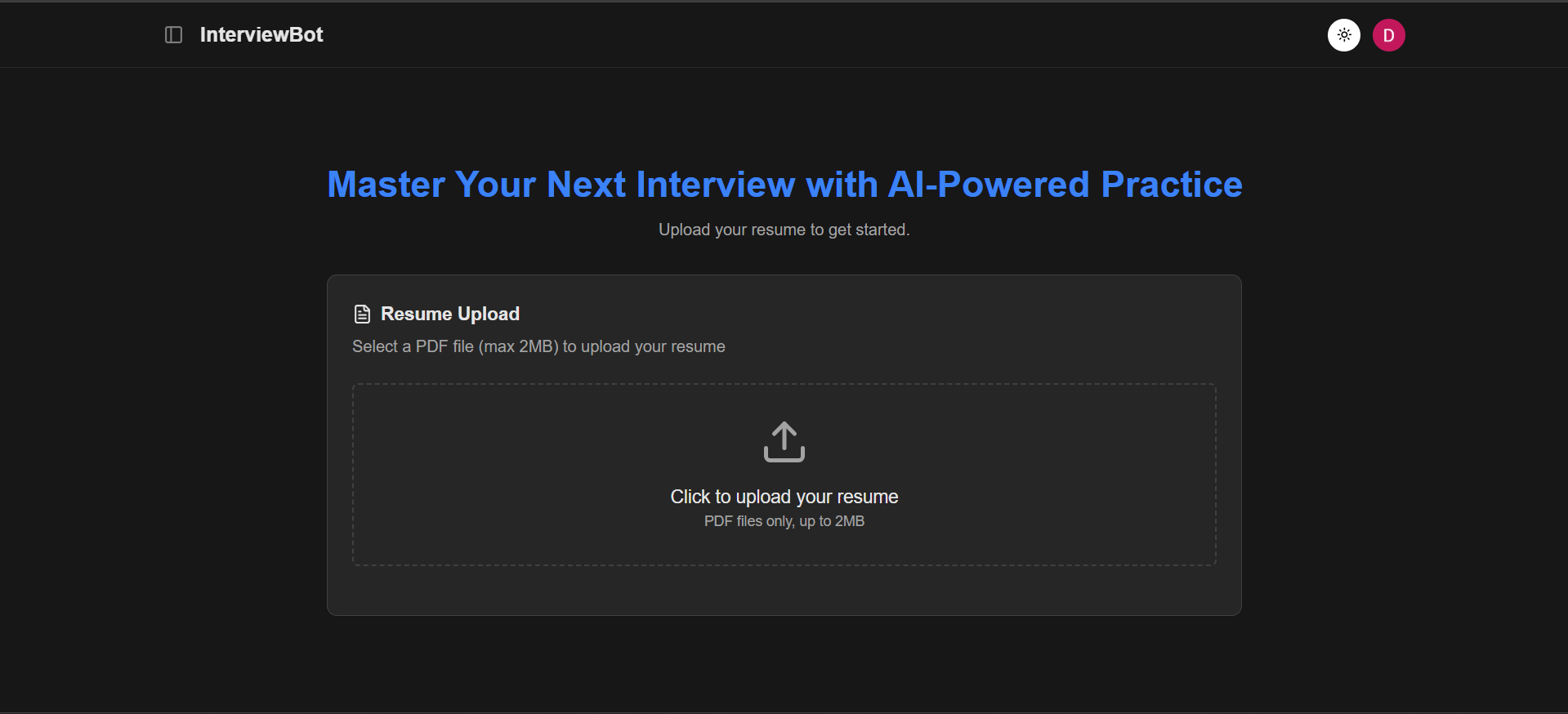
A platform that conducts AI-powered mock interviews based on your resume. Get personalized questions, real-time feedback, and detailed performance report.
- AI-Powered Interviews: Personalized questions based on your resume
- Real-time Streaming: Live AI responses via WebSocket connections
- Speech Integration: Voice input and text-to-speech for natural conversation
- Resume Analysis: PDF upload and intelligent parsing
- Performance Reports: Detailed AI-generated feedback with scoring
- Multiple Interview Types: Technical and Techno-Managerial interviews
- Spell Check: AI-powered spell checking for user inputs
- Authentication: Secure Google OAuth integration via Supabase
- React 19 - Latest React with modern features
- TypeScript - Type-safe development
- Vite - Fast build tool and dev server
- Tailwind CSS v4 - Modern styling framework
- shadcn/ui - Beautiful UI components
- Zustand - Lightweight state management
- React Router - Client-side routing
- React Markdown - Markdown rendering for reports
- Node.js - JavaScript runtime
- Express - Web framework
- TypeScript - Type-safe server development
- WebSocket (ws) - Real-time communication
- Multer - File upload handling
- Google Gemini AI - AI model integration
- Supabase - Backend-as-a-Service (Database, Auth, Storage)
- Google Gemini - AI model for interviews and reports
- Supabase Auth - Authentication with Google OAuth
- Supabase Storage - File storage for resumes and reports
- Vercel - Frontend deployment
- Railway/Render - Backend deployment
- Node.js 18+
- Supabase account
- Google Gemini API key
git clone https://github.com/darshan03s/ai-interview
cd ai-interview# Install frontend dependencies
cd frontend
pnpm install
# Install backend dependencies
cd backend
pnpm installCreate backend/.env file:
# Google Gemini AI
GEMINI_API_KEY=your_gemini_api_key_here

# Supabase Configuration
SUPABASE_URL=your_supabase_project_url
SUPABASE_KEY=your_supabase_keyCreate frontend/.env file:
# Supabase Configuration
VITE_SUPABASE_URL=your_supabase_project_url
VITE_SUPABASE_ANON_KEY=your_supabase_anon_key

# API Configuration
VITE_API_URL=api_urlcd backend
pnpm devThe backend will run on http://localhost:3000
cd frontend
pnpm dev
The frontend will run on http://localhost:5173