
This Python library is designed for the Crunch Hub, offering convenient access to competition's data and enabling effortless submission. When utilized in the command-line interface (CLI), its goal is to deliver a user experience akin to GitHub, enabling you to seamlessly push the code from your local environment.
Use pip to install the crunch-cli.
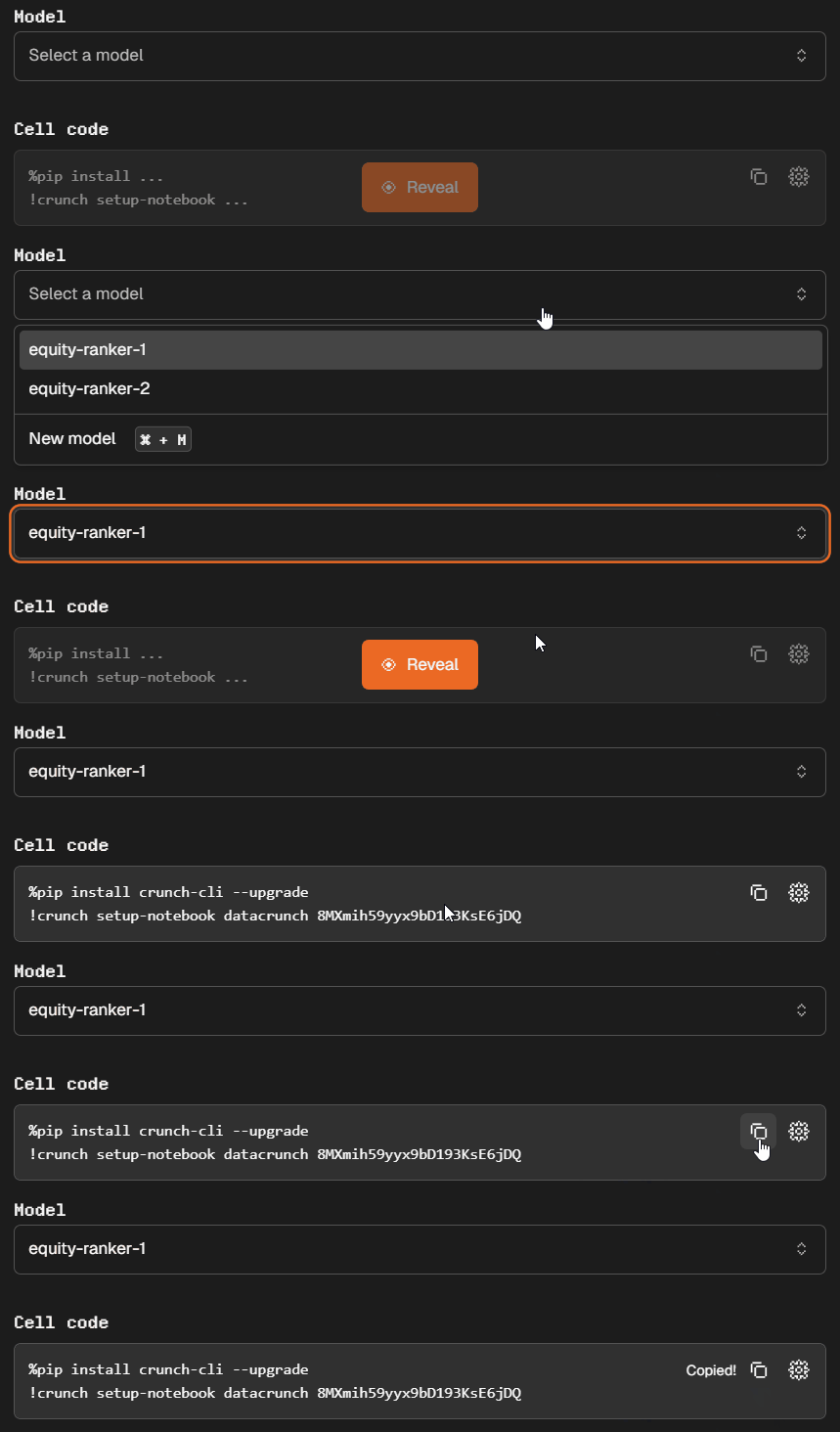
pip install crunch-cli --upgradeGo to any competition's page and click on the 'Submit' section. Then copy and paste the command into your terminal.
import crunch
crunch_tools = crunch.load_notebook()

# load the data
data = crunch_tools.load_data()

# define your model
def train(): ...
def infer(): ...

# test your model
crunch_tools.test()
Tip
We always recommend trying the quickstarter, which already contains a working model to help you get started in minutes!
Being able to detect whether you are running inside the Runner allows you to configure your programme more precisely.
import crunch

if crunch.is_inside_runner:
  print("running inside the runner")
else:
  print("running elsewhere")

  model.enable_debug()
logger.set_level("TRACE")Usage: crunch push [OPTIONS]
Send the new submission of your code.
Options:
-m, --message TEXT Specify the change of your code. (like a commit message, limited to 1000 characters)
--main-file TEXT Entrypoint of your code. [default: main.py]
--model-directory TEXT Directory where your model is stored. [default: resources]
--export TEXT Copy the `.tar` to the specified file.
--no-pip-freeze Do not do a `pip freeze` to know preferred packages version.
--dry Prepare file but do not really create the submission.
Pull requests are always welcome! If you find any issues or have suggestions for improvements, please feel free to submit a pull request or open an issue in the GitHub repository.


