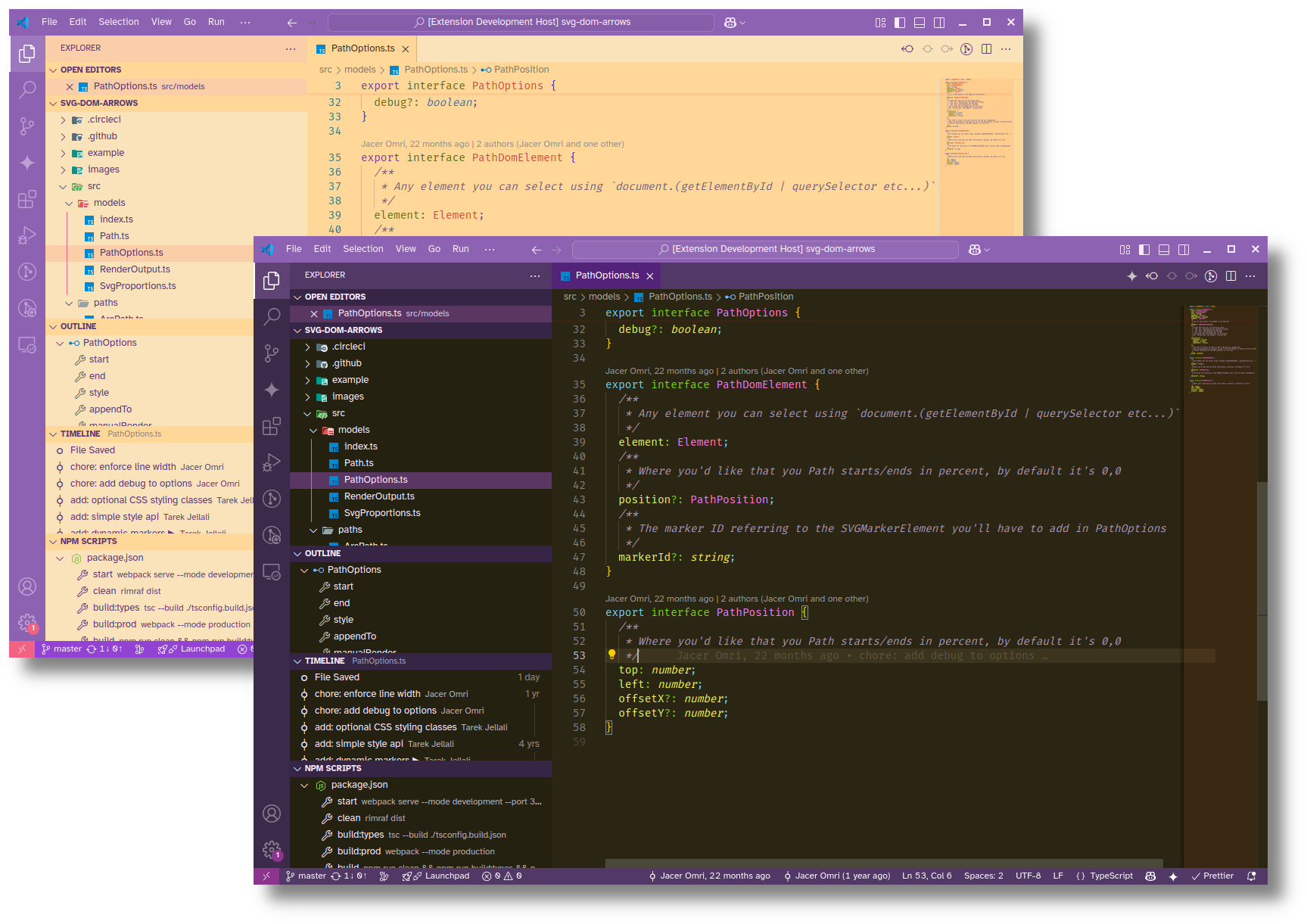
⚠ Please note, this theme is still a work in progress, your feedback will be very welcome!
A soothing dark and vibrant light theme for Visual Studio Code, inspired by the rich colors of figs and the sun-drenched Mediterranean landscape.
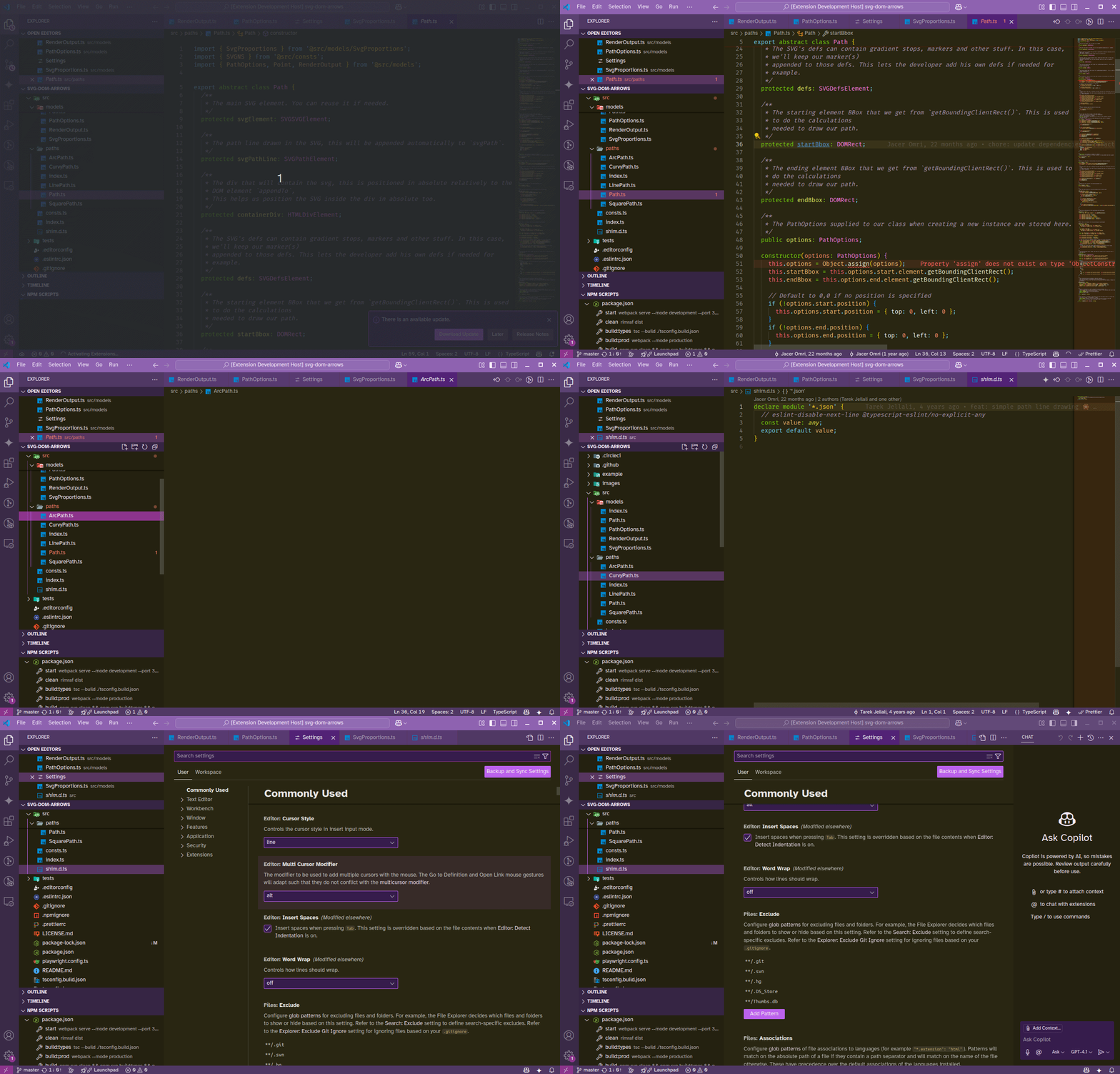
- Figue Theme Night: A dark theme that prioritizes reduced eye strain with a warm, yellowish base and pops of fig-inspired purples, greens, and browns for syntax highlighting.
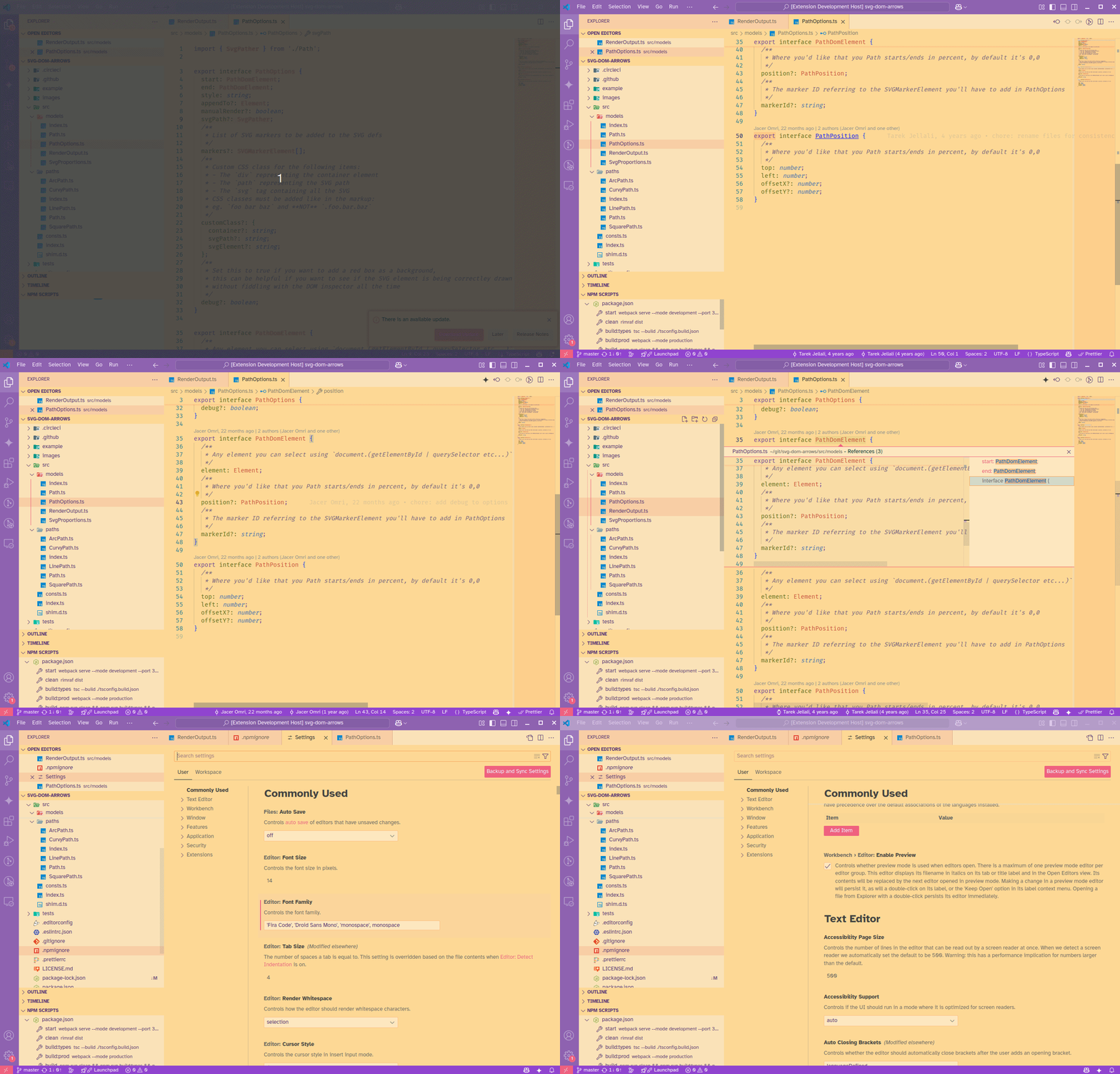
- Figue Theme Morning: A bright and airy theme that maintains readability with a soft yellow undertone, accented by the vibrant hues of ripe figs.
The goal of Figue Theme is to create a harmonious visual environment that is both easy on the eyes and aesthetically pleasing, drawing inspiration from the natural beauty of the Mediterranean.
- Dual Theme Support: Includes both a thoughtfully crafted dark mode and a vibrant light mode.
- Reduced Eye Strain: The yellowish base palette in both themes aims to minimize eye fatigue during long coding sessions.
- Fig-Inspired Colors: Syntax highlighting incorporates colors reminiscent of different fig varieties – from deep purples and rich browns to subtle greens and rosy hues – creating a coherent and visually interesting experience.
- Mediterranean Inspiration: The overall color choices evoke the warmth and vibrancy of the Mediterranean, bringing a touch of that atmosphere to your coding environment.
- Work in Progress: This theme is actively being developed and refined, with ongoing improvements and potential new features.
Below a capture of the light theme (Figue Theme Morning)
Below a capture of the dark theme (Figue Theme Night)
- Open Extensions in VS Code (Ctrl+Shift+X or Cmd+Shift+X).
- Search for
Figue Theme. - Click Install and then Reload.
- Go to File > Preferences > Color Theme and select either "Figue Dark" or "Figue Light".
Contributions are welcome! If you find any issues or have suggestions for improvements, please feel free to open an issue or submit a pull request on your GitHub repository link here.
If you encounter any problems or have feedback, please don't hesitate to report an issue on GitHub.
Follow the development of Figue Theme for updates and new releases!