You signed in with another tab or window. Reload to refresh your session.You signed out in another tab or window. Reload to refresh your session.You switched accounts on another tab or window. Reload to refresh your session.Dismiss alert
Create presentations directly from your RemNote notes.
Hides distracting UI elements and increases the font size using custom CSS.
Examples
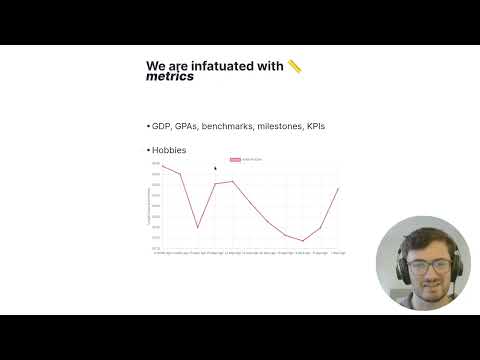
Video of a presentation I made using the plugin:
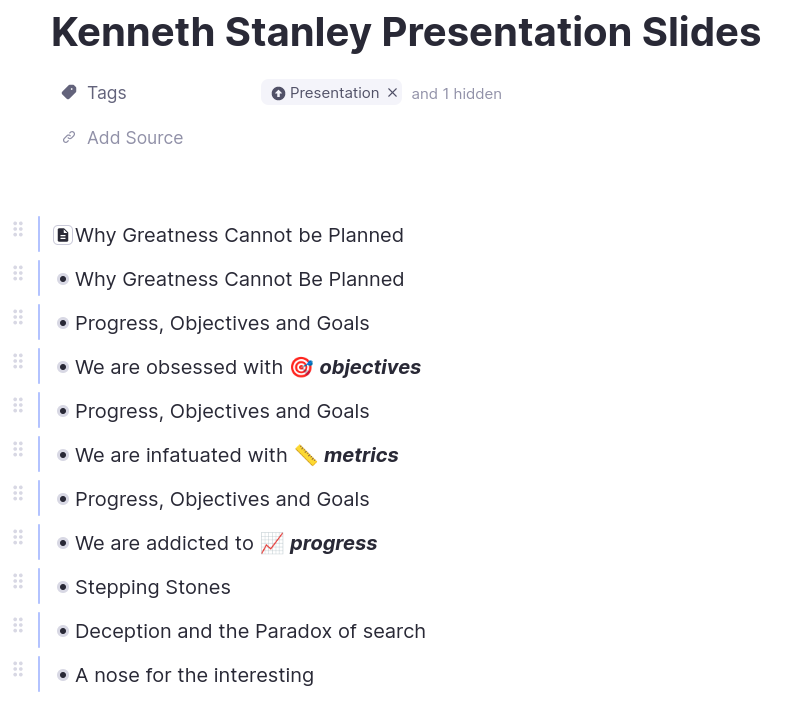
List of presentation slides using portals:
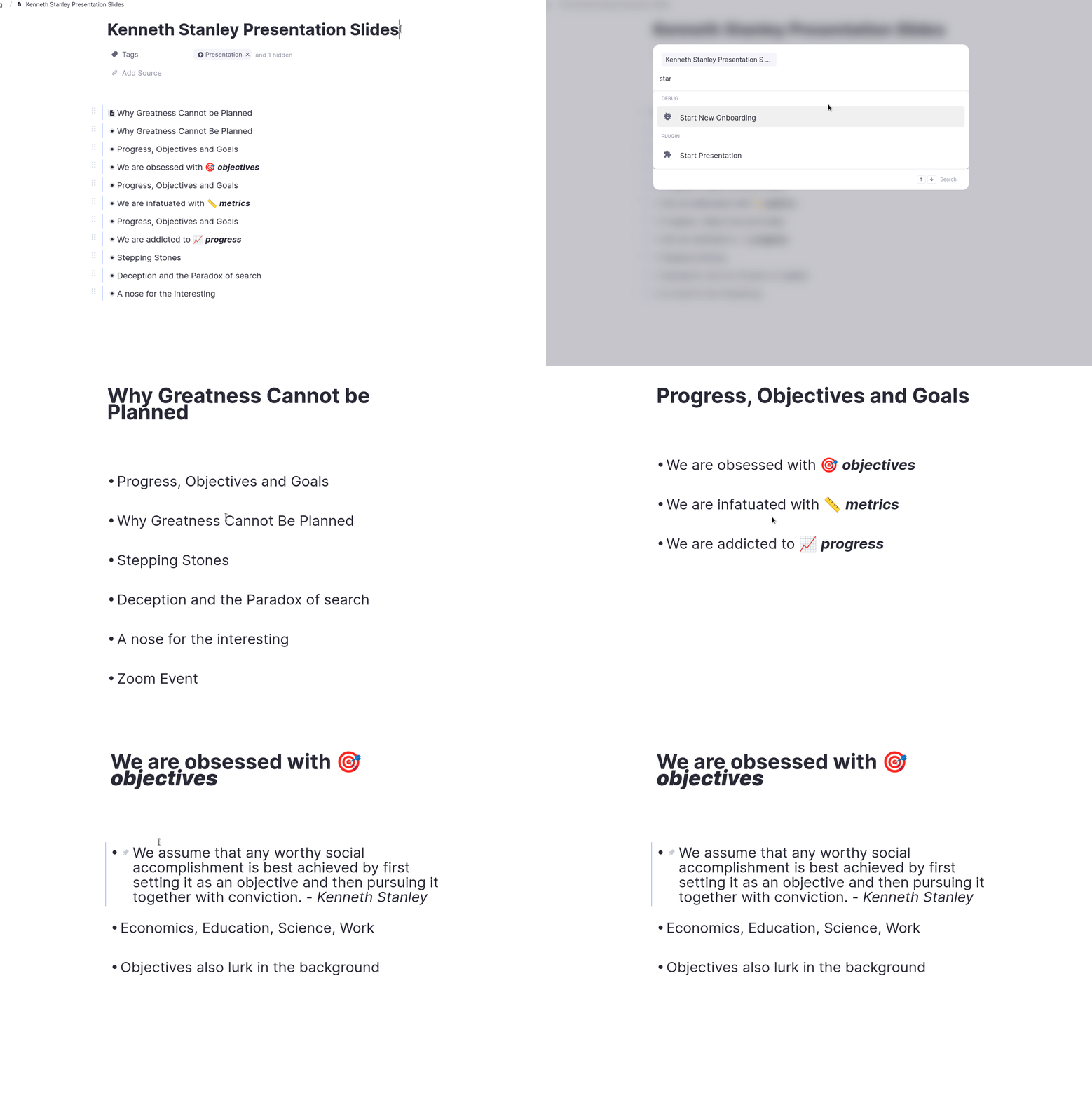
Starting the presentation and navigating through slides:
How To Use
Create a Rem and tag it with the "Presentation" powerup.
Use either normal Rem or portals containing single Rem to create a list of children under the Rem tagged with "Presentation". These will be the presentation slides.
The benefit of using portals are:
You don't need to move Rem in your knowledgebase around just for the presentation.
You can have multiple portals to the same Rem so you can go back and forth between the same slide if desired.
Note: only supports portals containing a single Rem.
Focus the parent and run the "Start Presentation" command.
Use the "Next/Previous Slide" commands to move forward and backward through the slides.
Or use the shortcuts - cmd/ctrl+shift+> to go forward and cmd/ctrl+shift+< to go backward.
Run the "Stop Presentation" command to end the presentation and reset the CSS.
About
Create presentations directly from your RemNote notes.