
About • GitCommits Installation • Chat Installation • Offers Extension • Development Development
|
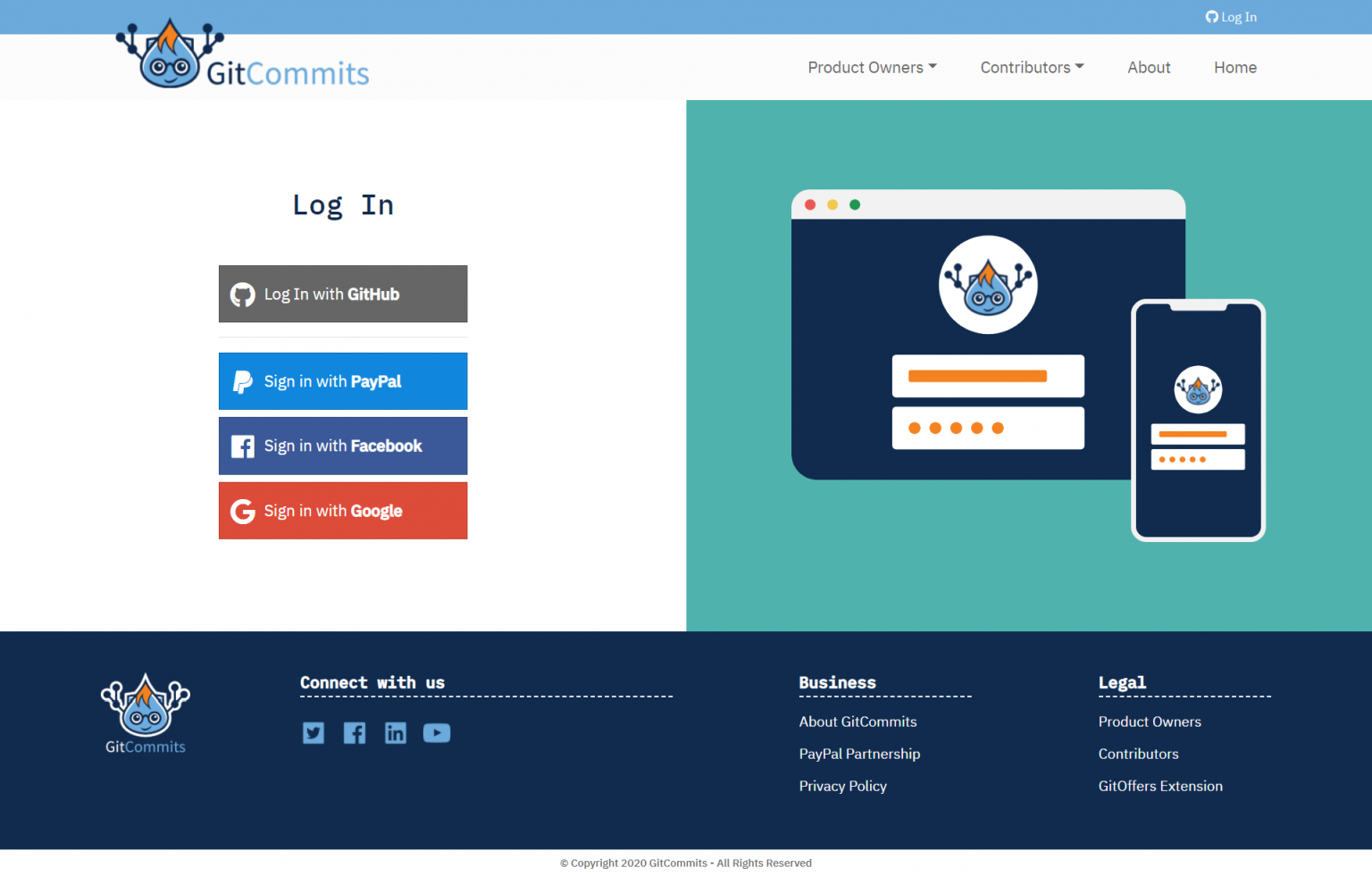
A team of developers, who were deeply immersed in projects across numerous popular platforms, saw an opportunity when they created Git Commits. After working on hundreds of projects, and seeing public projects improved because Contributors could fix issues, our Founder asked an important question: “What if Product Owners could simply add a bounty to Git issues and let talented Contributors do the work and get paid?” At Git Commits, the key is bridging the gap between Product Owners and Contributors Our platform revolutionizes the way these two groups work together, forever changing how work 'gits' done (Login Preview) |
-
Below steps assumes you have composer and npm installed in your system.
-
Clone the repository.
-
releasebranch contains the latest production copy, Whiledevelopbranch contains the commits from Work in Progress tickets. -
Copy the
sample.envfile as.envfile and update the Database, PayPal and Other credentials- You can configure the PayPal Commission into config file using
FEE_PERCENTvariable, default commission is set to 3% - Configure the chat server url
- Configure Database credentials
- Configure Social Media Login - Client App Credentials
- Configure GitHub Bot access token for the comments
- You can configure the PayPal Commission into config file using
-
Install package dependencies
composer installnpm install
-
Generate the key
php artisan key:generate
-
Generate the JWT Secret
php artisan jwt:secret
-
Build the JS and CSS through npm
npm run dev{dev, prod or watch can be used as per the requirements}
-
Run the server
php artisan serve
-
Setup the Cron Job to run the queue workers to process scheduled emails
* * * * * php artisan schedule:run >/dev/null 2>&1
- Clone GitCommits Chat Server.
- Follow the steps shown in the readme file and set the chat server url in .env file.
- Clone Offer extension from the repo.
- Steps are available in the repo readme file.
- Offers extension connect with the GitCommits App API to submit the new offers, Login handling and other communications.
-
Frontend is built on Vue.js which communicates through API to the backend.
-
API Controllers are defined in the
Controllers\APIfolder. -
PayPal Related Configurations and Classes
- All the PayPal related helper functions are defined in
App\Helpers\PayPal - Define the GitCommits commission setting in the .env file using the
FEE_PERCENTvariable. Billing Agreement API- This is used to gain the Buyer (PO) Authorization to Make Payment on behalf of the Product Owner to Pay for the Bounty Orders.Partner Referral- GitCommits uses this API to on-board the Sellers (Contributors) to raise an Invoice against the Bounties to receive the Payment from Buyers (PO)Orders API- When a bounty is completed then GitCommits raises separate Invoice(s) against all fundings related to the bounty and process the order payment using Billing Agreement ID (Authorized by Buyers (PO))- All PayPal related logs are available under folder
storage/logs/paypal
- All the PayPal related helper functions are defined in
-
GitHub Related configuration and Classes
- GitHub APIs are being used to pull the public issues using GitHub PHP API Library.
- Helper classes are defined in
App\Helpers\Github - App uses the GitHub API to post comments on Issue on behalf of Gitcommit Bot or Users (for Private repos)
- This requires Bot Access Token Configuration and Github Oauth App Client ID and Secret in the
.envfile. - Click here to create the GitHub Oauth application.
- Click here to create the Bot Personal access token.
- All Github related logs are available under folder
storage/logs/github
-
Chat service is being used on the GitCommits Bounty Detail page, That requires chat server services to exchange the messages, So if Chat service will be off then users will be unable to send messages.
- Chat service url can be configured in the
.envfile. ex:CHAT_SERVER_URL=http://127.0.0.1:4000 - Chat service works with the GitCommits database, So Chat service should use same database credentials that we use with the App.
- Please check Chat repo for chat server configuration guide.
- Chat service url can be configured in the
Copyright © [GitCommits](https://gitcommits.com).