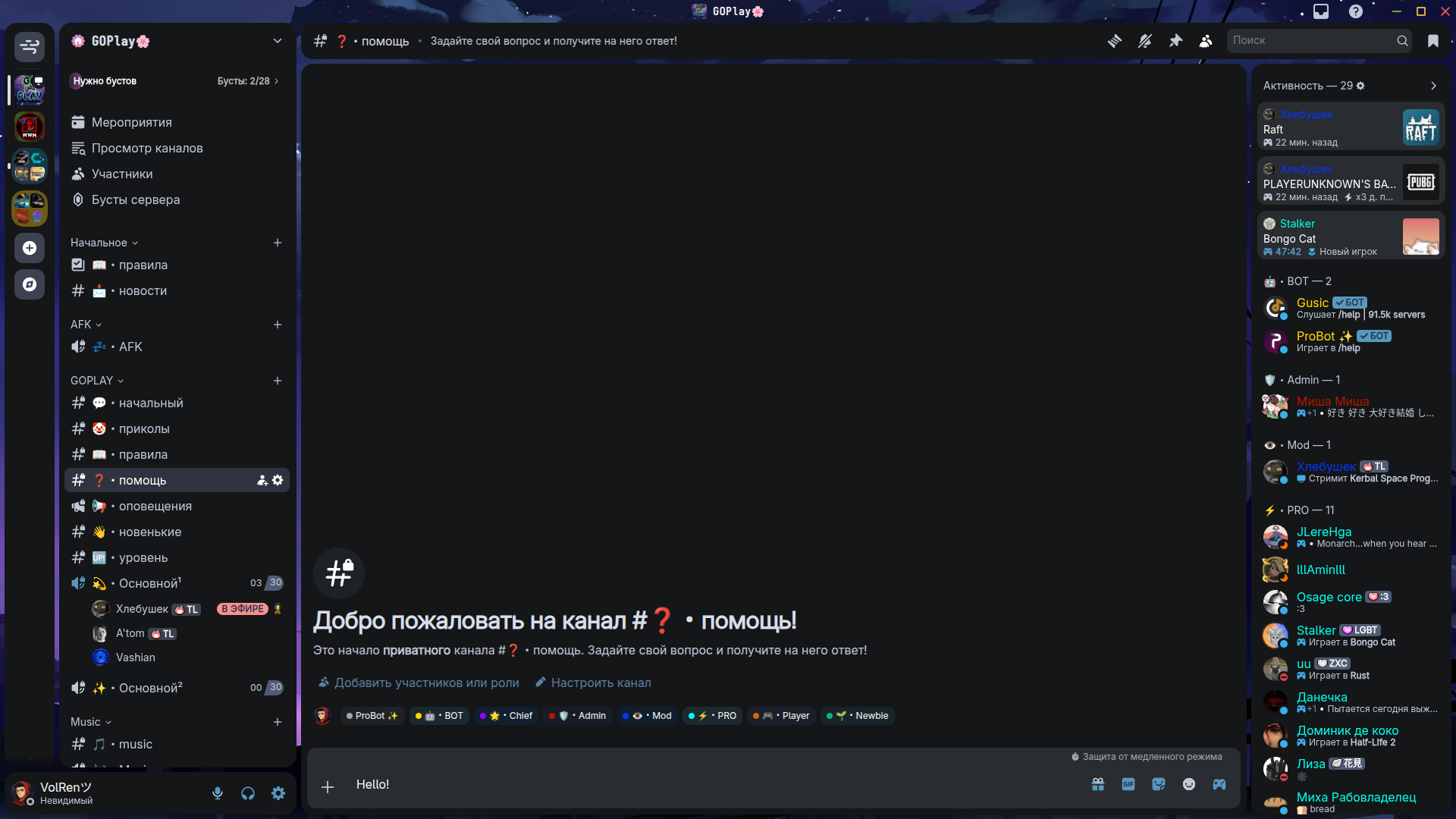
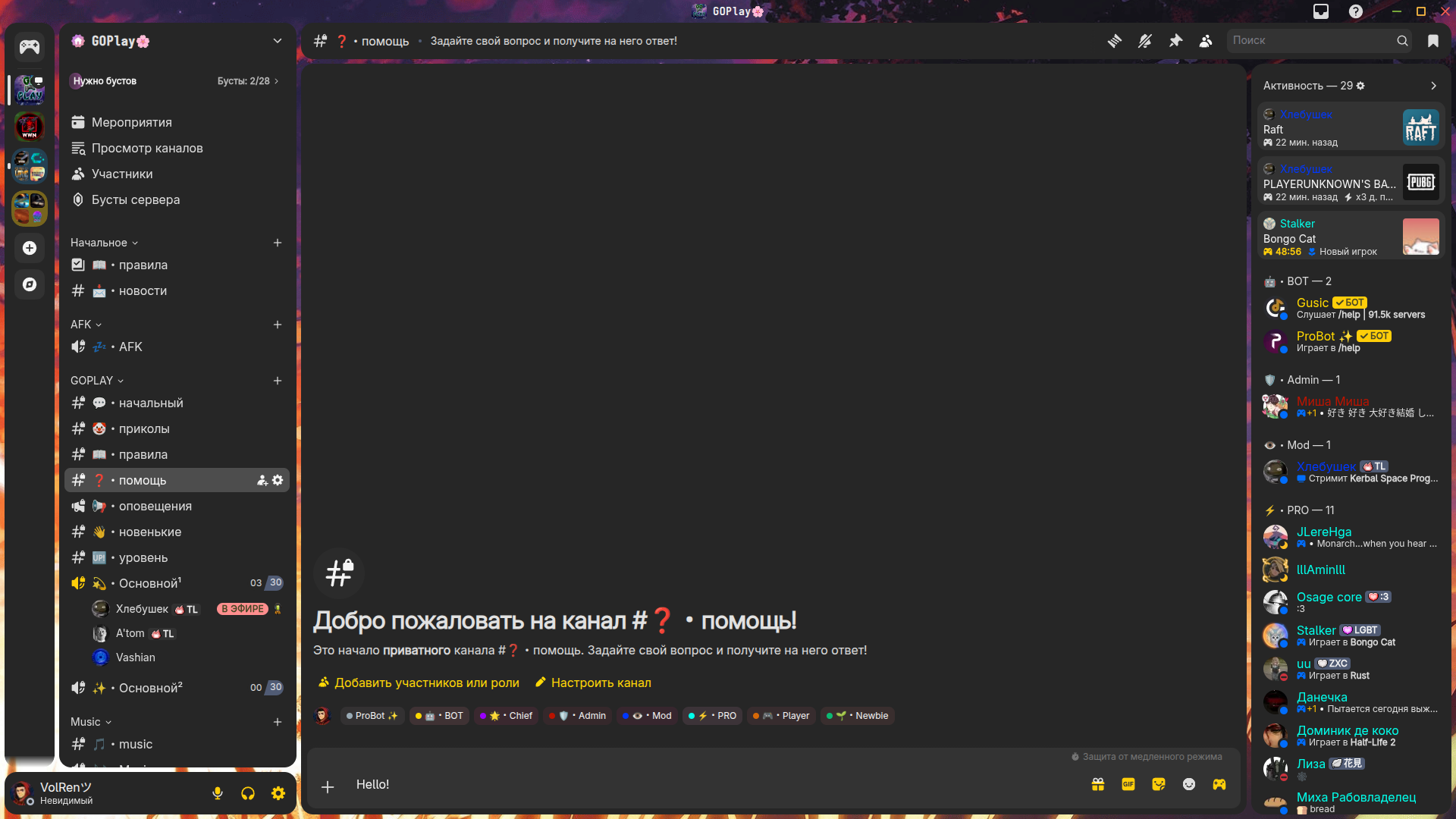
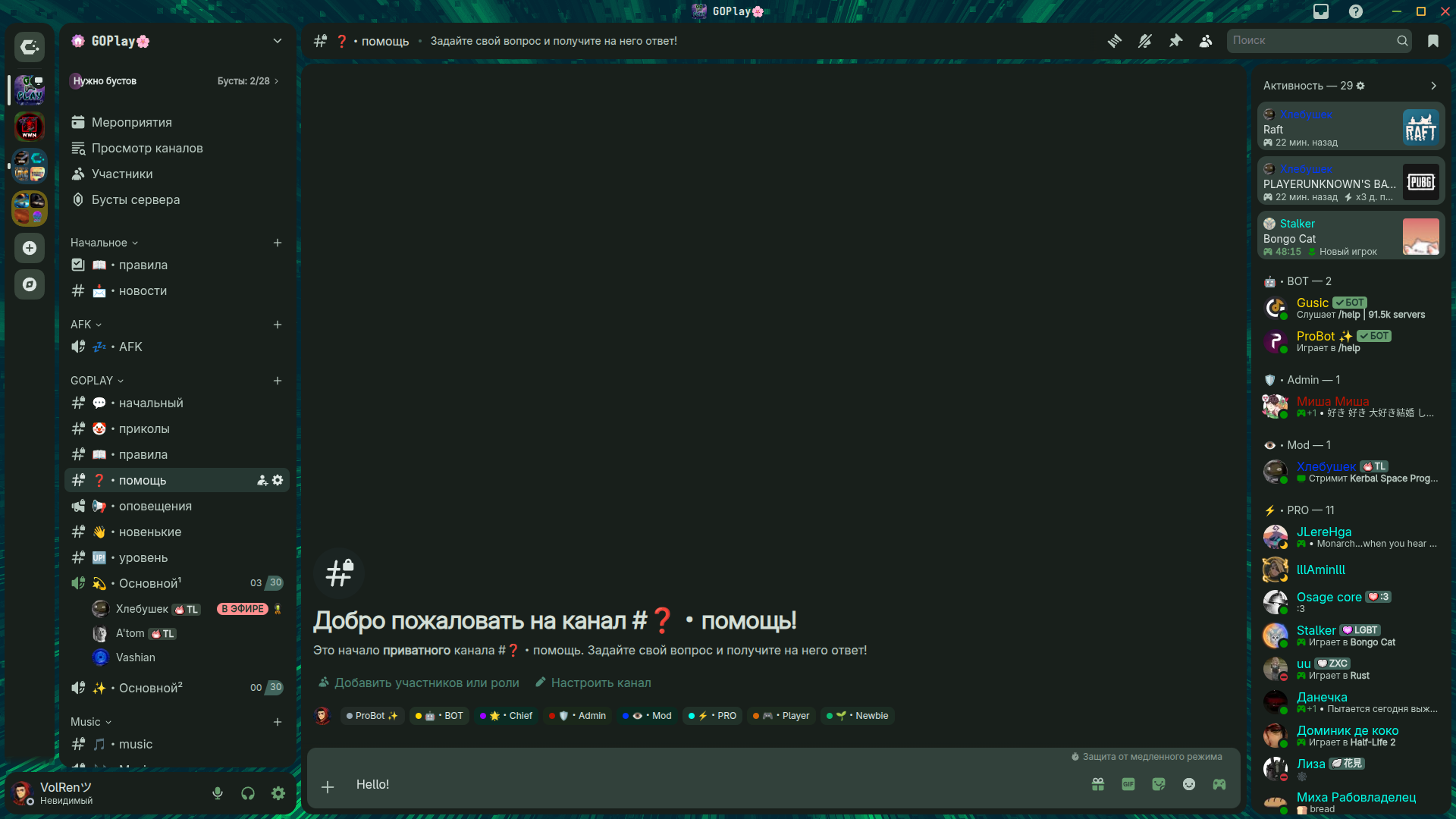
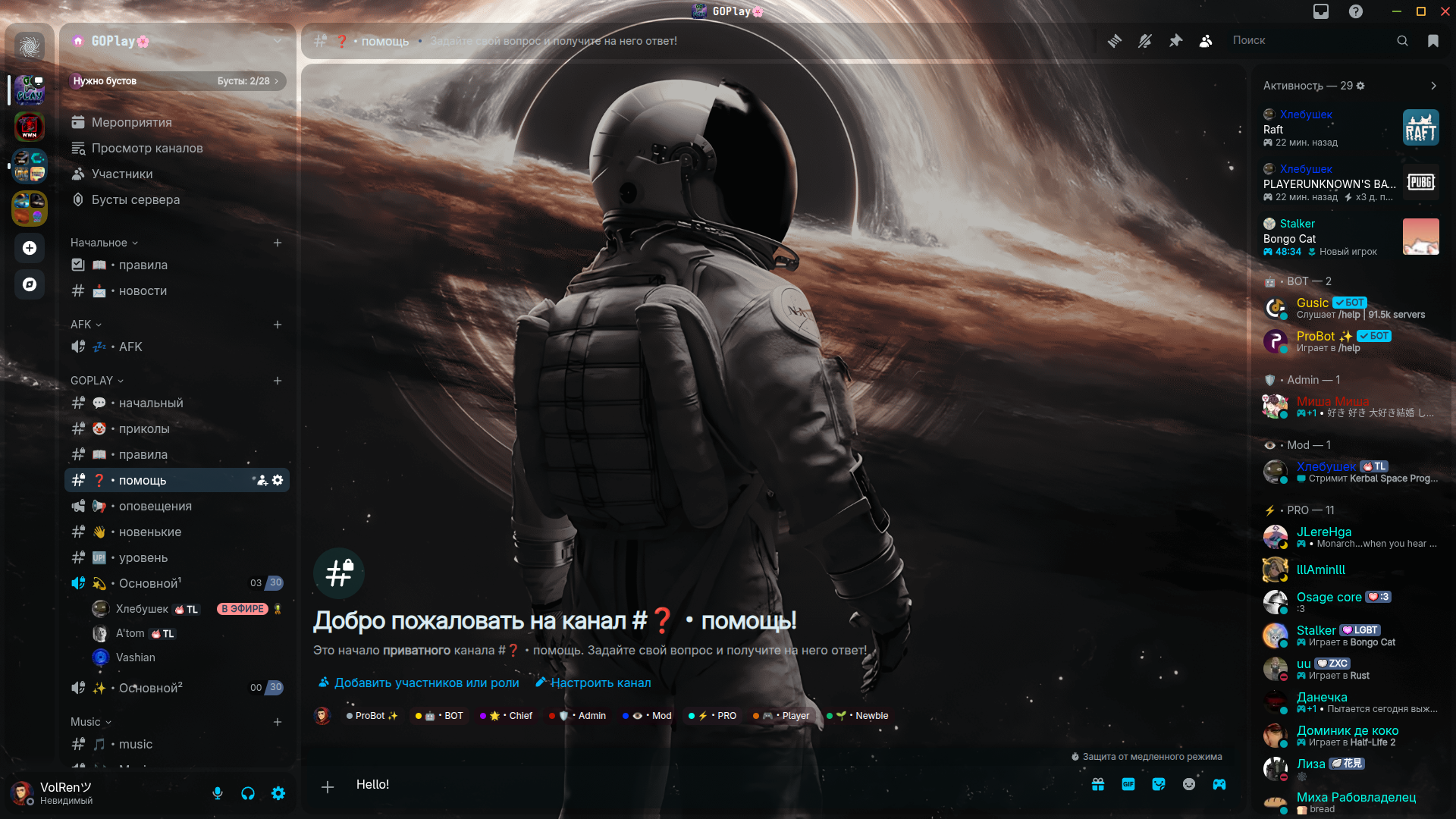
Breeze theme for Discord [Based on Midnight] Breeze RadialStatus Mango Cachy Echo Follow these steps to install the theme: Vencord Install Vencord. Download this file. Open Discord, go to Settings, find the Themes section in Vencord settings, and click on Open Themes Folder. Move the downloaded file to the themes folder. Enable the theme in the Vencord settings. (Disable all other themes before enabling this one.) BetterDiscord Install BetterDiscord. Download this file. Open Discord, go to Settings, find the Themes section, and click on Open Themes Folder. Move the downloaded file to the themes folder. Enable the theme in the settings. (Disable all other themes before enabling this one.)