
Those whose choices are one of the most important in a life, to be made in advance and properly, are those that are forethought. It is this goal that we will give up on releasing an app that will be chosen to erode both the mobile market and the web community. Although this is the main purpose of our university, we aimed for a platform where university students can socialize, report their complaints and give information about the application of university students.

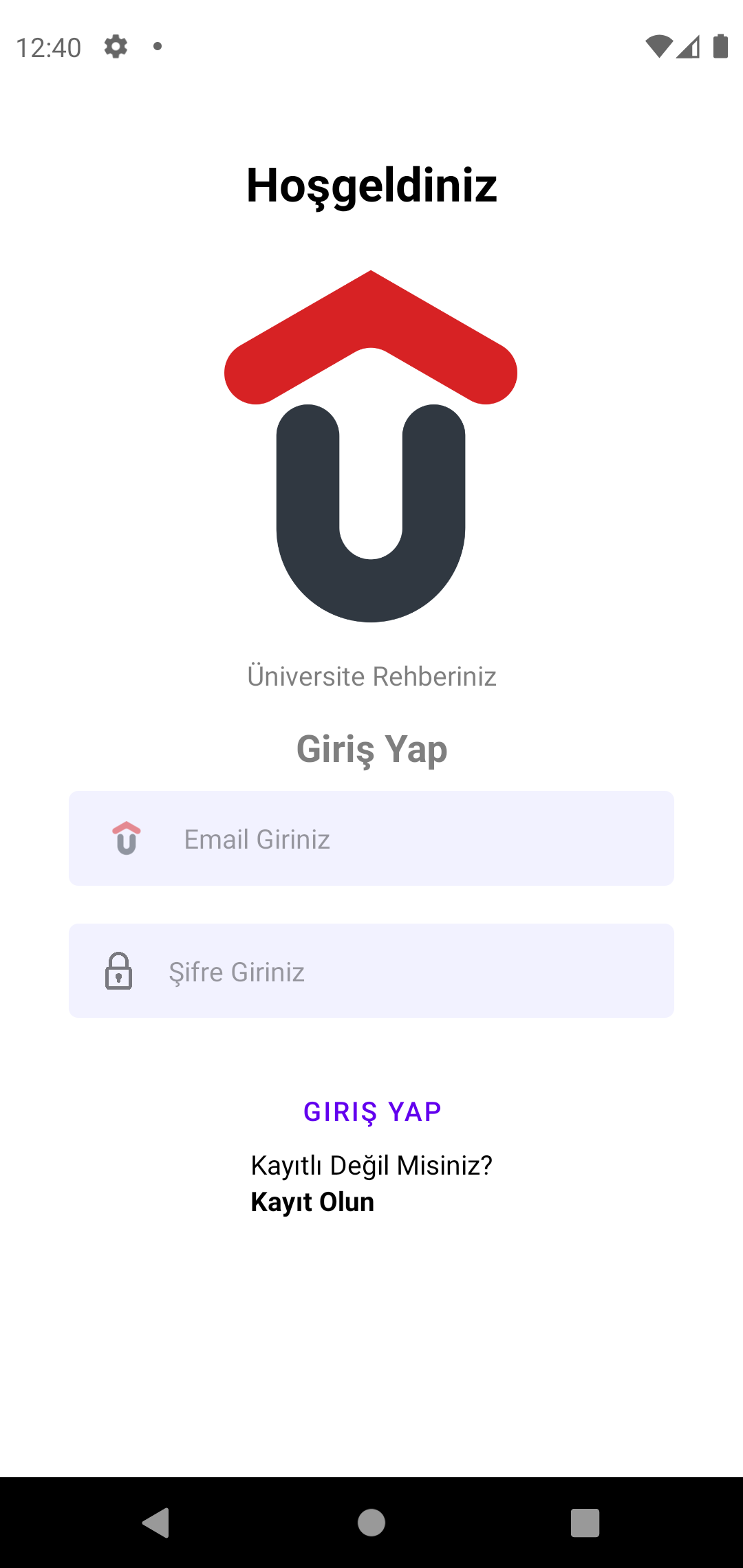
When our application is opened, the first panel that appears on the screen is the Login panel. In the login panel, e-mail and password are requested from the user with 2 Textinputs in order for the members who have already registered to log in. Since we aim for simplicity in our main theme, we have created a panel that is pleasing to the eye by putting only the logo of our application on a white background. We have written our content in a naive language in order to provide a good experience for our users. When a person logging in for the first time encounters the login panel, they only need to click on Sign Up to register. After clicking on Register, you are directed to our second panel, the Register panel. Here, too, we ask the user for some information that we will use within the application. The user can easily register to our application after entering their E-mail, Name, Surname and Password. We have introduced certain restrictions and queries on the data we receive. For example, it is questioned whether the entered e-mail contains phrases such as "@" and ".com". As a result, a warning message is sent to the user as a feedback.
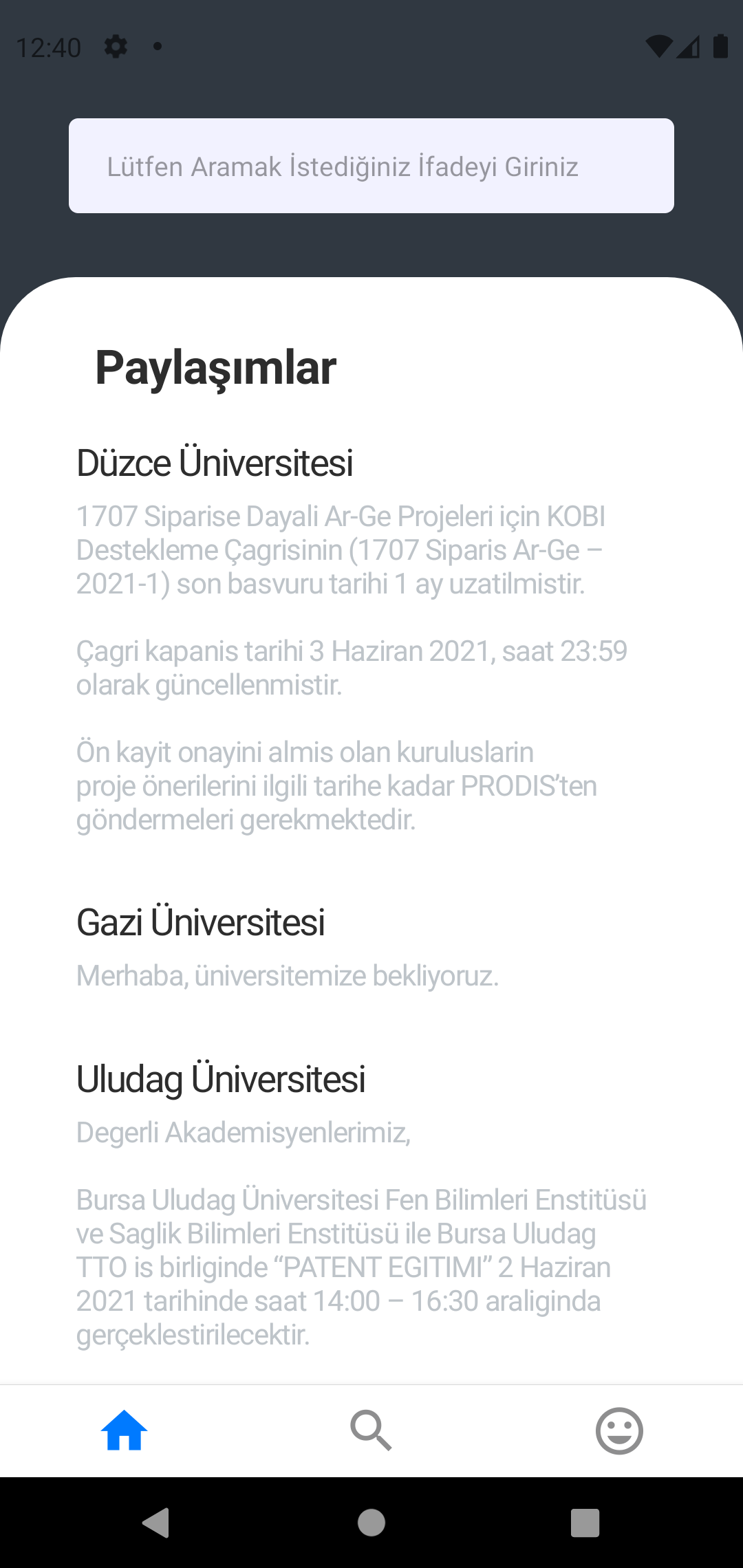

After logging in or registering, users are directed to the shares panel. In this section, we can see the announcements and posts made by the Universities that the user follows. Any announcement or post made by a university is listed according to the sharing times. Assuming that a user has been using the application for a long time, this causes an excess of shares, which means that the user cannot reach the desired share. To fix this problem, we added a "searchbox", a search engine, to the top of the shares panel. The user can find the share they need by typing any detail from the content of the share. If we consider someone who uses the application for the first time, the sharing screen will appear blank because he does not follow any university. That's why we developed the Universities screen. There is a search engine at the top of the Universities screen. With this search engine, the user can find the desired university by typing its name or city. Since the search engine is sensitive to each letter, it starts listing universities by working in real time with the first letter the user enters. The user can also access the university profiles by clicking on the universities here.
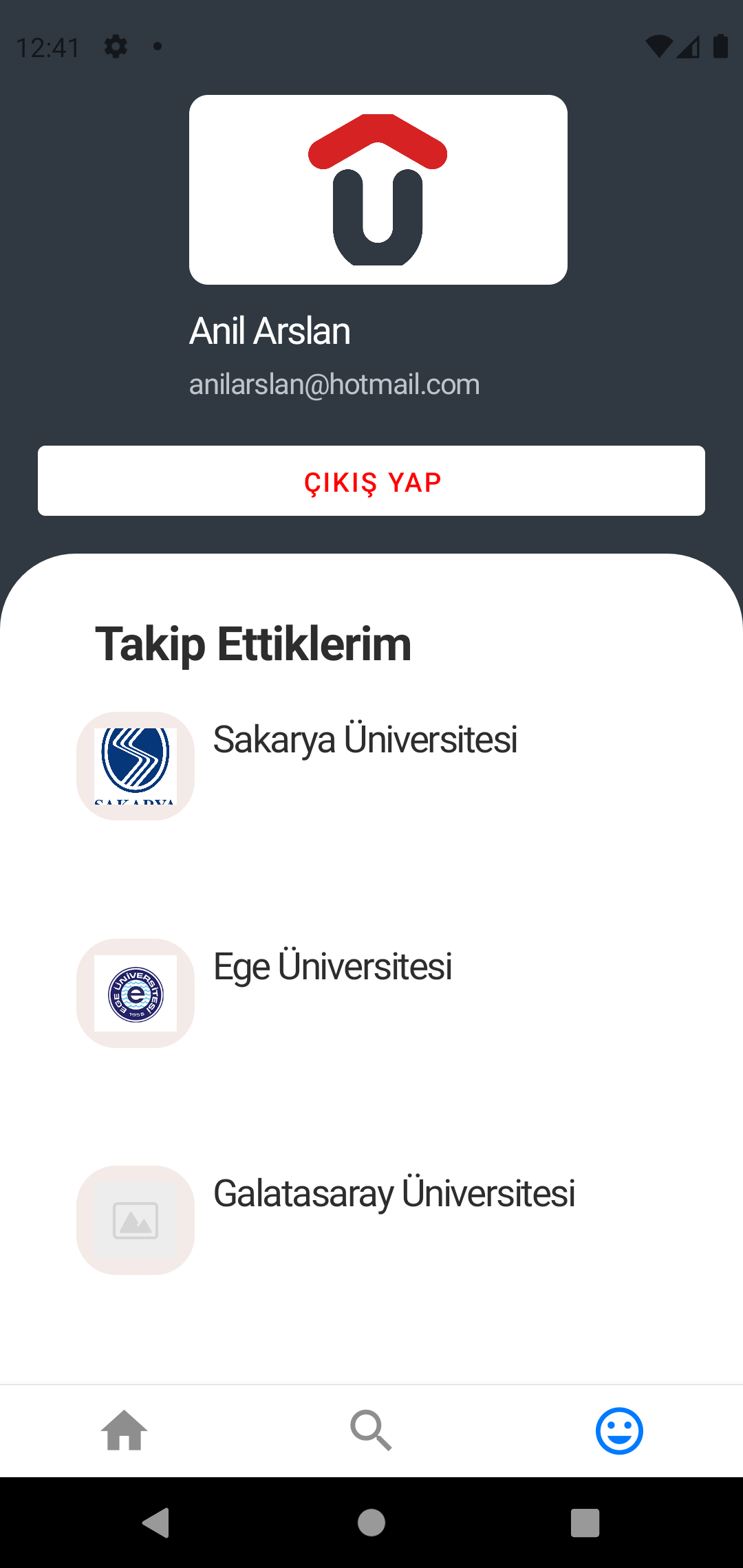
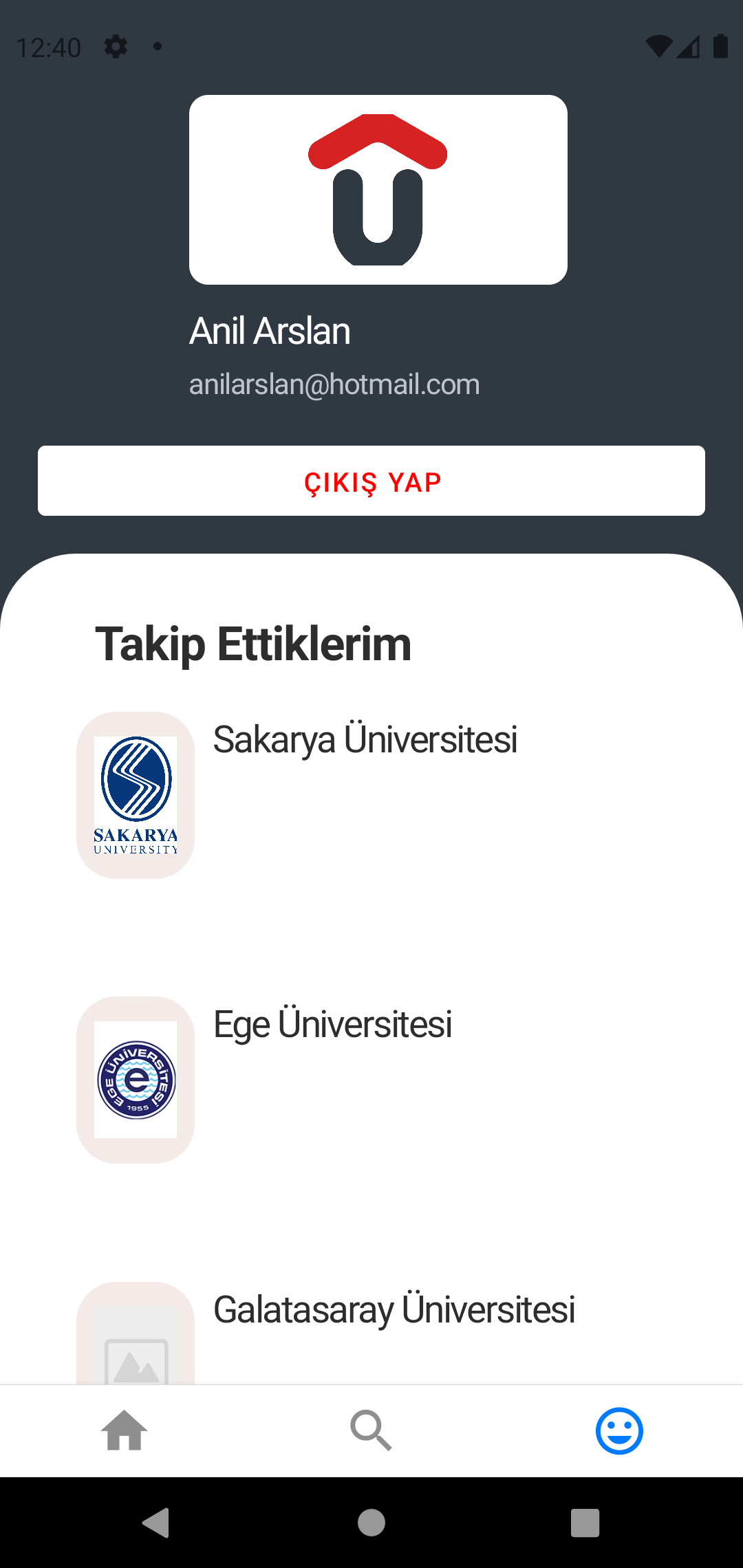
When we click on one of the universities from the universities screen, we reach the university profile panel. There is a follow university button on the university profile screen so that we can see the university's posts on the sharing screen. From this panel, the user can also comment on the university and read the previously written comments. The user can also see the university rector information and a short explanation on the university profile screen. The user's own profile is also on the right side of the navigation bar that appears at the bottom after logging in. When this part is clicked, the user's profile is redirected. In the user profile, on the other hand, the user can see the universities he/she follows, apart from his/her name and e-mail information. The universities he follows also have the opportunity to renew them in real time. Finally, there is a button in the user's profile to log out of the application.