This is a simple GUI written in Python to perform text encryption and image steganography. All functionality are contained in the single python script (steganography.py)
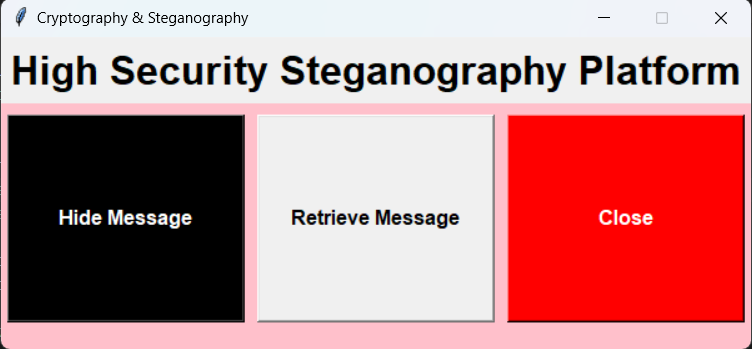
From the first interface the user can perform message hiding or retrievel from the cover image
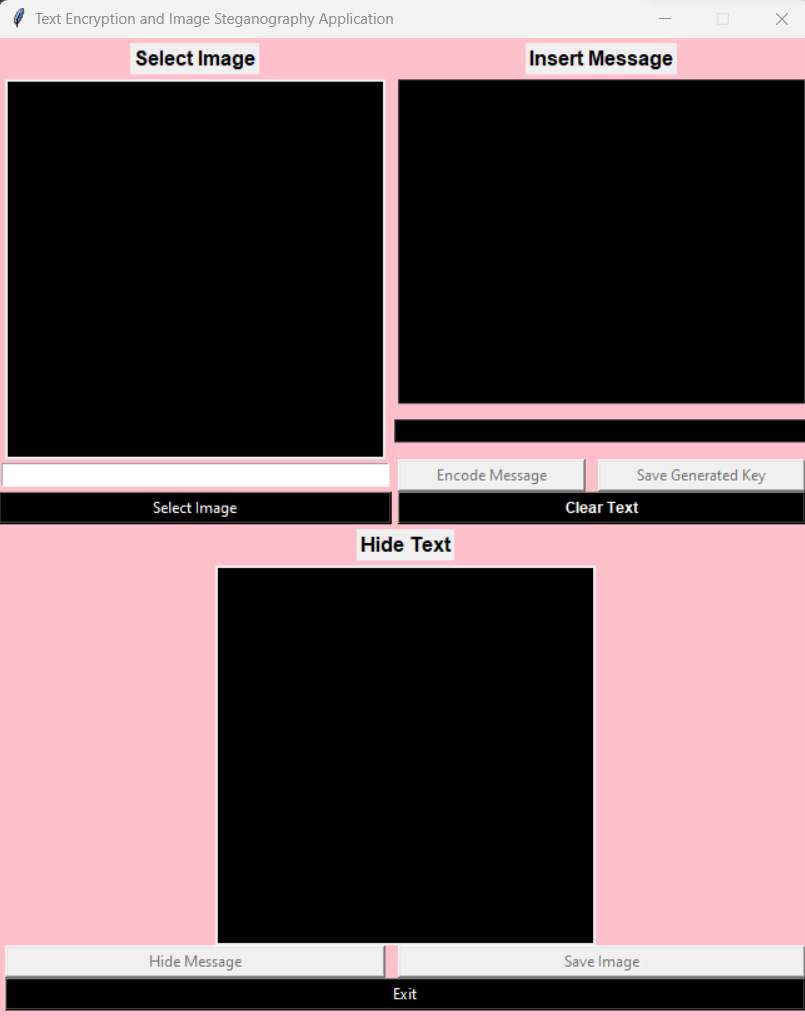
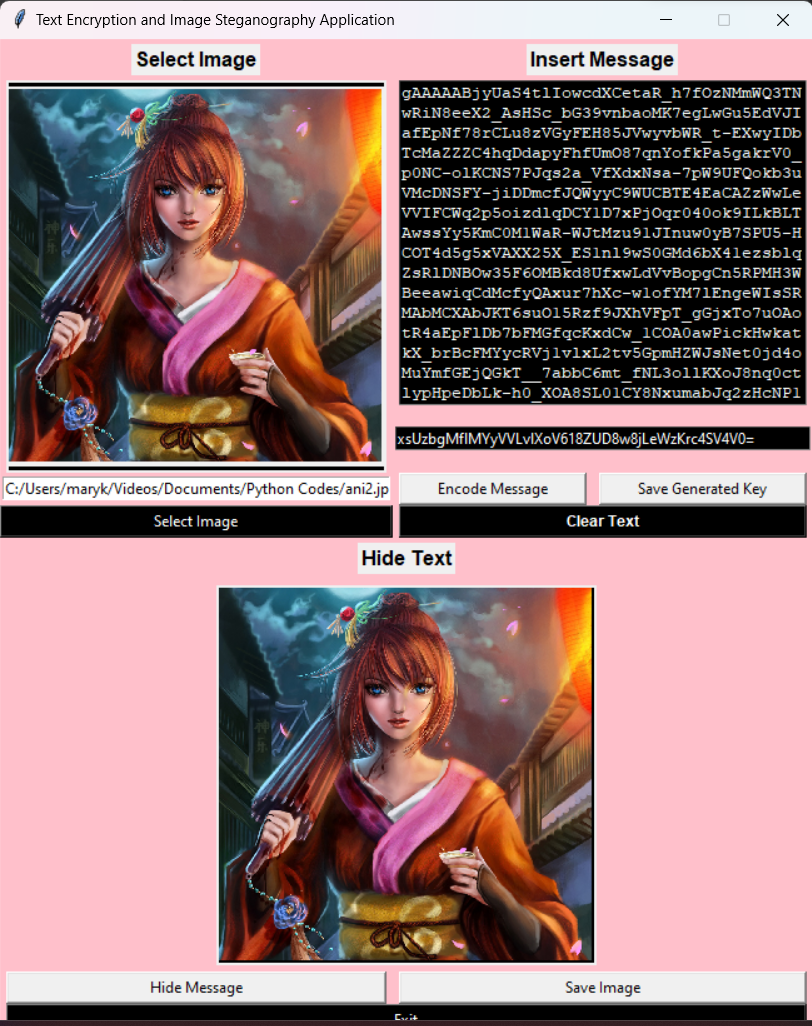
On this page the user will select any image of their choice from their PC to use as the cover image. After selecting a cover image the user can paste the message/text which they want to hide on the second black frame/text box. The pasted text is then encrypted when the user clicks the encode message button. Then encode message is now hidden in the cover image when the hide message button is clicked. This new image with the secret can then be save for later use. Note:: Initially only the select image and exit button is enable while every other button is disabled. These buttons are enabled based on the stage of the steganography.
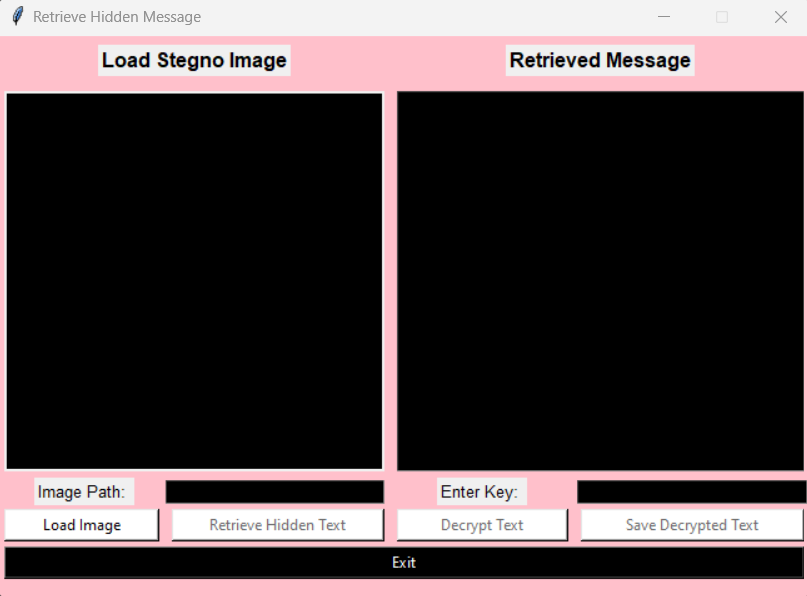
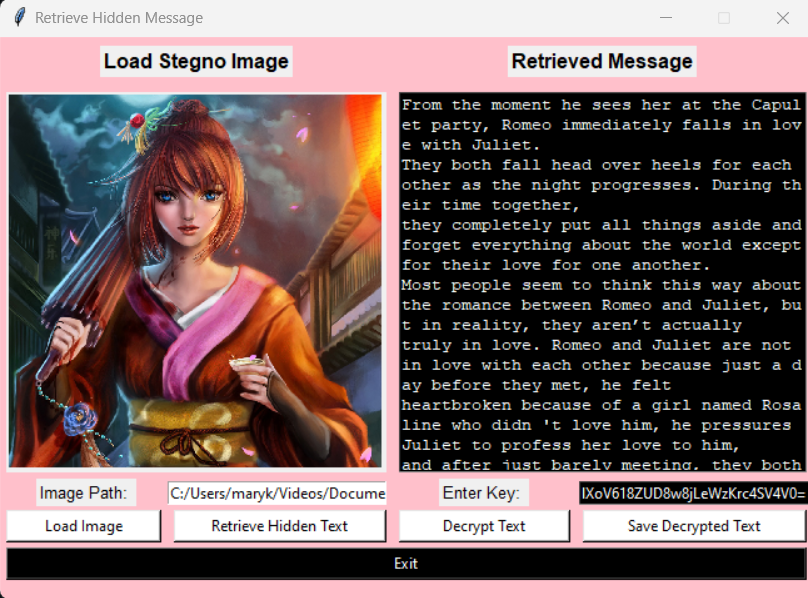
A user can retrieve the hidden secret message from the stegno-Image on this page. The hidden message will be retrieved encrypted and can only be decrypted using the secret key saved when initially encrypting. The retrieved decrypted message can me be saved by the user.

Interface after retrieiving and decrypting the hidden message