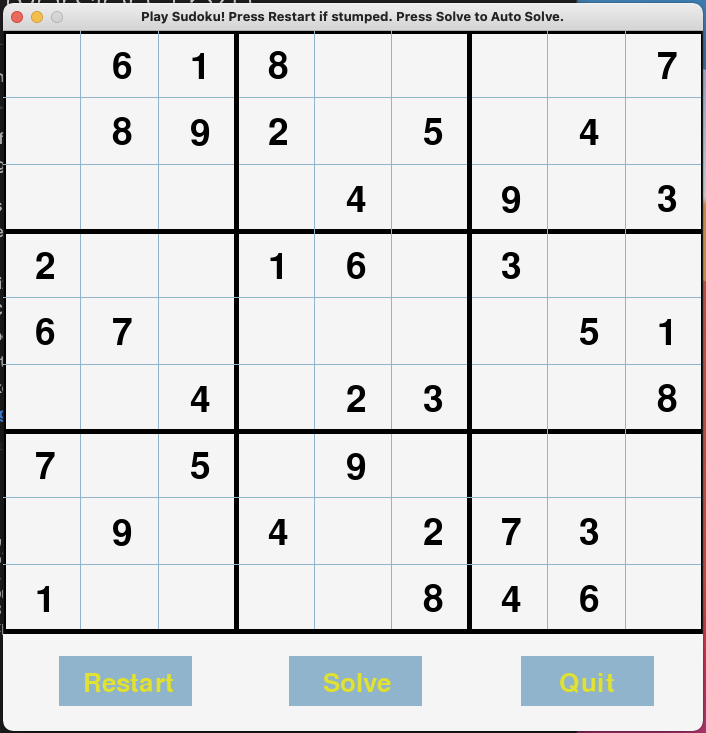
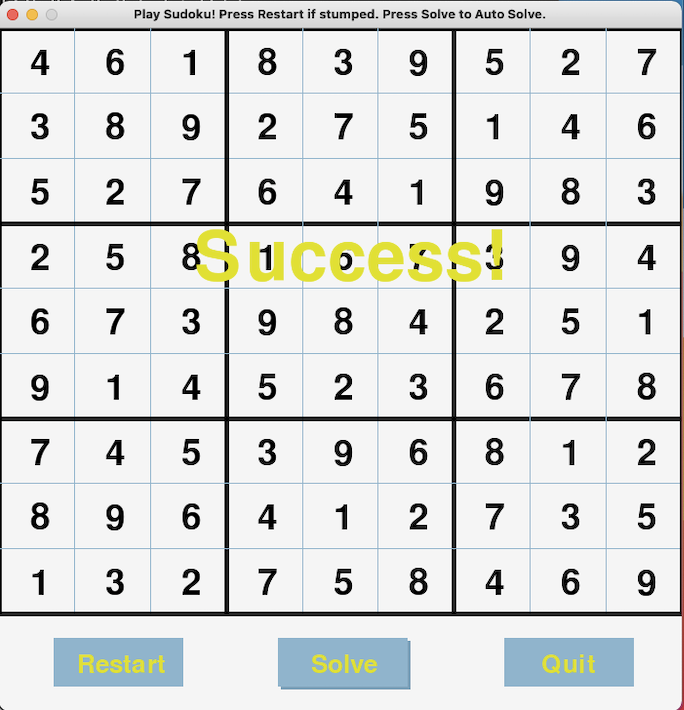
PLAY THE GAME HERE: https://repl.it/@jamynair/SudokuGameGUI-1#README
All you need to run this is is pygame and python3
There are different ways of installing pygame depending on versions and your computer. Common ways of install(One of these should work):
python3 -m pip install -U pygame --user
pip3 install pygame
pip install pygame
To make sure pygames works: python3 -m pygame.examples.aliens
If all else fails see the pygame page: https://www.pygame.org/wiki/GettingStarted
+-------------------------------------------------------------------+
to run program just type in the terminal: python3 GUI.py
and thats it! Python will open a window with the running Sudoku game
HOW TO PLAY:
SOLVE: simply click "solve" to solve the puzzle (Note it will not solve if the puzzle is wrong)
RESTART: it will start a new sudoku game based on 6 random games in grids.py
QUIT: exits the program
You can click on any button and try for yourself to solve the Sudoku Game. Keep in mind if you input wrong numbers the solver may return a "failed" result
Press the number 0 if you want to delete any numbers.
--------------------------------------------------------------------
Pygames is a set of Python modules designed for writing video games built on the SDL libraray. Pygame version 2.0.1 was used for the GUI: https://www.pygame.org/docs/
All code was writting in Python3 version 3.8.5
---------------------------------------------------------------------