This lecture demonstrates how we can use NodeMCU to control LED via a web browser.
You will learn:
- How a NodeMCU can connect to the Internet
- How a webserver can be added to NodeMCU
Please add your ssid and password in the code:
- const char* ssid = "add_your_WiFi_ssid";
- const char* password = "add_your_WiFi_password";
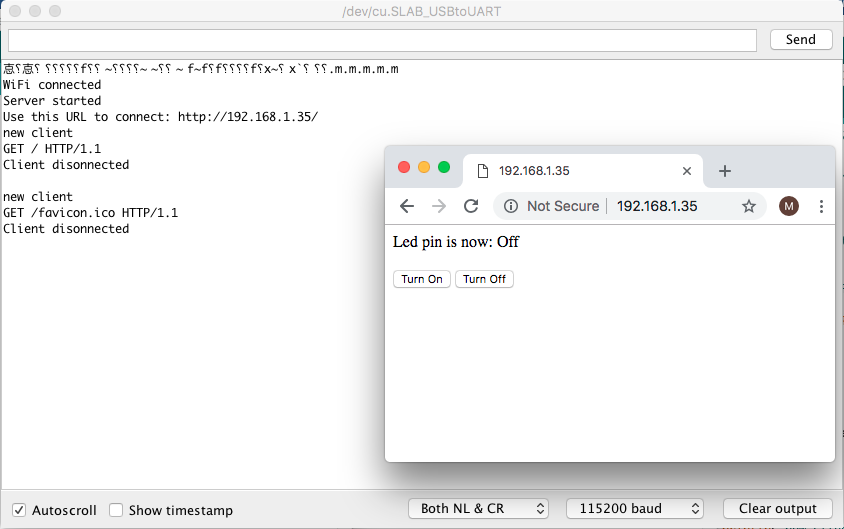
Note: Do not forget to select baud rate of 115200!
A more fancy button using CSS can also be added!
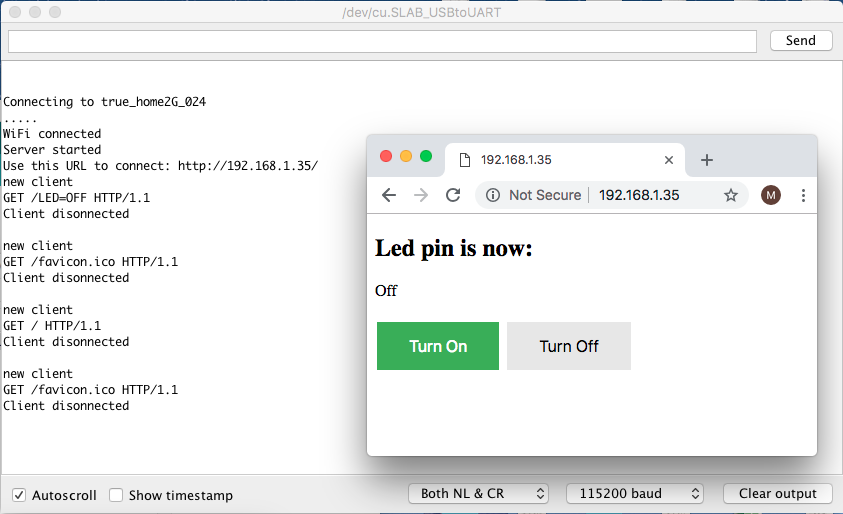
Note: Upload speed may need to be changed to 115200 to prevent an upload error.