First of all big thanks to Aircoookie and his incredible work at the WLED repo, without it this wouldn't be possible!
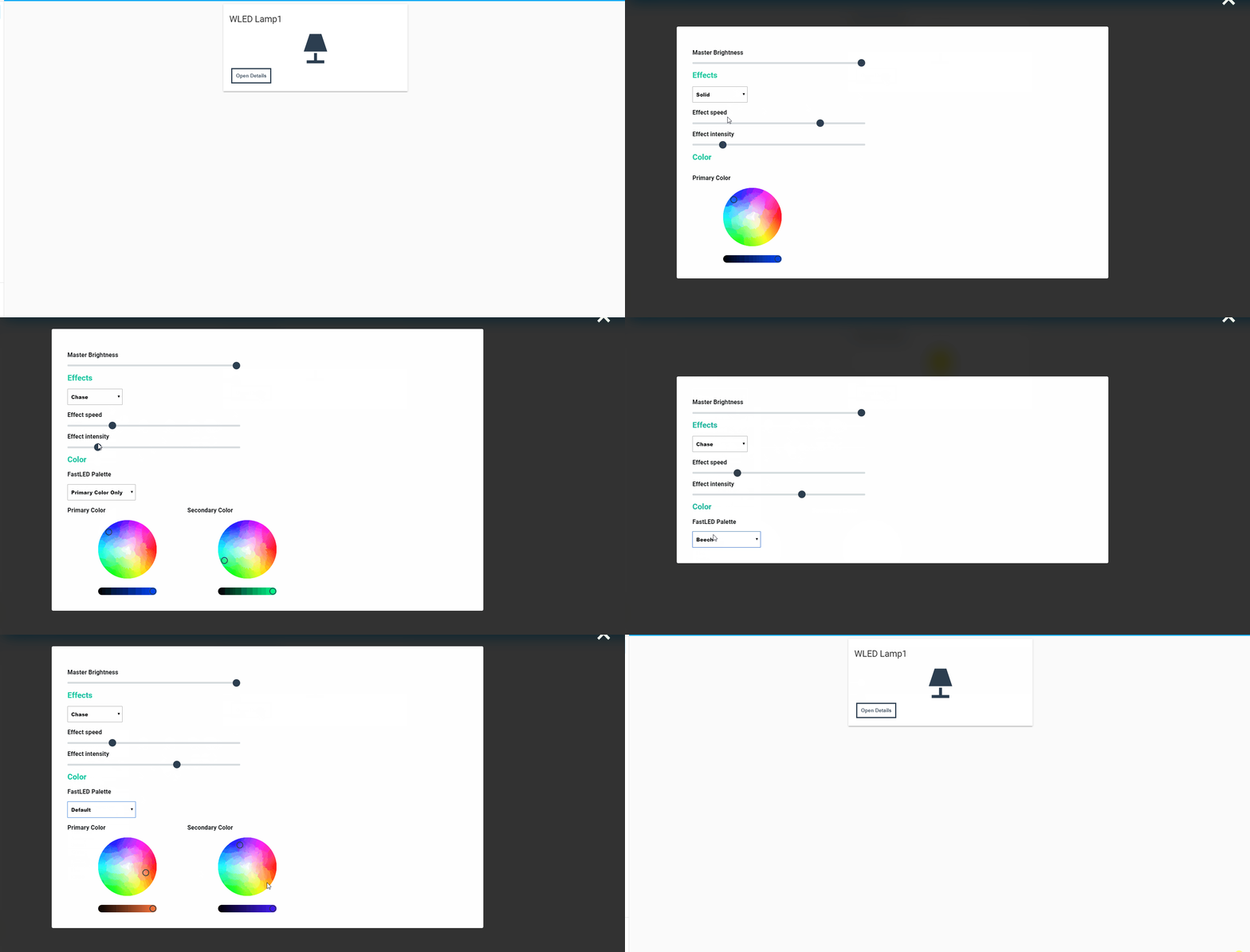

- Set up MQTT Broker for WLED (restart after setting it)
-
Clone repo and put it under www/wled_control/
-
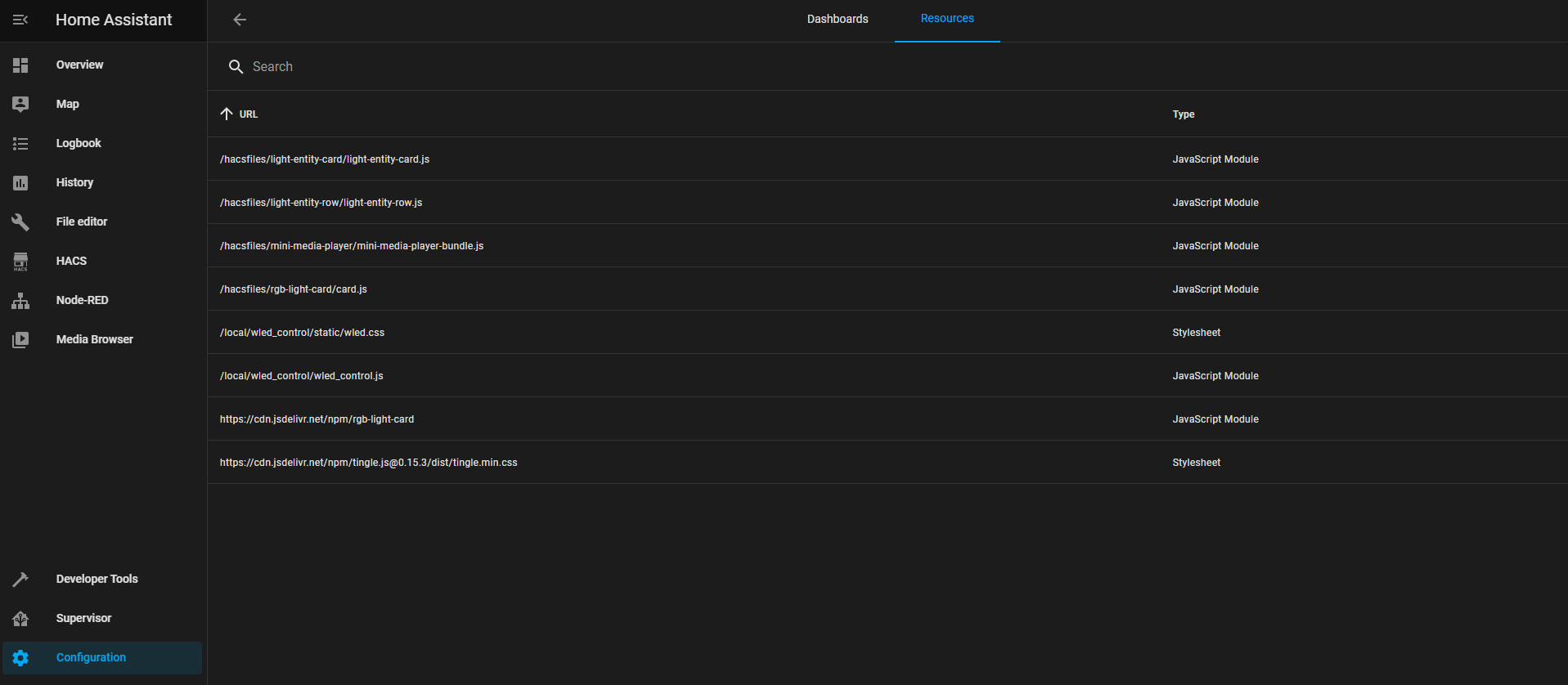
Add to resources in configuration/lovelace using the ui
url: /local/wled_control/wled_control.js
type: Javascript Module

url: /local/wled_control/static/wled.css
type: Stylesheet

url: https://cdn.jsdelivr.net/npm/tingle.js@0.15.3/dist/tingle.min.css
type: Stylesheet
- Add the custom card like this
Note: IP is needed to load the initial state of WLED since we don't save the state in hassio all communication with the led will happen by MQTT-Messages
- type: custom:wled-control-card
        topic: "wled/[MQTTCHANNEL]"
        ip: "[WLEDIP]"
        title: WLED Strip