Password-Next is a minimalist password manager designed to securely store your passwords with ease.
- Frontend: Built using NextJS.
- Backend: Utilizes Koa for API development and Sqlite for data storage.
- Clone the repository:
git clone https://github.com/HChaoHui/Password-Next.git
- Navigate to the web directory:
cd Password-Next/web - Install dependencies:
npm install
- Run the development server:
npm run dev
- Open your browser and visit:
http://localhost:3000 - Navigate to the admin directory:
cd ../admin - Install dependencies:
npm install
- Start the backend server:
npm run start
- API will be available at:
http://localhost:19899 - Default Token:
PasswordNext
- Docker Address: nocn/password_next
- Run the Docker container:
replace "http://127.0.0.1:19899" with your API address
docker run -p 3000:3000 -p 19899:19899 -e NEXT_PUBLIC_API_URL=http://127.0.0.1:19899 nocn/password_next
Map the data persistence to the 'db' directory within the admin folder.
Check out the live demo here.
The demo site may periodically delete data, so please do not store important information there.
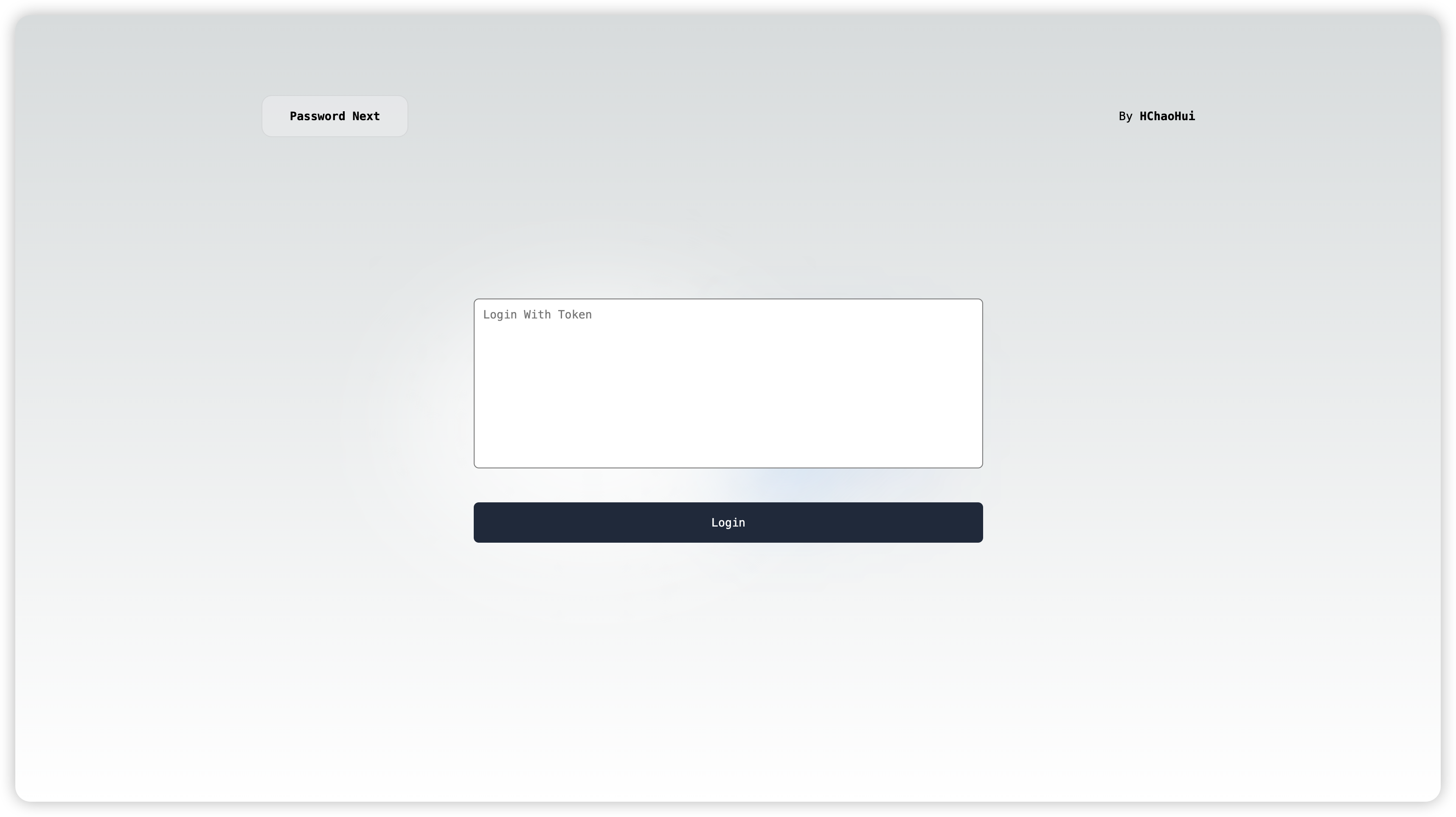
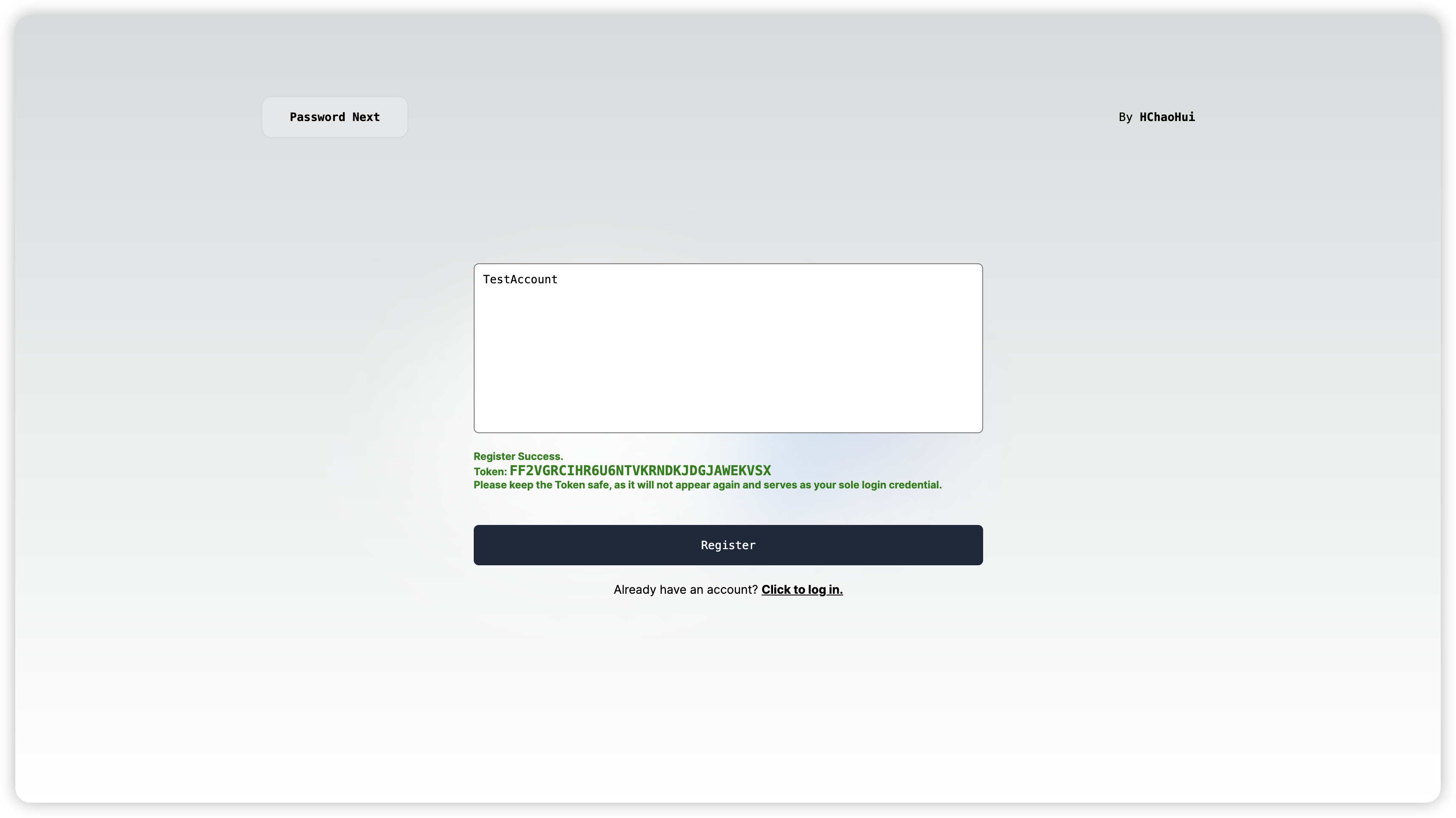
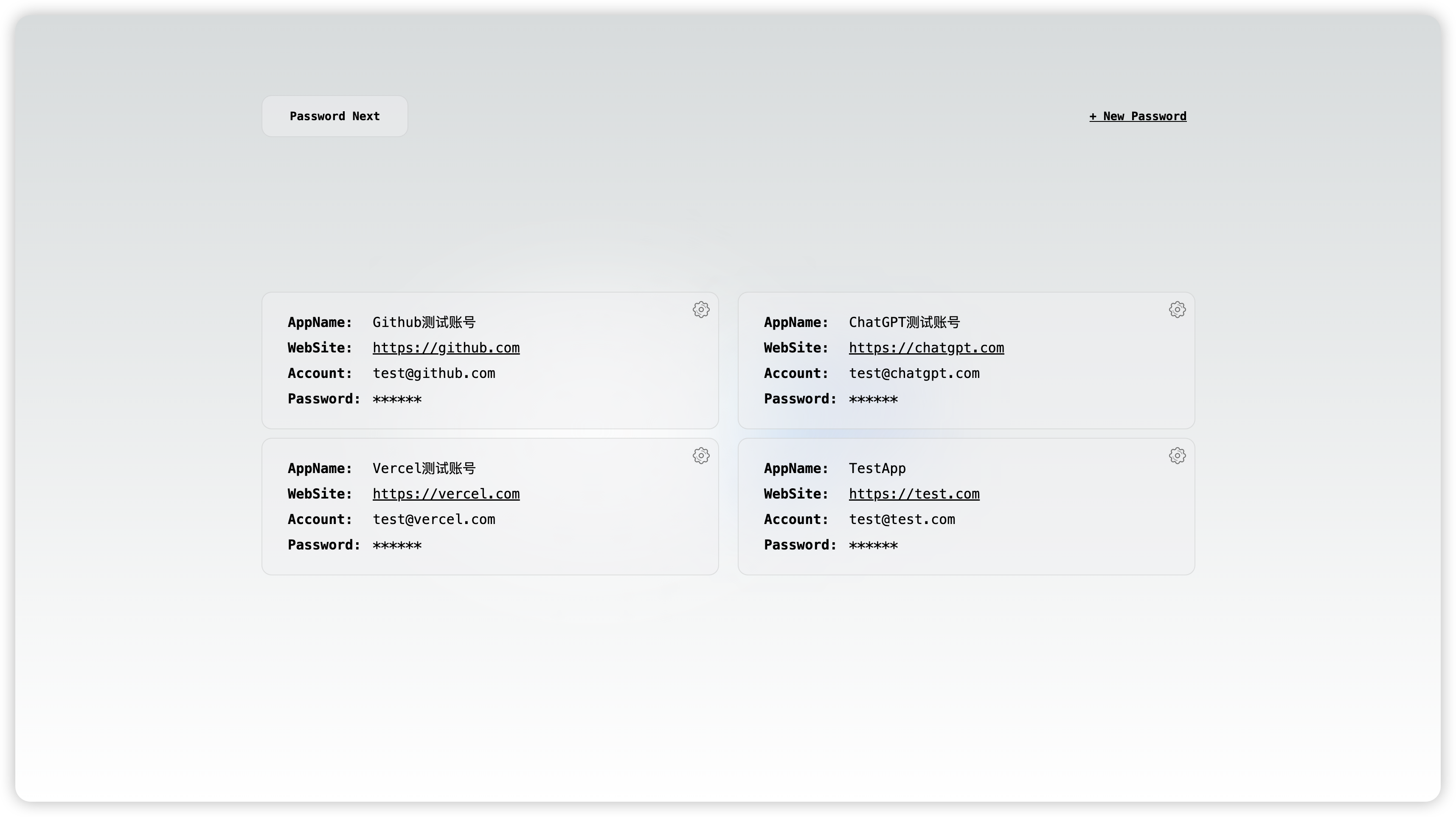
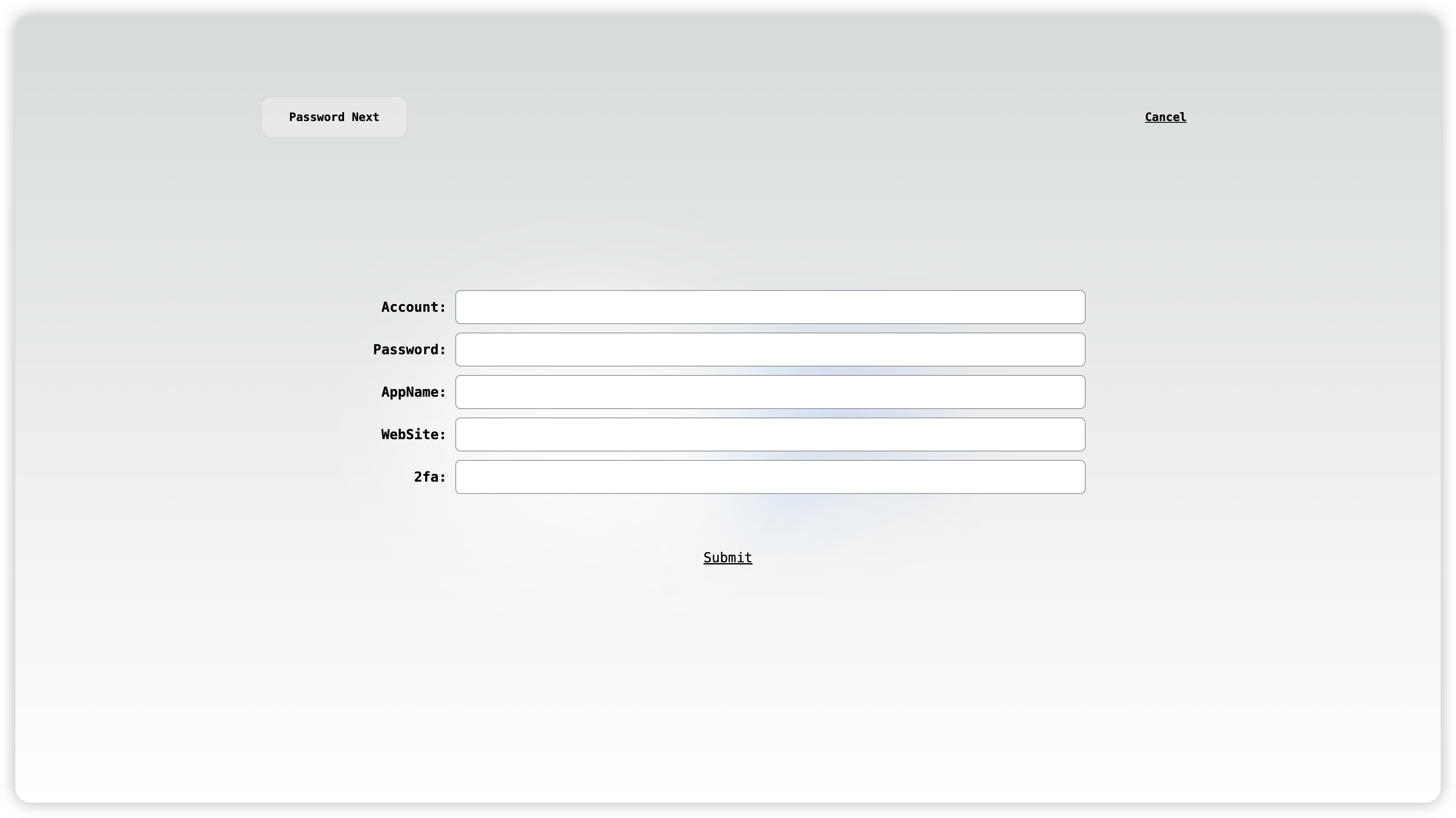
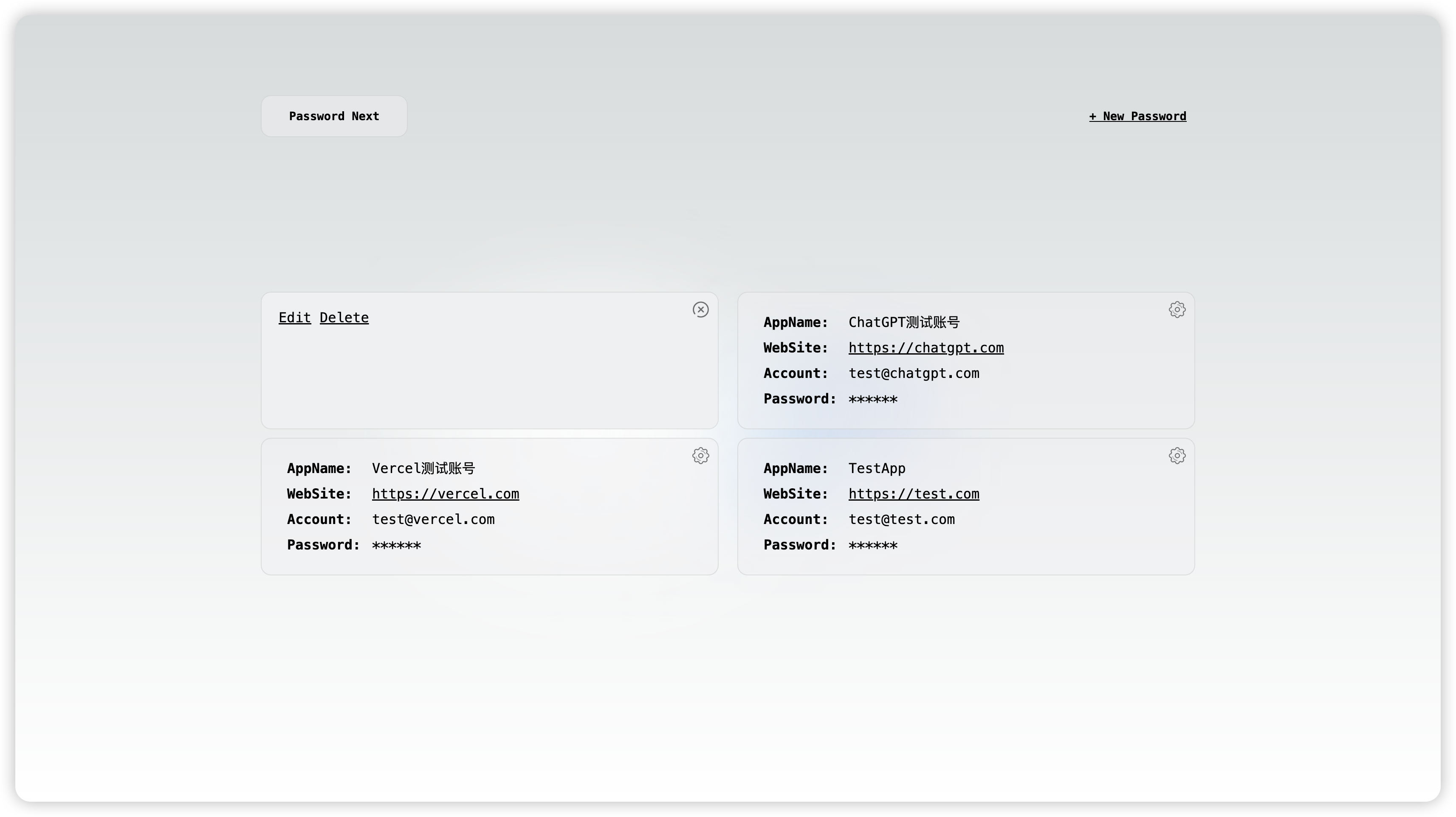
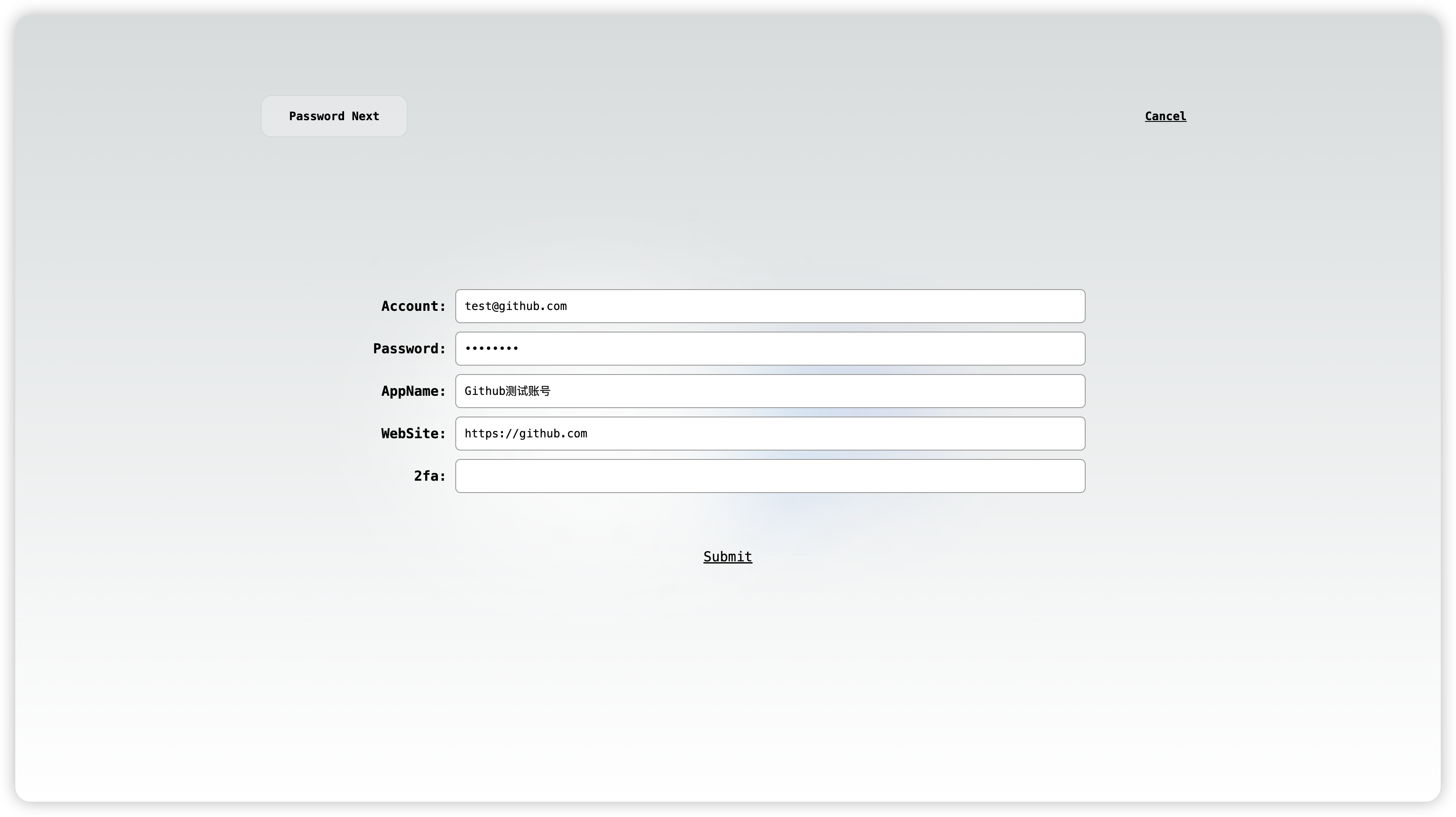
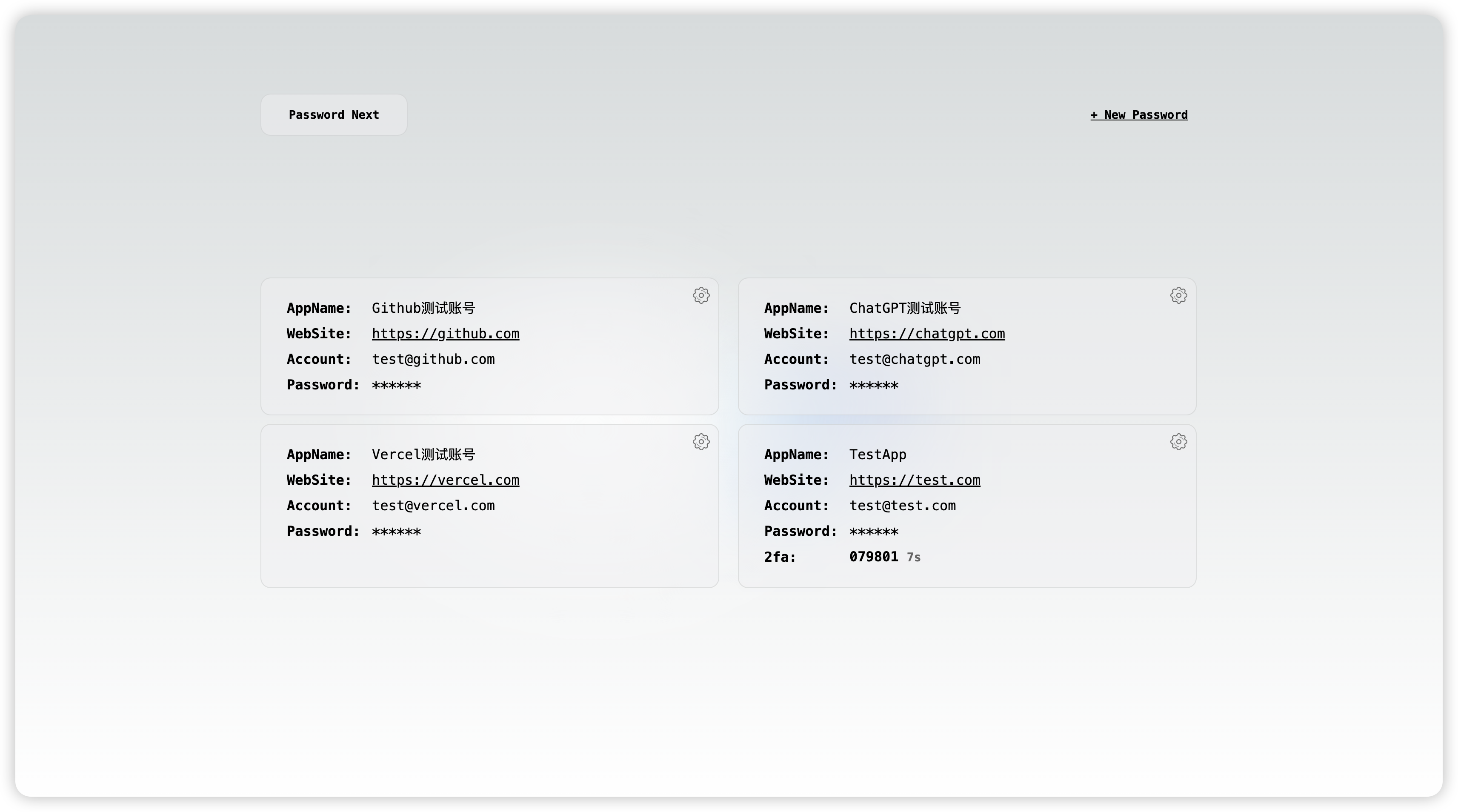
Feel free to contribute to the project by opening issues or submitting pull requests. Your feedback and contributions are highly appreciated!
This project is licensed under the MIT License. See the LICENSE file for details.