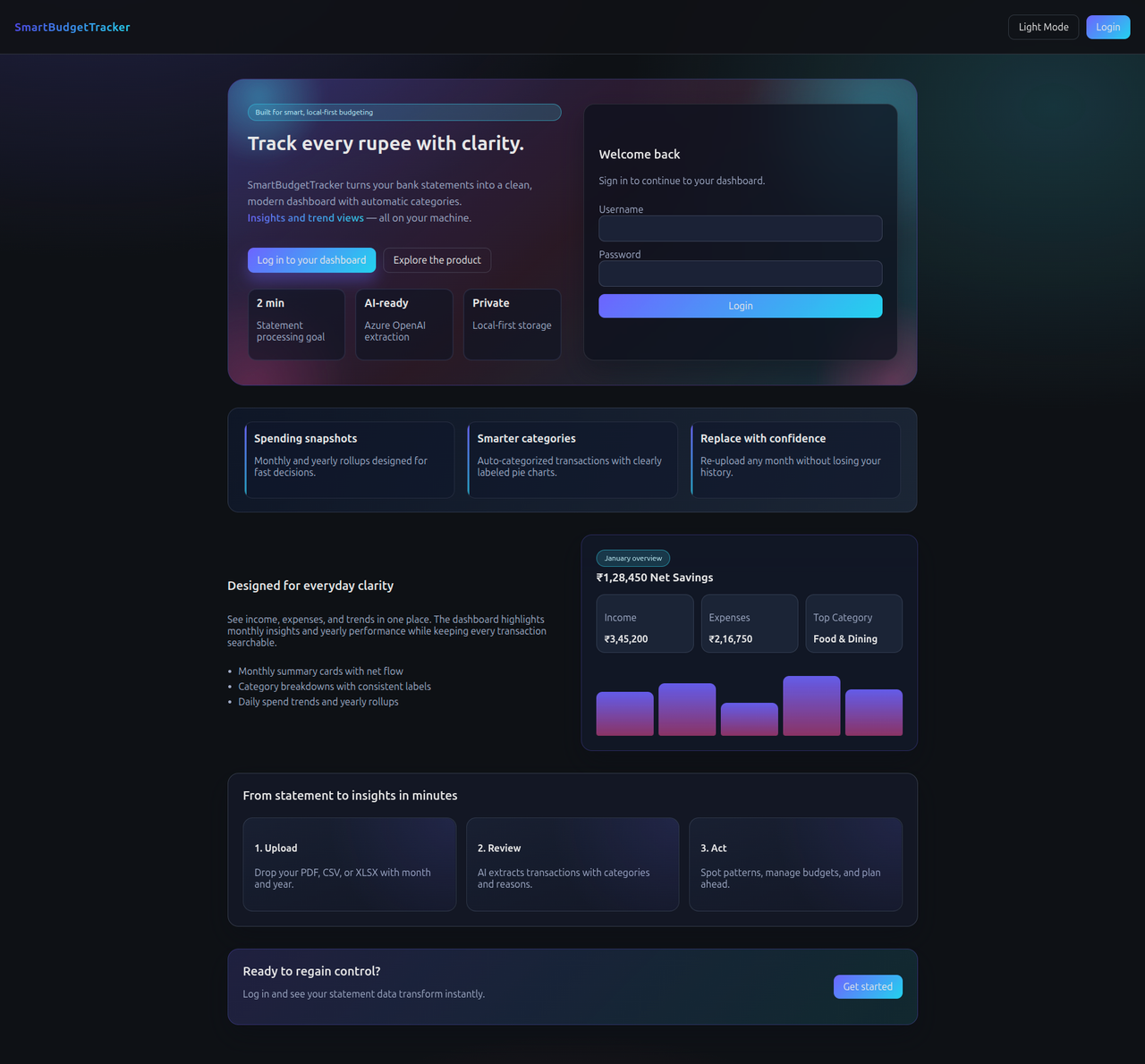
SmartBudgetTracker is a local-first personal budget tracker with an AI-assisted statement parser. It turns monthly statements into clean dashboards with spending trends, category insights, and yearly rollups.
Landing experience with a modern product overview and login panel.
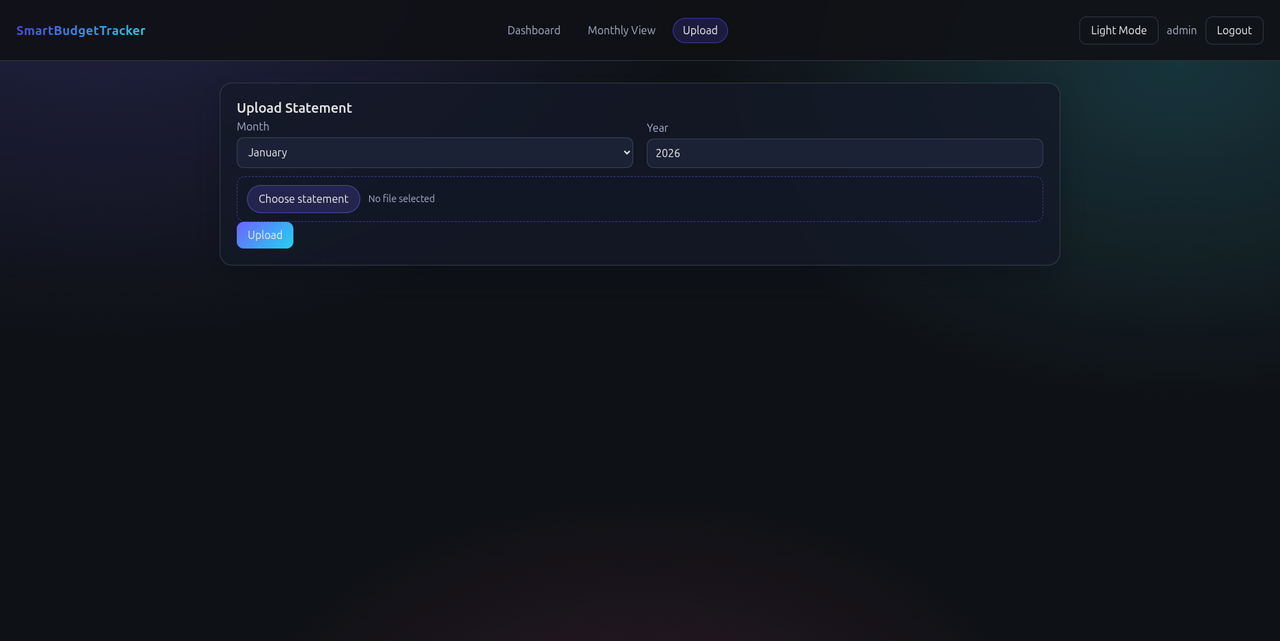
Statement upload flow with month/year selection and replace handling.
Yearly dashboard with summary insights, charts, and trends.
.png)
Monthly deep dive with category spend, cashflow, and transactions.
.png)
- Local-first FastAPI backend with DuckDB storage
- Azure OpenAI extraction for PDF/CSV/XLSX statements
- Monthly and yearly analytics dashboards
- Modern UI with rich charts and filters
- Simple auth for two local users
- Replace/keep upload behavior for existing months
- Backend: FastAPI, DuckDB, Pydantic, openai (Azure OpenAI)
- Frontend: React + Vite + TypeScript, Recharts
- Auth: simple bearer token (local)
- Python 3.11+
- Node.js 20+
- Azure AI Foundry credentials (endpoint + API key + deployment name)
- Create a virtual environment and install dependencies.
- Configure environment variables (example below).
- Run the API server.
Example .env (backend/.env):
AZURE_AI_ENDPOINT=
AZURE_AI_API_KEY=
AZURE_AI_DEPLOYMENT=
DB_PATH=/home/you/.smartbudget/duckdb.db
APP_ADMIN_USERNAME=admin
APP_ADMIN_PASSWORD=admin123
APP_USER_USERNAME=user
APP_USER_PASSWORD=user123
- Install dependencies.
- Configure the API base URL (example below).
- Start the dev server.
Example .env (frontend/.env):
VITE_API_BASE=/api
- Backend: start the FastAPI app on http://localhost:8000
- Frontend: start Vite on http://localhost:5173
The frontend proxies /api requests to the backend in development.
- Login with a local user.
- Upload a statement (PDF/CSV/XLSX) with month and year.
- Explore monthly and yearly insights, charts, and transactions.
- Investments are excluded from expense calculations and charts.
- If a month already exists, you’ll be prompted to replace or keep.
MIT