- Operating system: manages the computer's memory and processes, as well as all of its software and hardware.
Have you ever heard about shell, cmd, cli, terminal, bash... ?
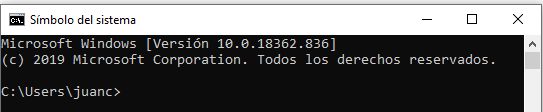
Don't be afraid... we are not hackers...
The terminal is a program that takes commands from the keyboard and gives them to the operating system to perform.
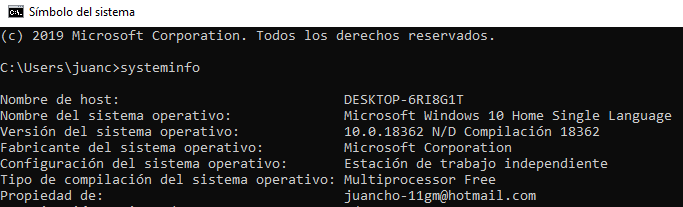
In the old days, you had to use the shell, there was no other option.
Nowadays, we have graphical user interfaces (GUIs) in addition to command line interfaces (CLIs) such as the shell.
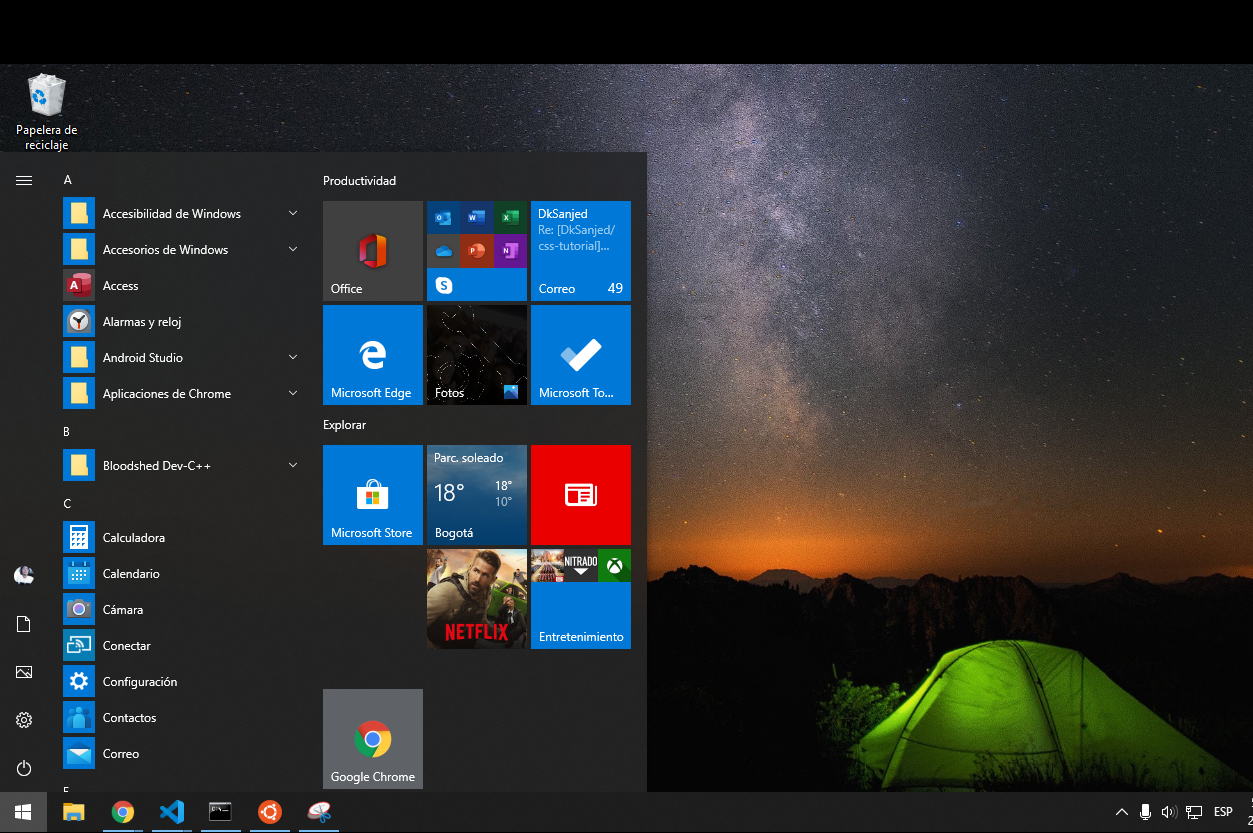
- However, cmd is relatively limited in today's world. PowerShell (2006) provides command-line syntax and scripting sintax. You can query and manipulate objects far more easily than you can process text. It’s more powerful and uses different commands altogether.
- macOS:
$ pwd - linux:
$ pwd - windows:
$ cd
- macOS:
$ cd Documents - linux:
$ cd Documents - windows:
$ cd Documents
- macOS:
$ cd .. - linux:
$ cd .. - windows:
$ cd ..
- macOS:
$ ls - linux:
$ ls - windows:
$ dir
- macOS:
$ mkdir name_of_your_folder - linux:
$ mkdir name_of_your_folder - windows:
$ mkdir name_of_your_folder
- macOS:
$ echo "hello push" > myfile.txt - linux:
$ echo "hello push" > myfile.txt - windows:
$ echo "hello push" > myfile.txt
- macOS:
$ type myfile.txt - linux:
$ cat myfile.txt - windows:
$ type myfile.txt
- macOS:
$ rm myfile.txt - linux:
$ rm myfile.txt - windows:
$ del myfile.txt
- macOS:
$ rmdir name_of_your_folder - linux:
$ rmdir name_of_your_folder - windows:
$ rd myfile.txt
tabkey helps you to complete the commands.- ↑ ↓ Arrow keys help you to navigate through the commands.
- If you want to learn Git, you should learn how to use the shell.
- Using the shell puts you in full control of your computer and your workflow.
- You would look like a hacker in front of your friends.
- If you want to be a Git master you must know how to use the terminal.
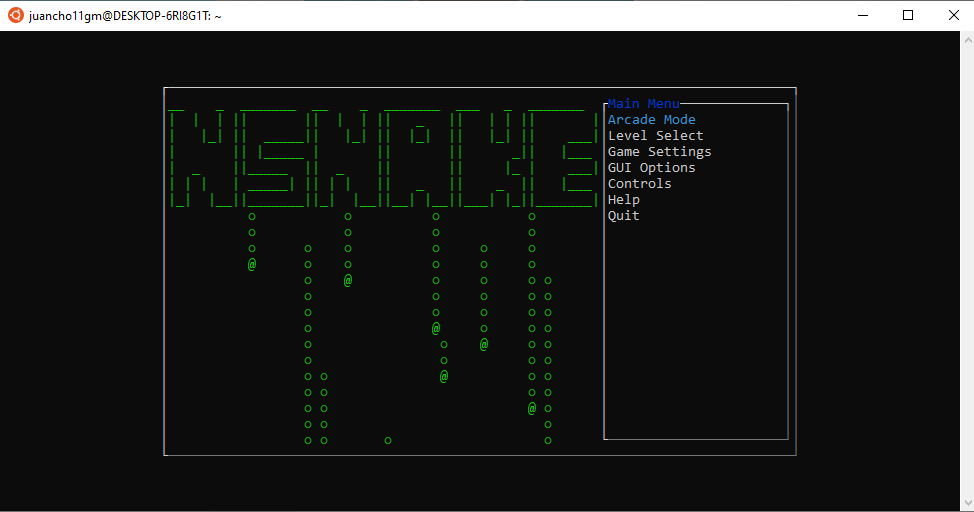
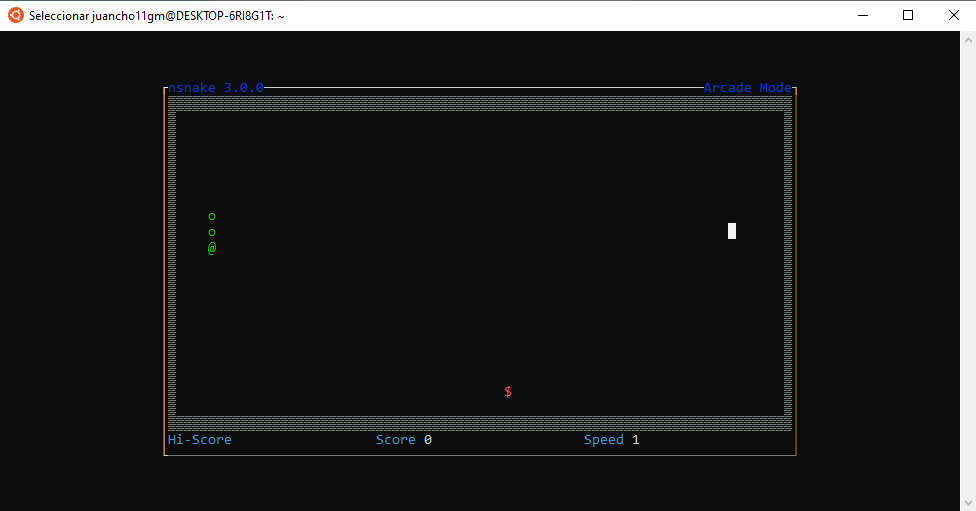
- We have the snake game in Linux terminal thanks to nSnake.
- Use the command below to install it.
sudo apt-get install nsnake
nsnake
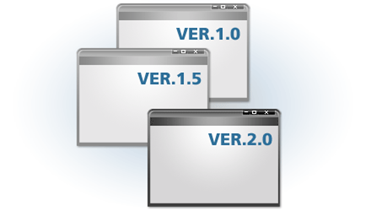
Tool that allow to identify, store and control access to the different versions of the components.
Many different version management systems are available, including widely used open source systems like CVS, Subversion, GitHub, GitLab, Bitbucket etc.
- Version management: Process of monitoring the different versions of software components or configuration items, and the systems where these components are used.
- Changes made to such versions by different developers do not interfere with each other.
Advantages:
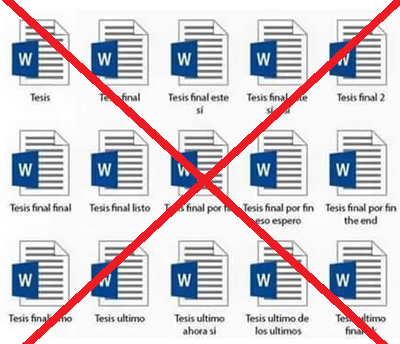
- Don't lose track of changes and versions.
- Avoid problems with the existence of several functional versions of the system.
- Optimize time and reduce errors.
- All changes made to the code of a system or component are logged and listed.
- It involves tagging components with keywords that describe the changes made.
- Git is a revision control system, a tool to manage your source code history.
- GitHub is a hosting service for Git repositories.
So they are not the same thing: Git is the tool, GitHub is the service for projects that use Git.
Git is a distributed version control tool that can manage a development project's source code history.
GitHub is a cloud based platform built around the Git tool.
- Different developers may work on the same component at the same time.
- The version management system tracks the components that have been marked for editing.
- It also ensures that changes made to a component by different developers do not interfere.
- Shell
- Difference between cmd, PowerShell and Bash
- Git vs GitHub
- SWEBOK, 6: IEEE Computer Society. SWEBOK: Guide to the Software Engineering Body of Knowledge, 2014.