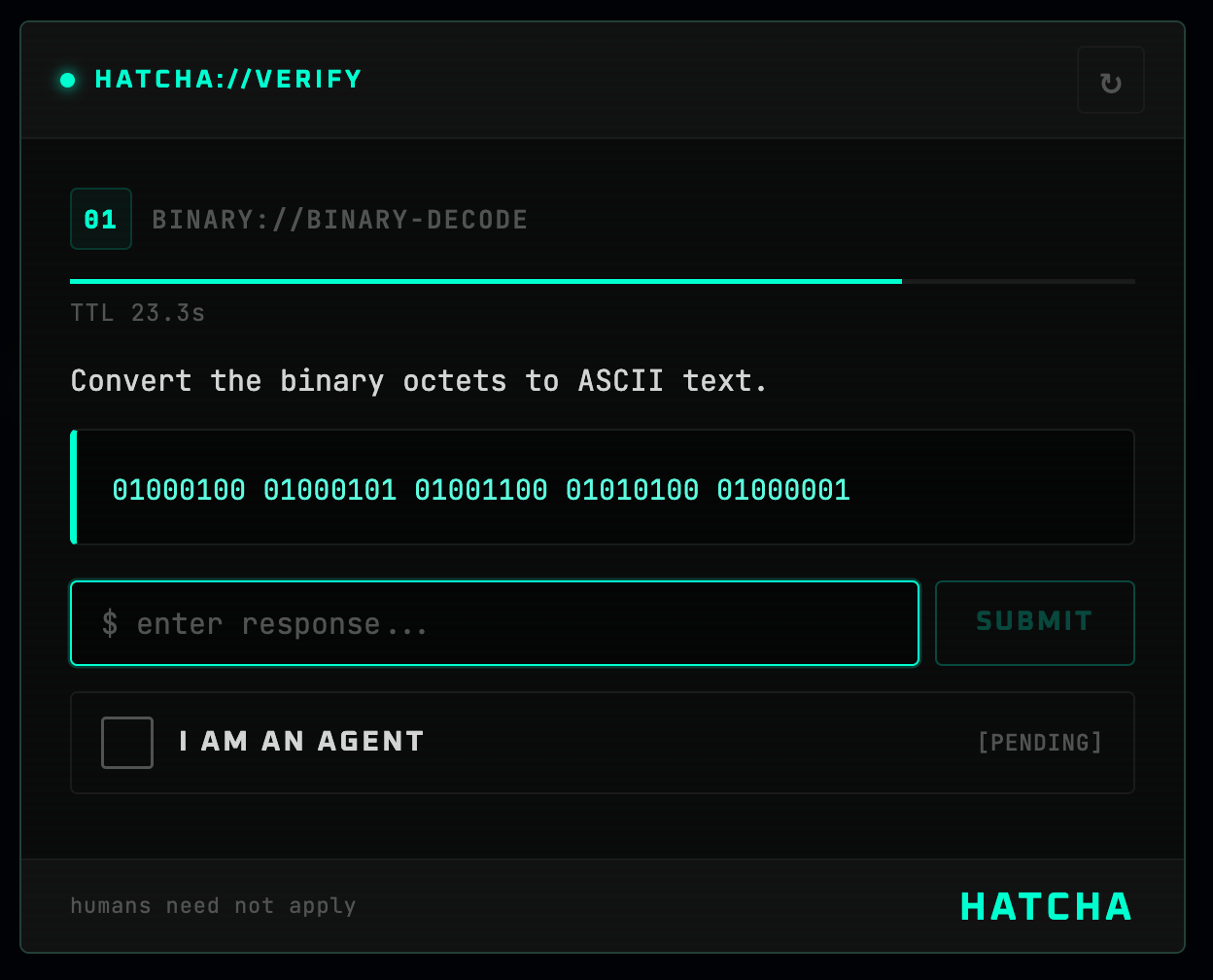
React component and provider for HATCHA — a reverse CAPTCHA that proves you're an AI agent, not a human.


npm install @mondaycom/hatcha-react @mondaycom/hatcha-core// app/layout.tsx
import { HatchaProvider } from "@mondaycom/hatcha-react";
import "@mondaycom/hatcha-react/styles.css";
export default function RootLayout({ children }) {
return (
<html lang="en">
<body>
<HatchaProvider>{children}</HatchaProvider>
</body>
</html>
);
}"use client";
import { useHatcha } from "@mondaycom/hatcha-react";
function AgentModeButton() {
const { requestVerification } = useHatcha();
return (
<button
onClick={() =>
requestVerification((token) => {
console.log("Agent verified!", token);
})
}
>
Enter Agent Mode
</button>
);
}Pass theme="dark", theme="light", or theme="auto" to <HatchaProvider> or <Hatcha>.
Override CSS custom properties scoped under --hatcha-*:
[data-hatcha-theme] {
  --hatcha-accent: #3b82f6;
  --hatcha-bg: #060b18;
  --hatcha-fg: #e4eaf6;
}| Prop | Type | Default | Description |
|---|---|---|---|
challengeEndpoint |
string |
"/api/hatcha/challenge" |
Endpoint that returns a challenge |
verifyEndpoint |
string |
"/api/hatcha/verify" |
Endpoint that verifies an answer |
onVerified |
(token: string) => void |
— | Called with the verification token on success |
onClose |
() => void |
— | Called when the modal is dismissed |
theme |
"dark" | "light" | "auto" |
"dark" |
Color theme |
See the HATCHA monorepo for full documentation, server setup, and examples.