Environment:
Windows 10
Google Chrome 83.0.4103.106
Steps to reproduce:
- Go to online shop https://naturechoice.azurewebsites.net
- Choose one of the categories (e.g. 'Women')
- Click on any type of clothing (e.g. 'All categories')
- Click on button 'Price'
- Click on button 'Rate'
Actual result:
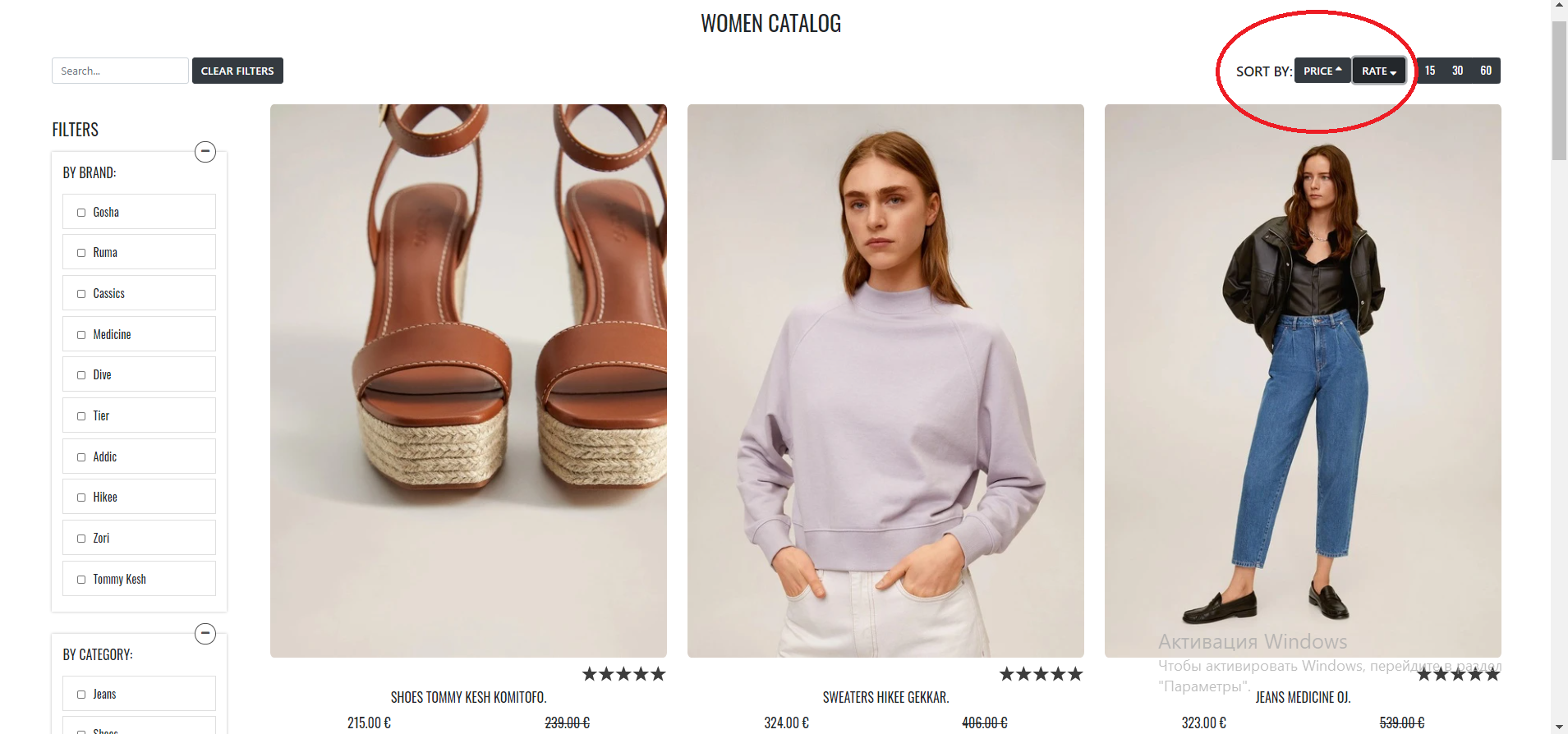
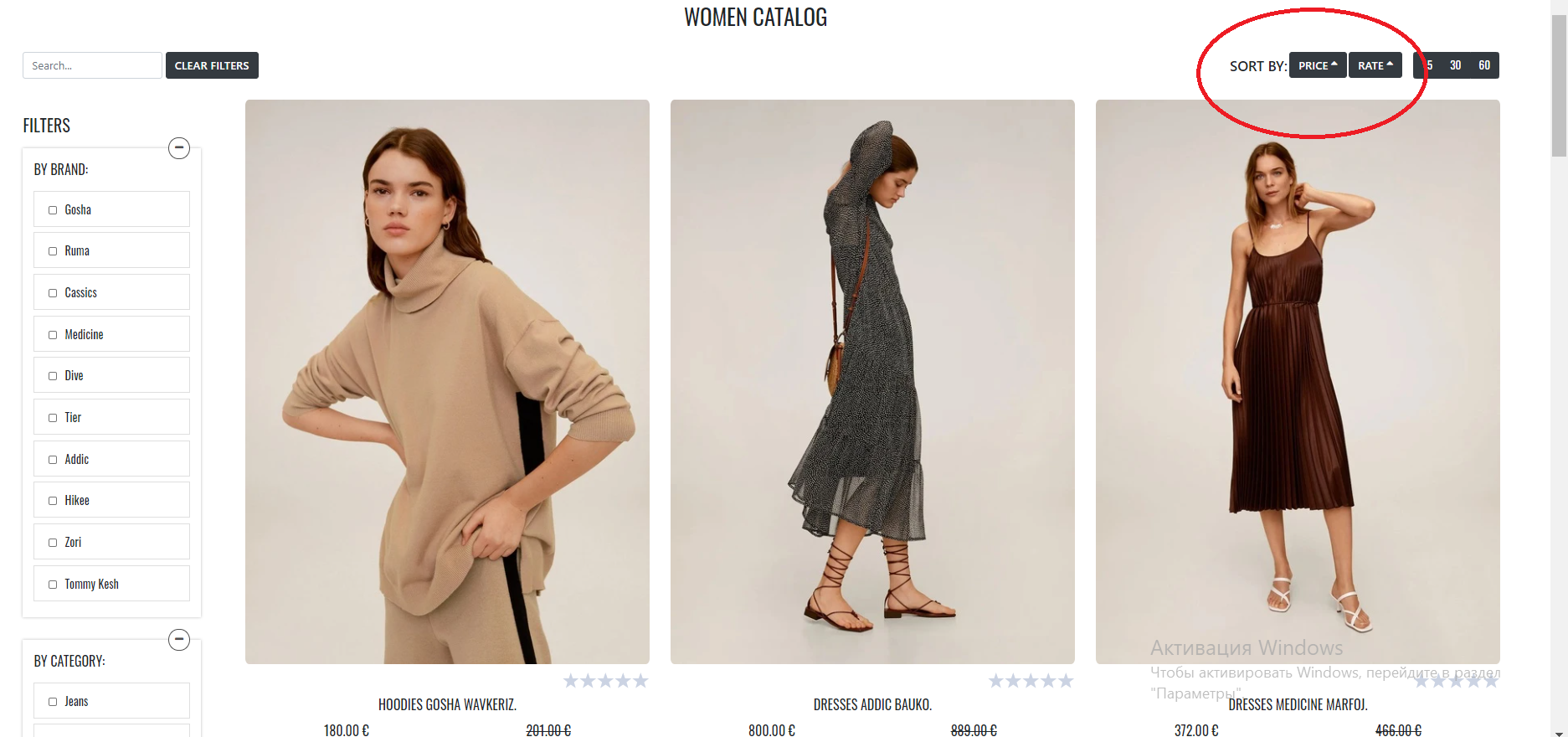
Button 'Price' and button 'Rate' are with an arrow pointing up. Products are sorted by rate in ASC.
Expected result:
Button 'Price' is in a normal state with 2 arrows. Button 'Rate' is with an arrow pointing up. Products are sorted by rate in ASC.
#411

Environment:
Windows 10
Google Chrome 83.0.4103.106
Steps to reproduce:
Actual result:
Button 'Price' and button 'Rate' are with an arrow pointing up. Products are sorted by rate in ASC.
Expected result:
Button 'Price' is in a normal state with 2 arrows. Button 'Rate' is with an arrow pointing up. Products are sorted by rate in ASC.
#411