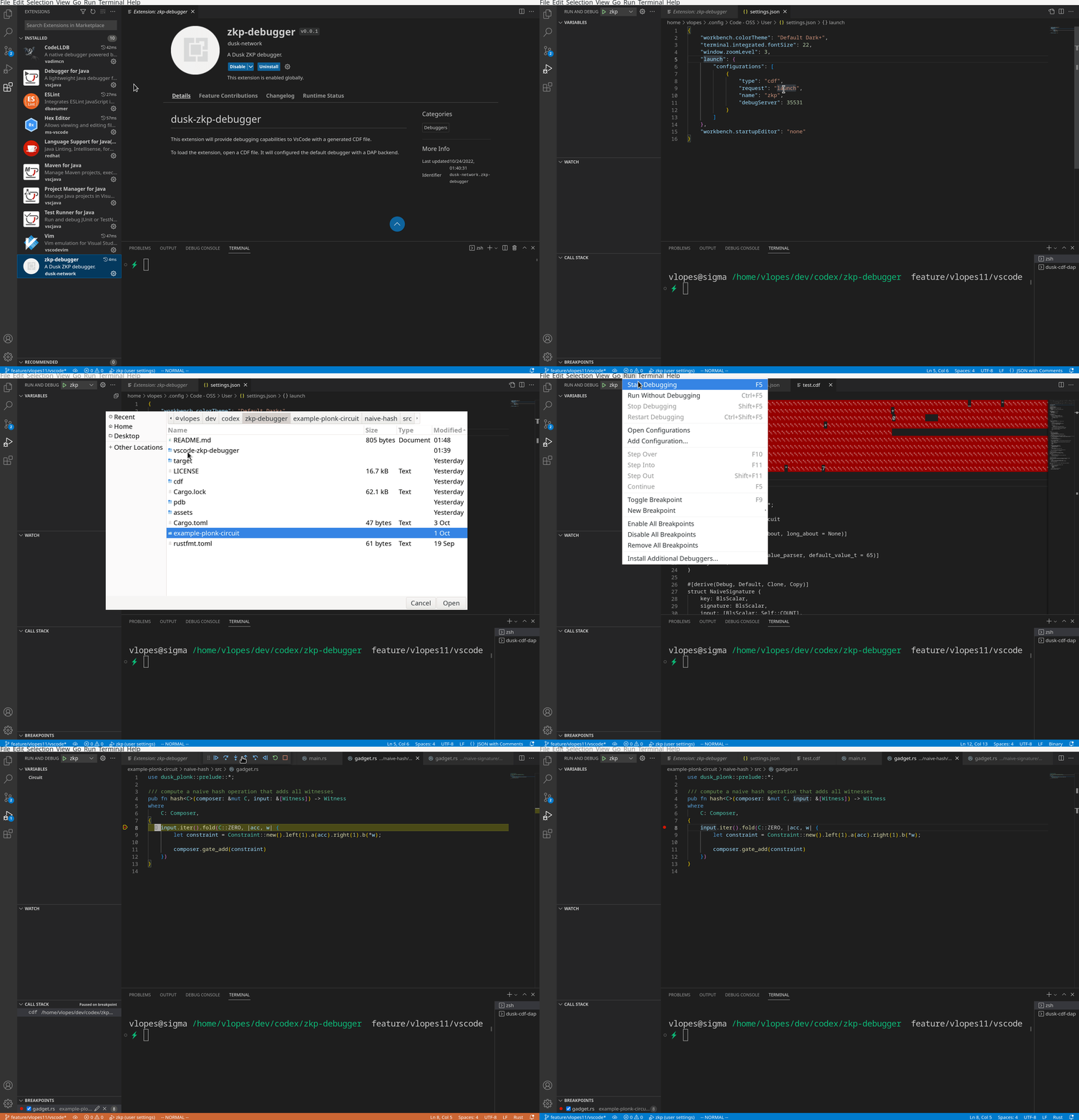
A ZKP debugger.
To build the vs code extension, execute the following commands:
cd vscode-zkp-debugger
npm install
npm run build
A VSIX extension will be created as zkp-debugger-*.vsix. Then, install it.
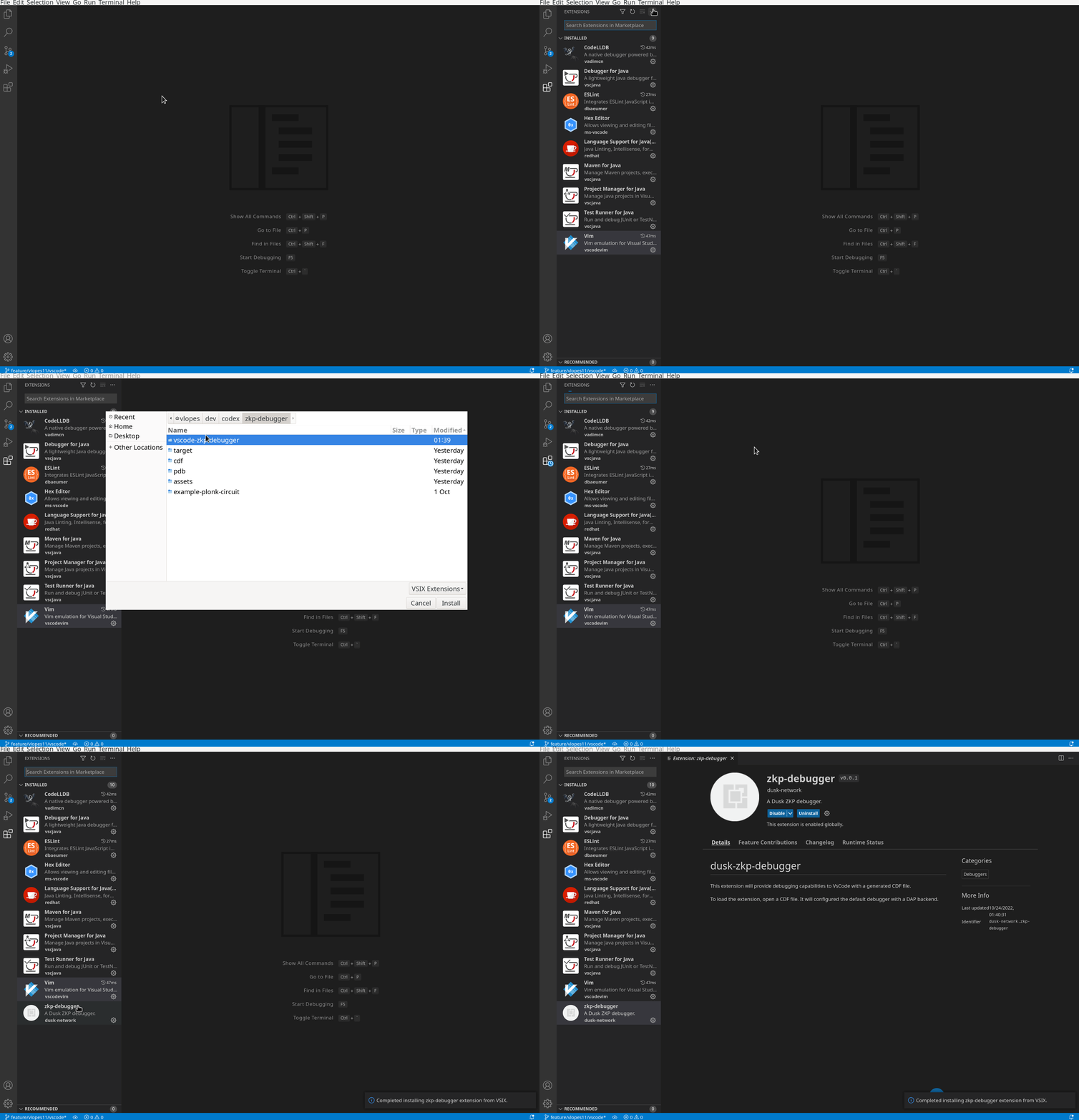
After, open a CDF file and append the launch configuration to your vsocde workspace. You can change the default port via zkp-debugger.bind configuration option.
"launch": {
    "configurations": [
        {
            "type": "cdf",
            "request": "launch",
            "name": "zkp",
            "debugServer": 35531
        }
    ]
},
To start debugging, you can either launch manually the DAP backend, or use the command Launch ZKP DAP backend. Once the DAP is available, open a CDF file and start debugging.