Conference Room (jitsi): issues with tile view #2252

Description

Description: The tile view in the conference room in Jitsi has some issues on different mobile devices:
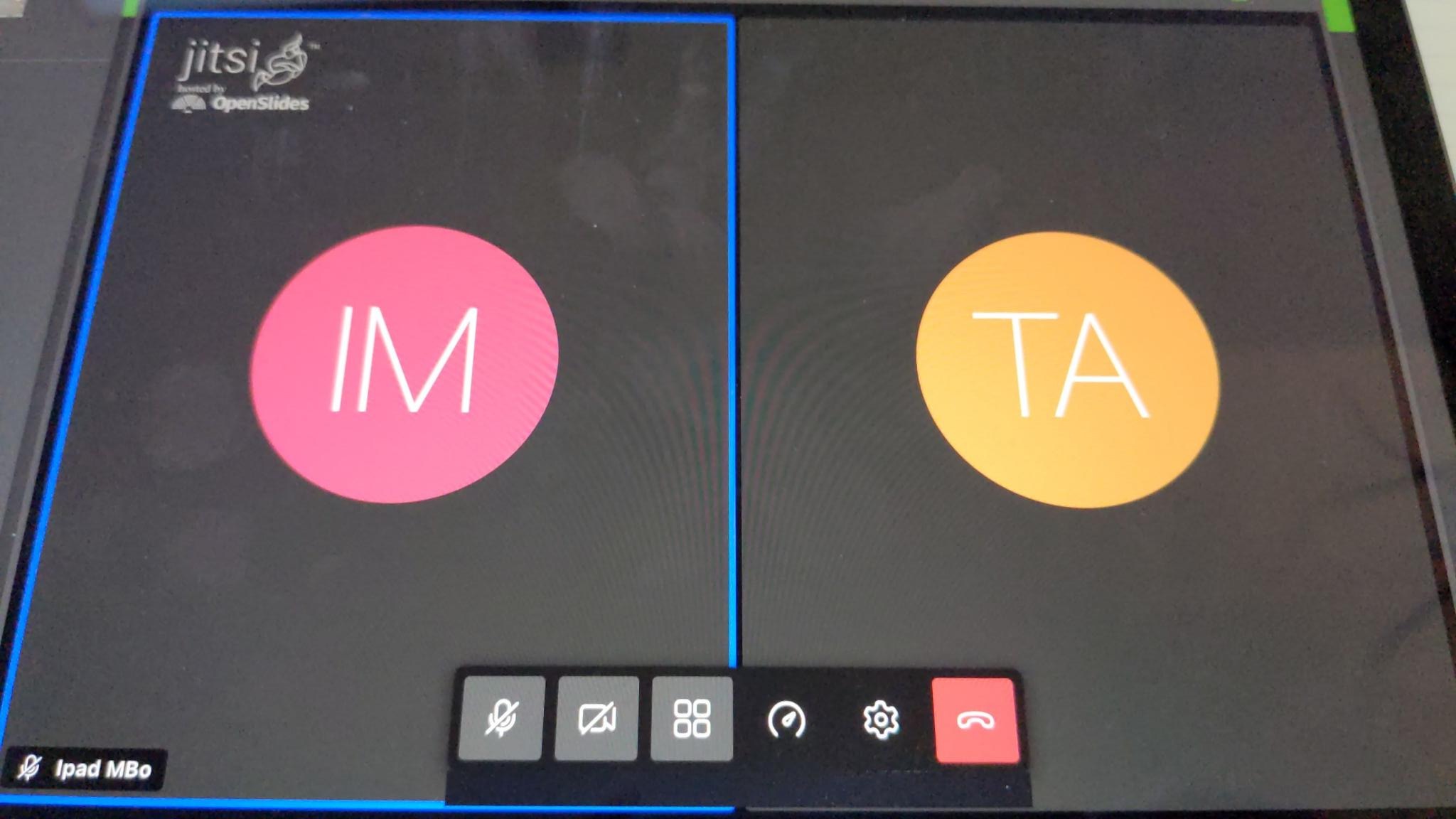
- Tile view on Apple devices with Safari: Joining the conference room for the first time results in a false loaded tile view. Small tiles are loaded. By zooming in and out, the normale tile view gets triggered. See the images:
Image - Wrong tile view:
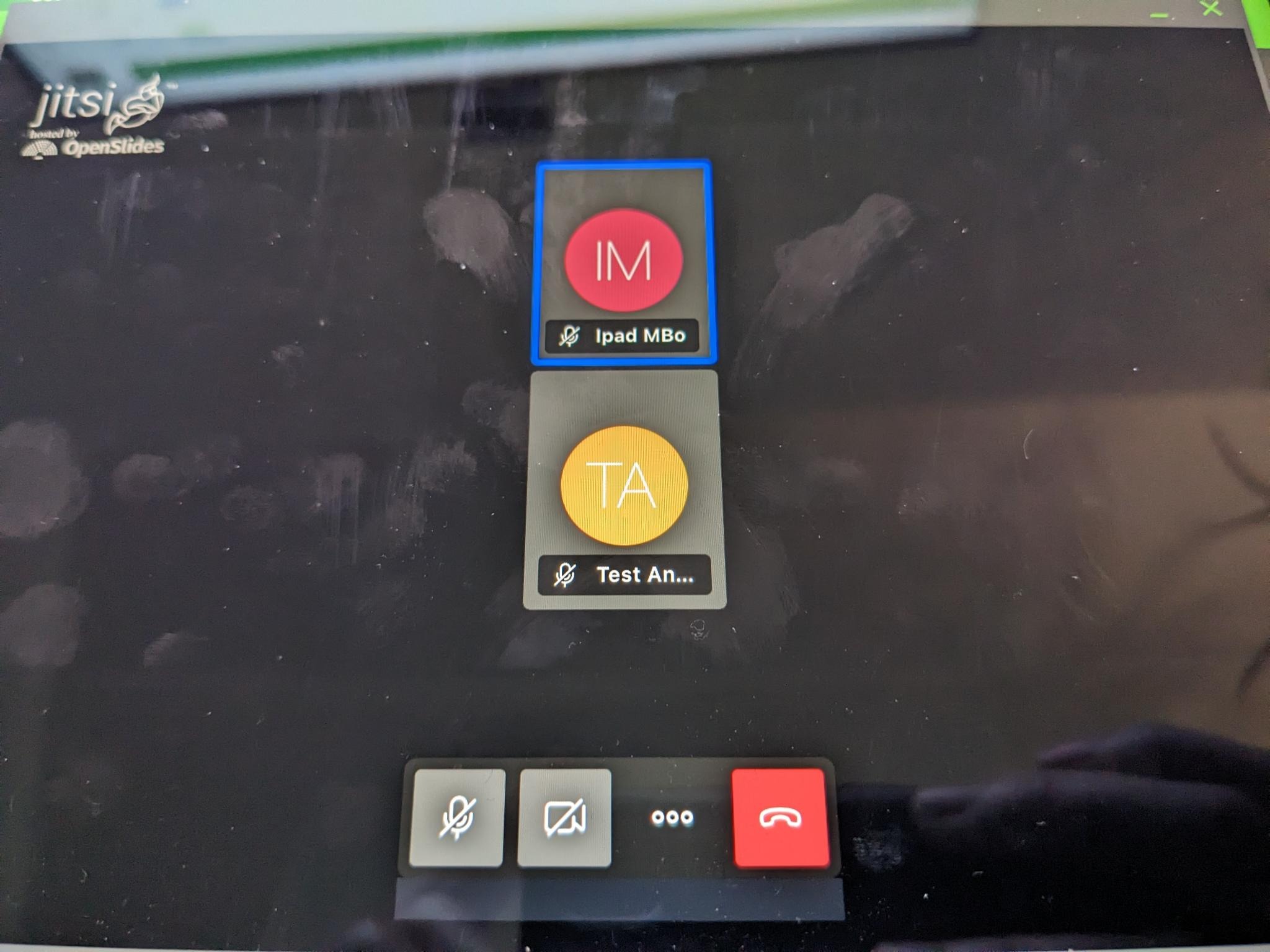
Image - correctly scaled tile view after zoom in and out:
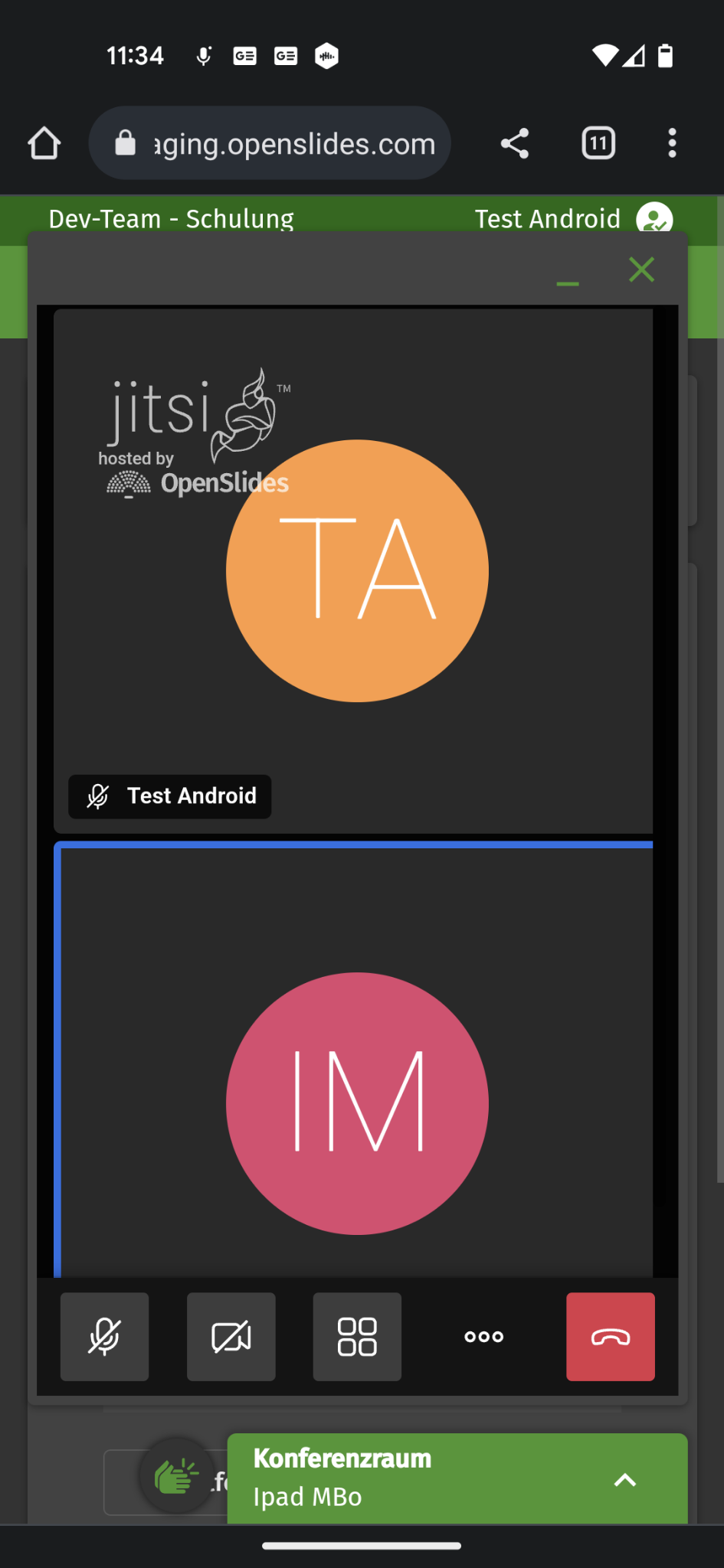
- Tile view on Android devices: The tile view has scaling issues. The tiles are not fully displayed and scaled, if the device is used in landscape mode. The correct view can't be triggered in upright modus.
Image with wrong scaling:
- TIle view in general: On Android and Apple devices the tile view is not loaded by default.
Hint: According to @m-schieder the problem could refer to a slowly loaded CSS.
Reproduction:
Pre-conditions: Set up a meeting with a conference room. Add the admin and another user (as delegate) to the meeting. Grant delegate permissions to add himself to the list of speakers and join the conference room.
- As admin: open the autopilot and join the conference room
- as delegate: log in on an Apple or Android device. Open the autopilot, add yourself to the list of speakers and join the conference room.
What should happen:
-
The tile view should open on Apple or Android devices correctly scaled upon first page load.
-
If possible: Tile view should always open as the default view. So it's easier to recognize someone else in the video conference.